64 Chapter 7 Working with CCR Trees
P0919416 03
Creating a Home node
Begin to build a CCR Tree by creating a Home node. Create a Home menu node if you want to
give callers a list of options. Create an Information message Home node if you want callers to
disconnect after they hear the Information message.
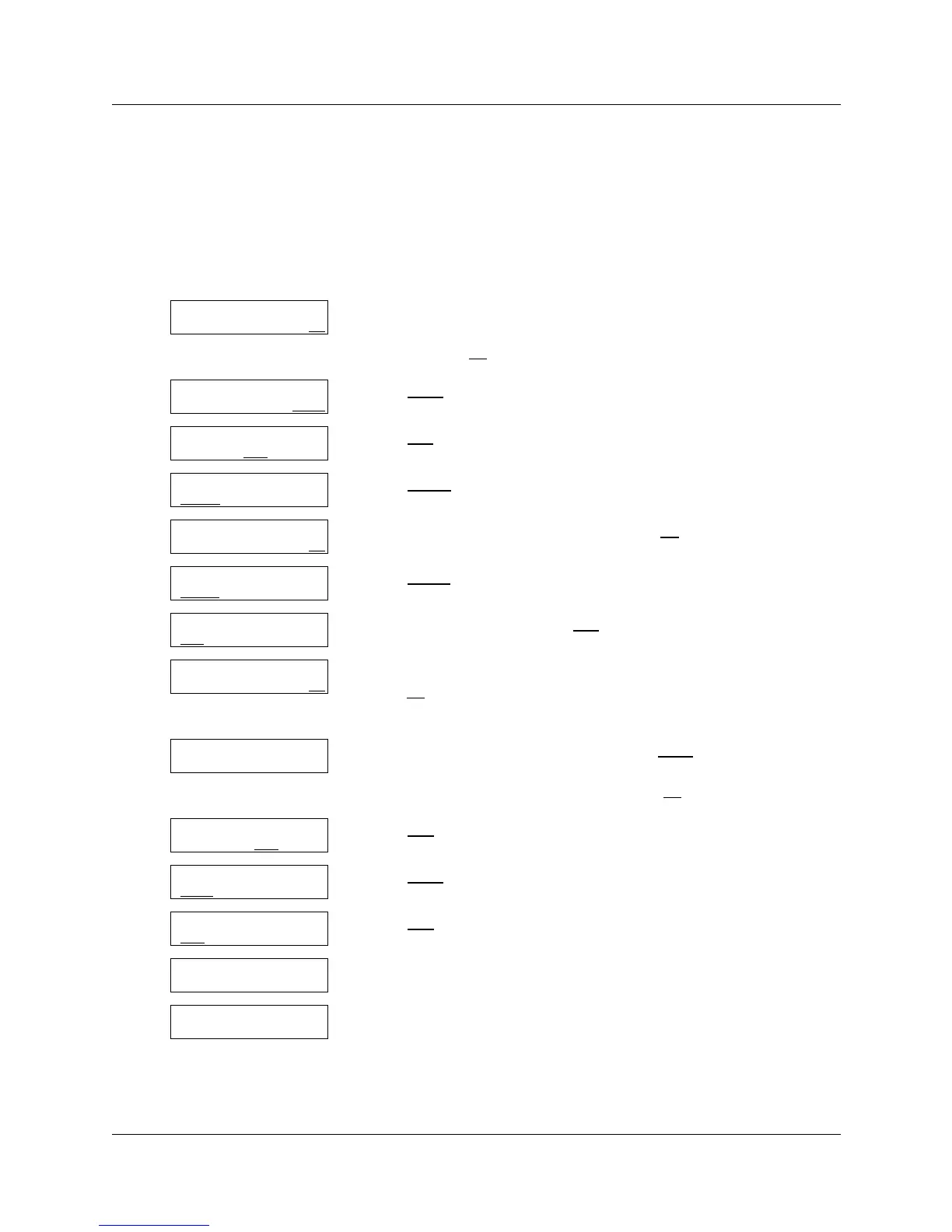
To create a Home node
1 Press ≤·°‹.
Enter the System Administrator Mailbox number and password,
and then press OK
.
2 Press OTHR
.
3 Press CCR
.
4 Press ADMIN
.
5 Enter a Tree number from 1 to 8 and press OK
.
6 Press BUILD
.
7 Pick up the handset and press REC
.
8 At the tone, record your Home Menu or Information message and
press OK
to end the recording.
Do not replace the handset.
9 If you want to listen your recording, press PLAY
or
if you want to accept your recording, press OK
.
10 Press END
.
11 Press SAVE
.
12 Press YES
.
13 This display appears briefly.
14 Press ® to end the session.
Log:
QUIT RETRY OK
Admin
MBOX AA OTHR
Admin
GLIST CCR
CCR Admin
ADMIN
CCR tree:
RETRY OK
New tree: x
BUILD
QUIT
0 Home/Menu
REC
OTHR OK
Rec pri prompt:
RETRY OK
Accept prompt?
RETRY PLAY OK
Path:
RETRY END OK
Tree: x
SAVE PRINT QUIT
Save as tree x
YES
OTHR QUIT
Tree saved
CCR Admin
ADMIN



 To Next Page