90 Chapter 9 CallPilot operations
P0919416 03
Initializing CallPilot
You must initialize CallPilot immediately after you reset the system.
To initialize CallPilot
1 Press ≤·°‹.
2 Enter ¤flfl‹›› (Config) and press OK
.
3 Press NEXT
.
4 Press YES
or NO.
If you do not choose bilingual operation, step 5 does not appear.
5 Select a primary language.
6 Press CHNG
to toggle between Y and N.
Select Y if you want to enable Group Lists.
7 Press NEXT
.
If you do not enable Group Lists step 11 does not appear and you go
to step 12.
8 The default Group List leading digit is 9.
Press CHNG
if you want to enter a new Group List leading digit
or
press NEXT
.
9 If you want to change the primary interface press CHNG
or
Press NEXT
.
10 Press NEXT
.
11 Press CHNG
to toggle the setting between Norstar Voice Mail and
CallPilot
and press NEXT
.
12 Press OK
.
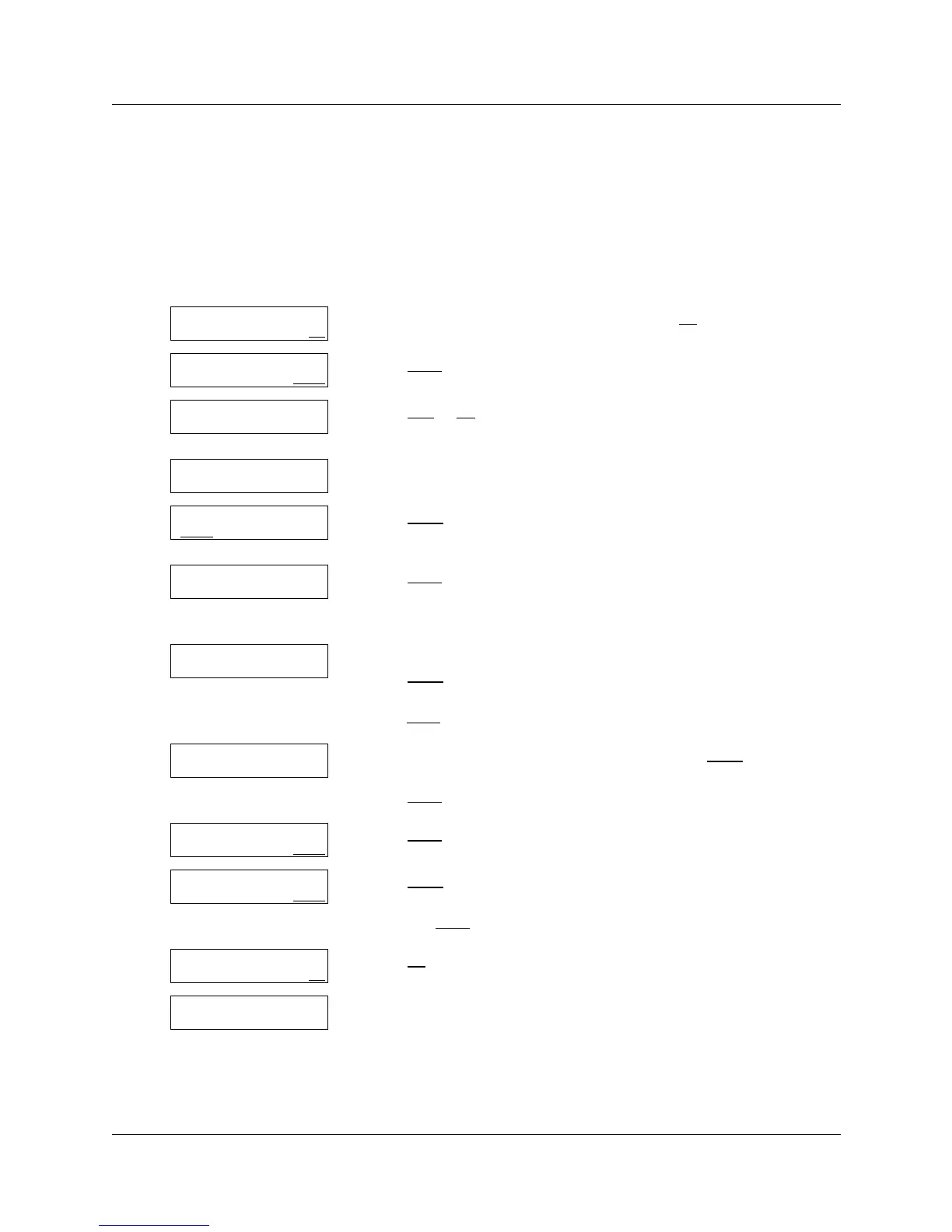
13 The display shows
Configuring...
Initialization takes about three seconds.
Log:
QUIT RETRY OK
App: Voicemail
CHNG NEXT
Bilingual?
YES NO
Primary lang?
ENG FRE
Group lists? Y
CHNG
NEXT
Group lists? Y
CHNG NEXT
Leading digit: 9
CHNG NEXT
Primary UI: xxx
CHNG NEXT
Primary UI: CP
CHNG NEXT
Primary UI:NVM
CHNG NEXT
System config
RETRY OK
Configuring...



 To Next Page