38 Chapter 4 Working with mailboxes
P0919416 03
Changing a Group List
At any time you can:
• change a Group List display name
• add, delete or view Group List members
You cannot change a Group List number. To change a Group List number, you must delete the
Group List and add new member mailbox numbers as a new Group List. For more information,
refer to “Adding a Group List” on page 37.
To change a Group List
1 Press ≤·°‹.
Enter the System Administrator Mailbox number and password,
and then press OK
.
2 Press OTHR
.
3 Press GLIST
.
4 Press CHNG
.
5 Enter the number of the Group List you want to change.
6 To change the Group List name, press CHNG
.
or
press NEXT
and go to step 9.
7 Enter the new Group List name and press OK
.
8 Press NEXT
.
9 To change the recorded Group List name, press REC
or
press NEXT
and go to step 12.
10 At the tone, record the new Group List name and press OK
.
11 To listen to your recording, press PLAY
or
to accept the recording, press OK
or
to re-record the name, press RETRY
.
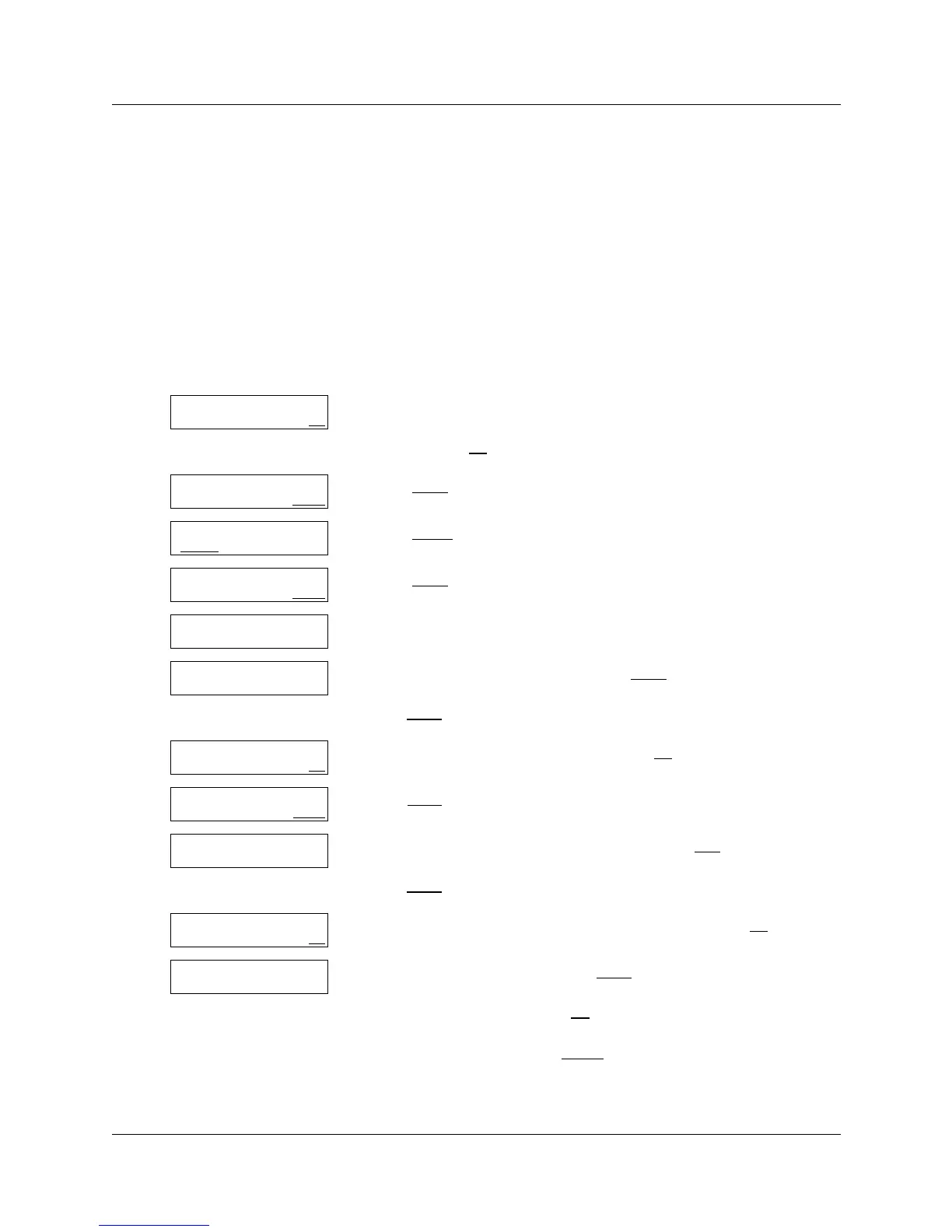
Log:
QUIT RETRY OK
Admin
MBOX AA OTHR
Admin
GLIST CCR
Group List Admin
ADD DEL CHNG
GList:
RETRY QUIT
xxxxxxx
CHNG NEXT
Name:
RETRY BKSP OK
xxxxxx
CHNG NEXT
Recorded name:
REC PLAY NEXT
Record name:
RETRY OK
Accept name?
RETRY PLAY OK



 To Next Page