28 Chapter 4 Working with mailboxes
P0919416 03
Adding an Information mailbox
Assign all Information mailboxes mailbox numbers that begin with the same digit. This helps you
identify the mailbox type. Assign a Class of Service that has the maximum message length. To
accommodate an average Information Mailbox recorded message, assign a Class of Service of
either 7 or 8. These Classes of Service have a greeting length of 10 minutes.
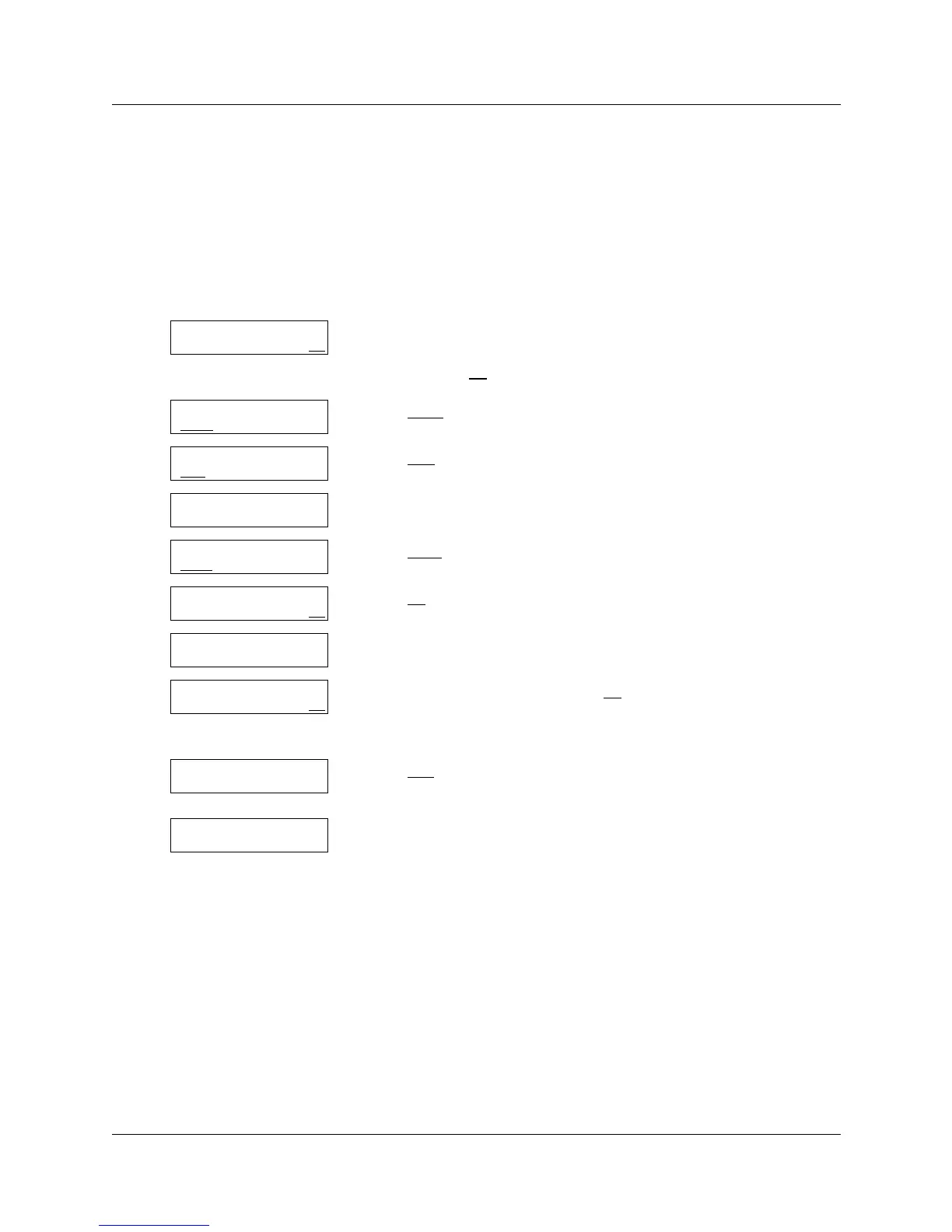
To add an Information mailbox
1 Press
≤·°‹.
Enter the System Administrator mailbox number and password,
and then press OK
.
2 Press MBOX
.
3 Press ADD
.
4 Enter the Information Mailbox number.
5 Press NEXT
.
6 Press OK
.
7 Enter a Class of Service from 1 to 16.
8 Enter the mailbox name and press OK
.
For information on entering names using the telephone dialpad,
refer to “Using the dialpad” on page 12.
9 Press YES
if you want to include the mailbox name in the Company
Directory.
10 Repeat steps 4 through 10 to add another Information Mailbox
or
press ® to end the session.
Log:
QUIT RETRY OK
Admin
MBOX AA OTHR
Mailbox Admin
ADD DEL CHNG
Mbox:
RETRY QUIT
Type: subscriber
NEXT OK
Type:information
NEXT OK
Service class:
RETRY OK
Name:
NEXT BKSP OK
Directory?
YES NO
Mailbox Admin
ADD DEL CHNG



 To Next Page