Chapter 5 Setting up the Automated Attendant 53
CallPilot 150 Telephone Administration Guide
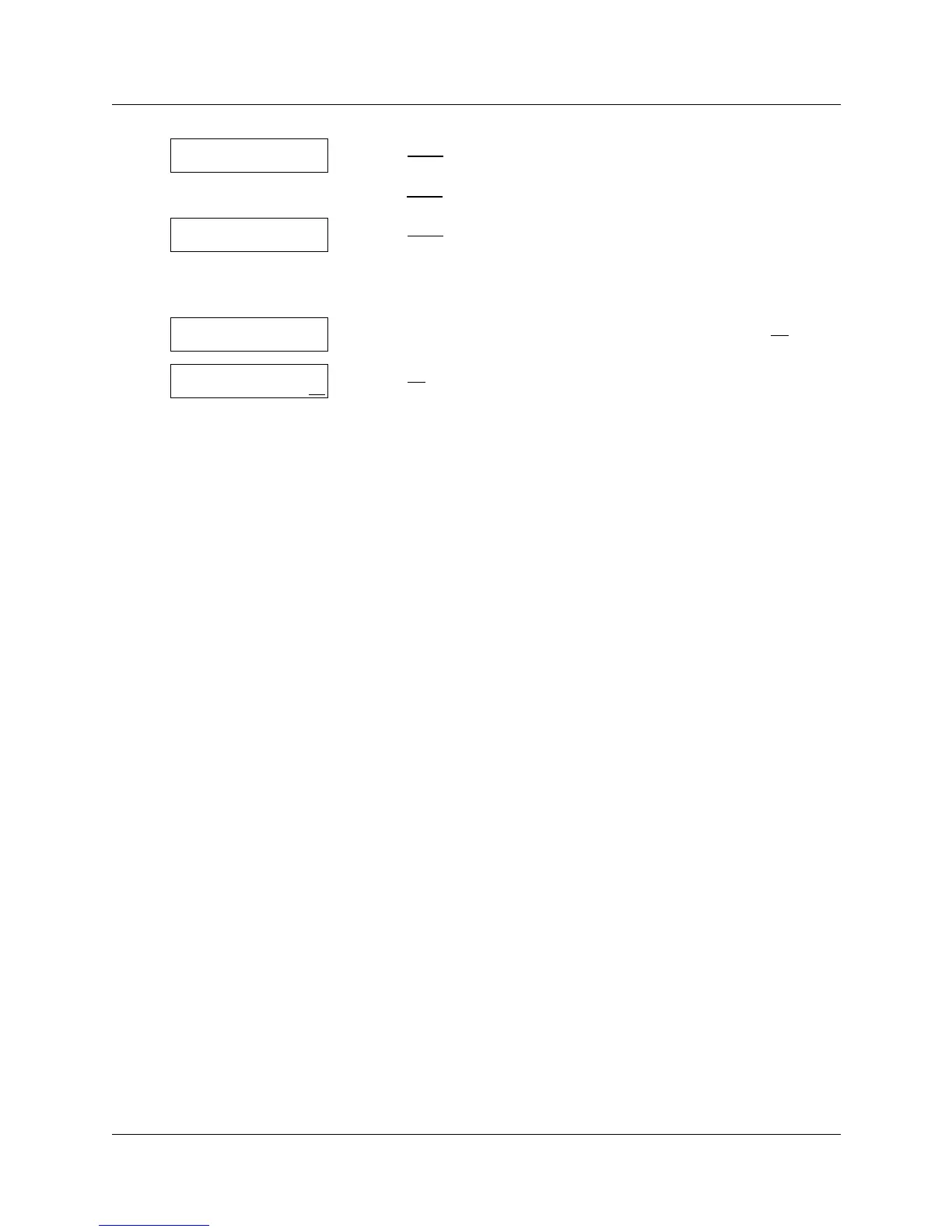
6 Press NEXT
to choose the custom voice prompt
or
press CHNG
to disable Touchtone Gate.
7 Press CHNG
to change the custom voice prompt Greeting number
or
press OK to accept the custom voice prompt Greeting number and
go to step 11.
8 Enter the custom voice prompt Greeting number and press OK
.
9 Press OK
to accept the new Greeting number.
10 Press ® to end the session.
TT gate:custom
CHNG NEXT
TT Greeting:40
CHNG OK
Greeting:
RETRY OK
TT Greeting: x
RETRY OK



 To Next Page