7.2 Unpacking
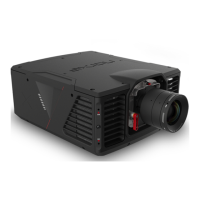
Carefully remove the sealing tape from the packing box and open. Remove the protective foam inserts and
remove the projector / projection lens.
NOTE! Please retain all packaging. Should you need to return your product for repair and / or for service
at any time in the future items should be returned in original packaging where possible.
7.3 Inspection
As soon as the projector / projection lens is unpacked inspect it for transit induced damage. The projector /
projection lens left the factory in perfect condition. If damage is evident after unpacking, please contact the
carrier and report it immediately.


 To Next Page