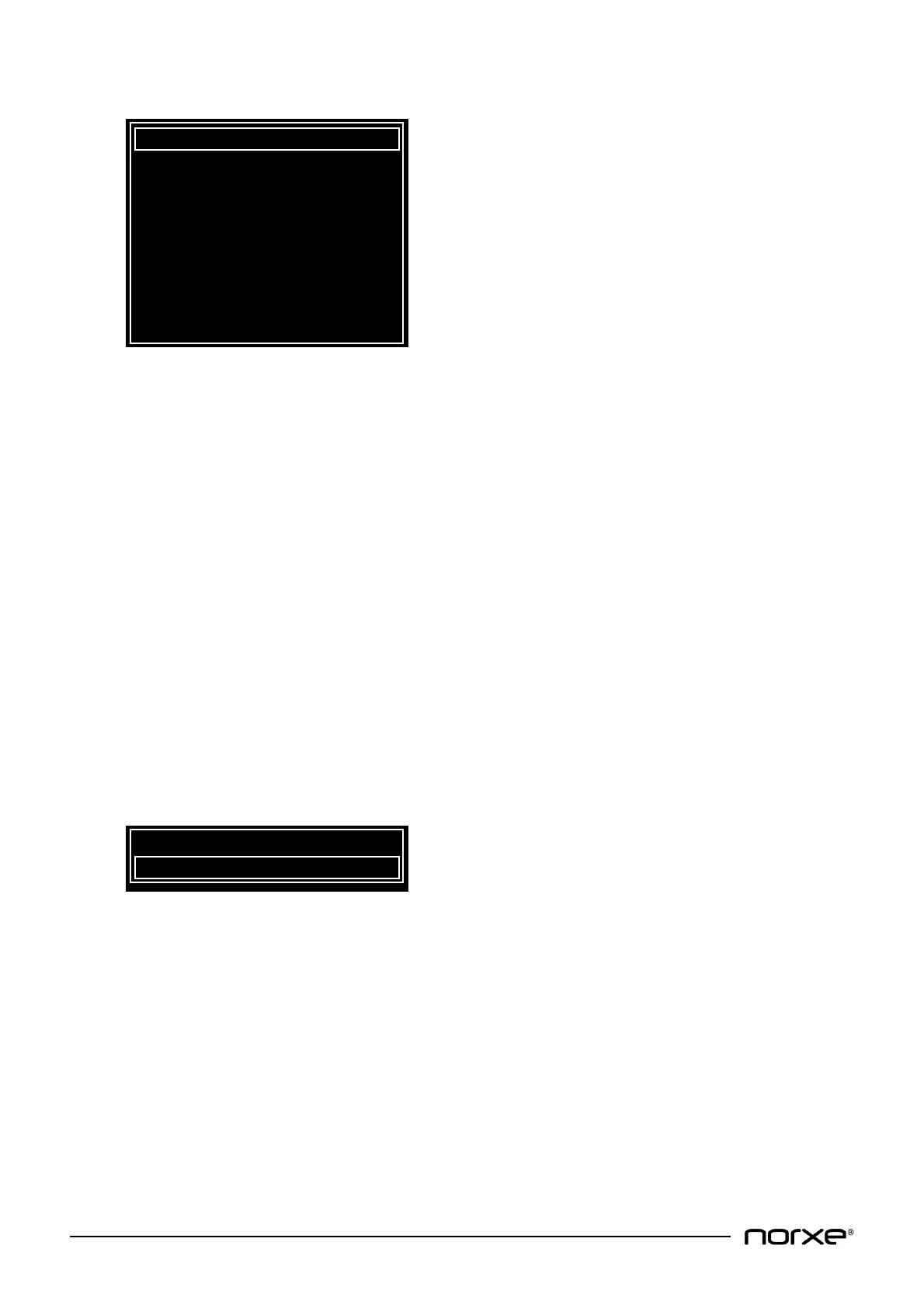
8.10.5 Night Vision Menu
IR LED power (optional) can be adjusted between 0 and 100%. The IR LEDs are used for invisible light
(night vision) using Night Vision Goggles (NVG). The default setting is 100%.
IR LED (optional) enables or disables the IR LED diode. The default setting is disabled.
IR red, green and blue gain provides RGB color gain adjustment within the IR video frame. The
adjustment range is 1 to 20. The default setting is 1.
IR clone mode can be enabled or disabled, the default setting is disabled. When enabled, the invisible
light (IR) channel is fed with the same video signals as the visible light (RGB) channel (single head
operation). When disabled, the invisible light (IR) channel needs a separate feed from the visible light
(RGB) channel (dual head operation).
Red, green and blue LED power offset enables fine adjustment of the white point at low light levels
(when RGB LED power is dimmed down) to avoid color tint in the image as a consequence of low light
levels. The adjustment range is -100 to 100. The default setting is 0.
Swap IR and RGB allows swapping of the IR and RGB video frames for the purpose of setup and fault
diagnosis. The feature can be enabled or disabled. The default setting is disabled.
8.10.6 3D Settings Menu
Glasses sync delay is used to adjust phase delay between the active 3D glasses and the projected image.
Adjustment range is 0 to 180 degrees. The default setting is 0.
Swap eyes allows left / right video information to be swapped. This might be necessary when source
video information is incorrect (i.e. there is parallel distortion but no 3D effect). The default setting is
disabled.


 To Next Page