NOTE! - Failure to Sync / Genlock the IG’s properly may result in on screen image artefacts or
the image not being displayed at all.
Recommended projector setup / workflow procedure is as follows:
• Select DVI-1 as Source.
• Go to the Installation menu and select 2560x800@120 as Edid for both DVI-1 and DVI-2.
• Go to Picture menu and select Dual input mode – Top/bottom.
• Select DVI-1&2 as Source.
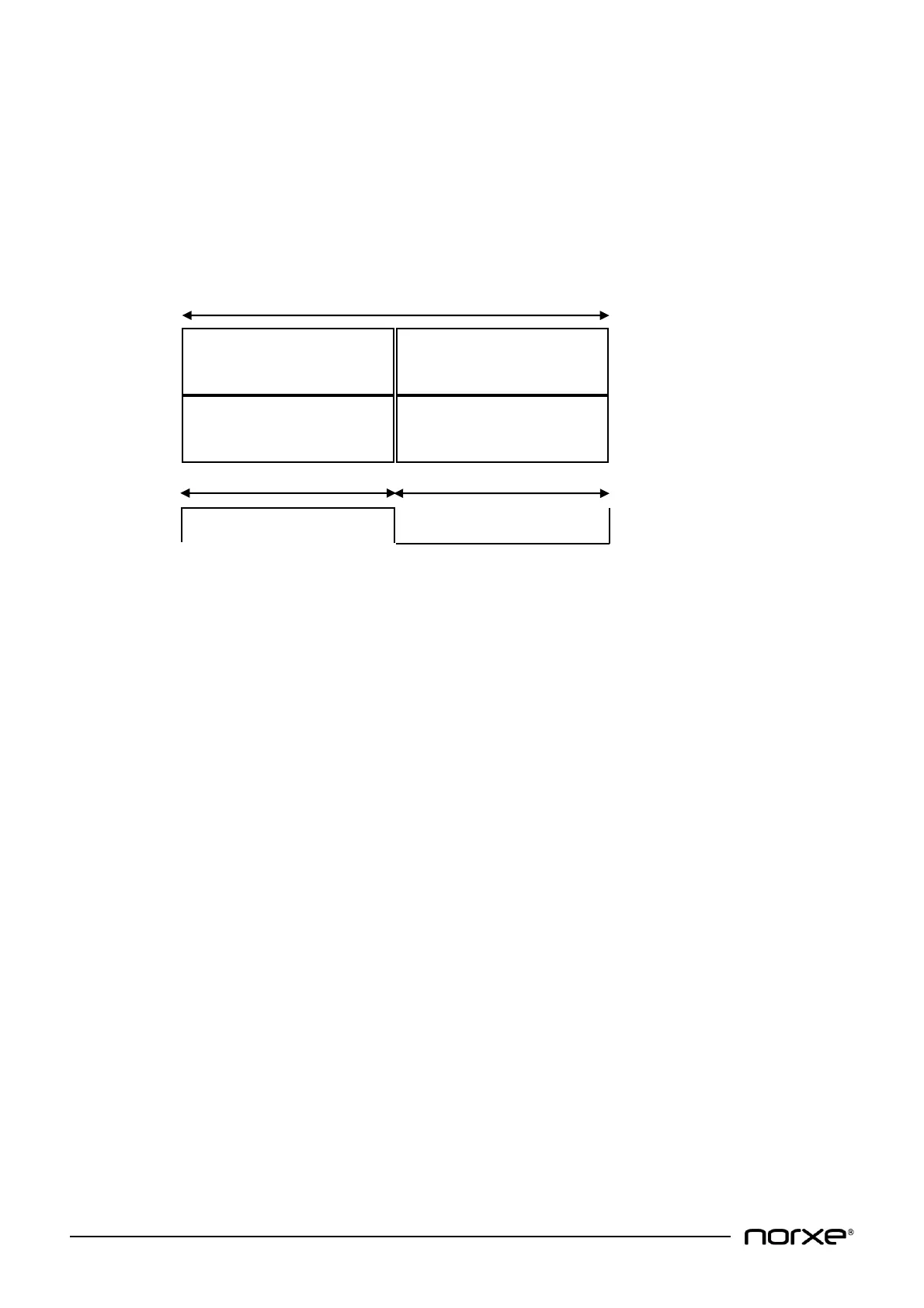
Video frame/video timing information is as illustrated below:
Video output resolution is 2560x1600@120Hz.
10.1.3 3D (Active) Input
The projector accepts two separate video inputs. One containing left eye information, the other
containing right eye information.
• Projector DVI-1 is the left eye video input, whilst projector DVI-2 is right eye video input or vice
versa.
• Projector video input resolution must be 1920x1200@60 for P1 WUXGA projector model
variants and 2560x1600@60Hz for P1 WQXGA projector model variants on each input.
• Image Generator (IG) outputs must be synchronous (see illustrations Fig. 1 & Fig. 2 overleaf for
further guidance):


 To Next Page