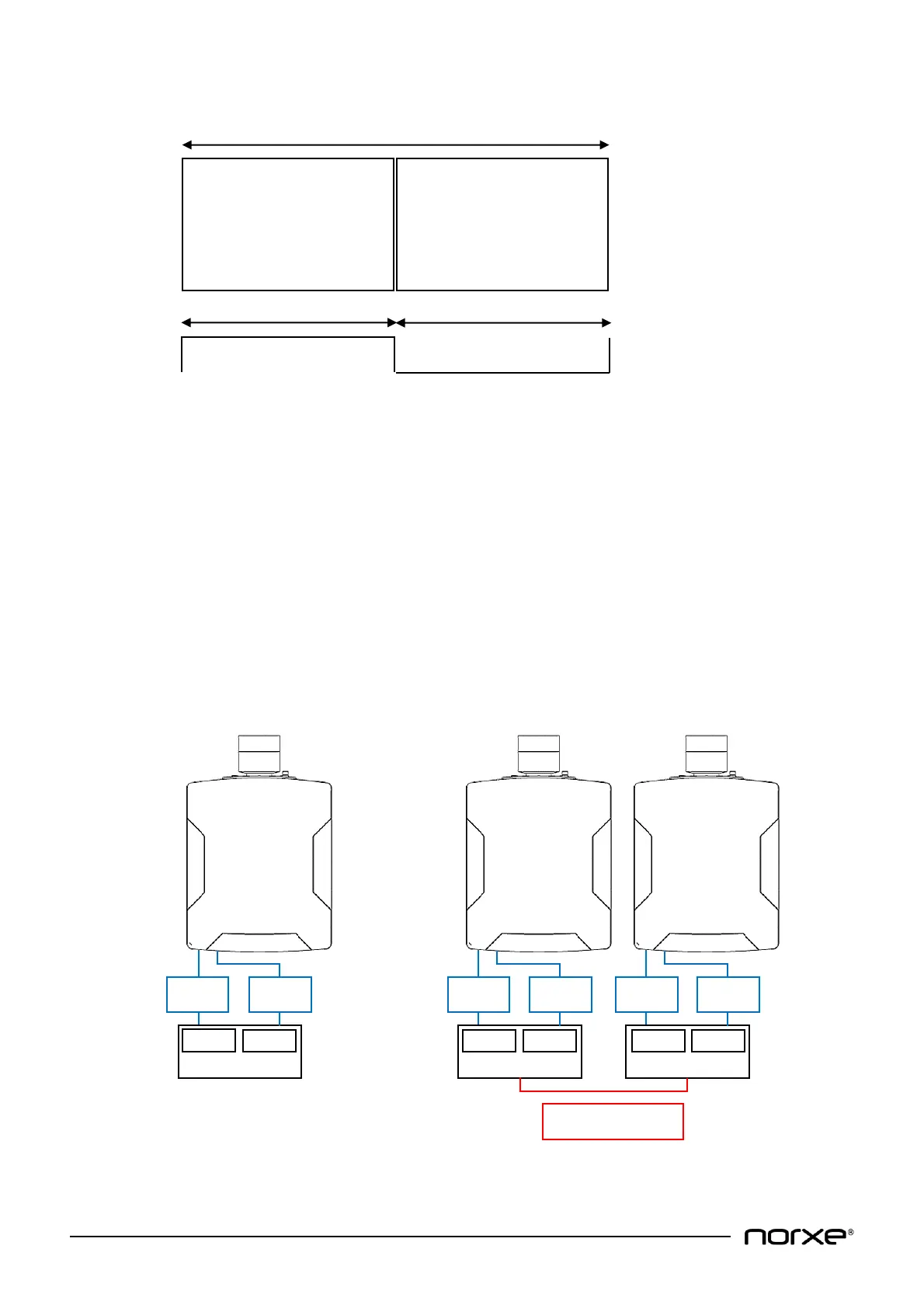
Video frame/video timing information is as illustrated below:
Video output resolution is 1920x1200@60Hz /2560x1600@120Hz*¹.
*¹ - P1 projector model variant native resolution dependent.
10.1.2 Top/Bottom Input
The projector accepts two separate video inputs which are combined into a single video frame to
support enhanced IG rendering.
NOTE! Top/Bottom Input is supported on P1 WQXGA projector model variants only.
• Projector DVI-1 is the bottom input, whilst projector DVI-2 is the top input.
• Projector video input resolution must be 2560x800@120Hz on each input.
• Image Generator (IG) outputs must be synchronous (see illustrations Fig. 1 & Fig. 2 below for
further guidance):
Fig. 1 - Single projector synchronous input Fig. 2 - Dual projector synchronous input


 To Next Page