14
Preparation for Use
4 – 7 Connecting the motor cord
Align [•] mark on the motor cord with the [•] mark on the control unit�
Push the base of motor cord plug into the socket until the lock joint ‘clicks’ into place�
To disconnect the plug, pull back the lock joint and then pull further to disconnect the cord�
CAUTION
● Insert the motor cord straight and do not put excessive load on the motor cord socket as it may cause breakage
or deformation�
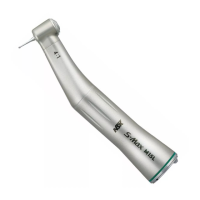
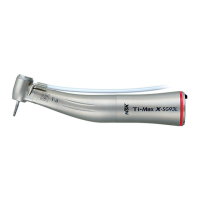
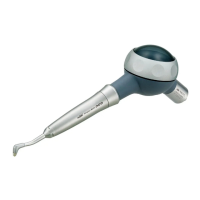
4 – 8 Connecting the handpiece
1
Push the handpiece on to the motor taking care to
keep it in alignment�
2
Twist the handpiece until it locks into position with a
clicking sound�
CAUTION
● When using the optic Surgic Pro2 micromotor, use only optic handpieces� A non-optic handpiece may not
precisely connect to the micromotor and it may malfunction when the micromotor is under load� Do not connect
the optic handpiece to the non-optic micromotor�
● Always connect the sterilized handpiece�
NOTICE
● See the handpiece manual regarding bur/drill attachment and removal and irrigation methods�



 To Next Page