ECR User`s Manual ECR User`s Manual
2.5 Pay Way Settings
The cash register supports 6 pay ways for users' selection. And 4 of them are for users to define
at any currency with any exchange rate.
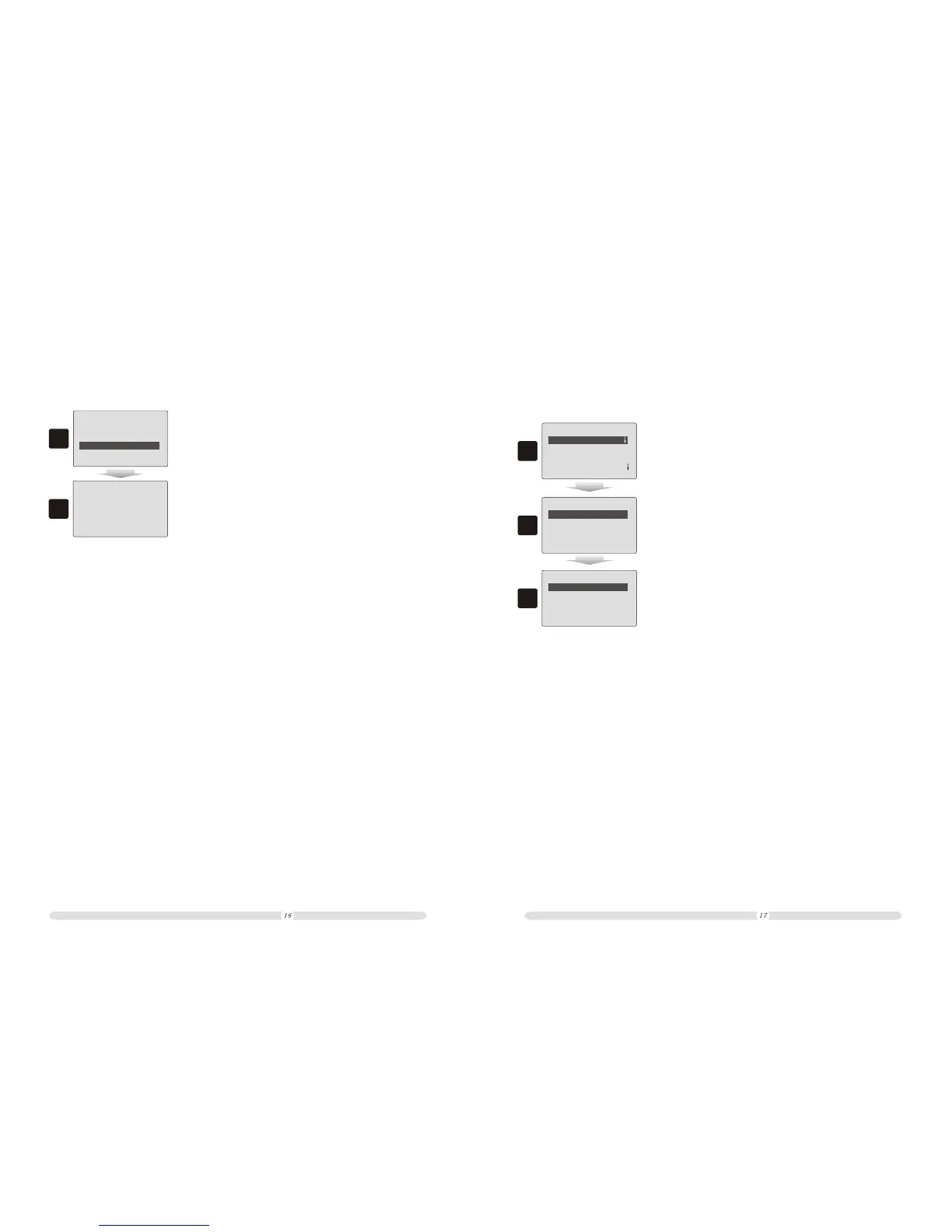
2.4.3 Restore Default
Some times users may make mistakes to defining function keys or PLU Hot-keys. The cash
register provides function to reset the keyboard arrangement to initial status.
Press 'Enter' Save
Or Press 'ESC' Exit
2
===
Keyboard Settings
PLU Hot-key
Set Function Keys
Restore Default
1
===
1. In “Keyboard Settings” interface, select “Restore Default”
and press “Enter”;
2. Press “Enter” to confirm restoring or press “ESC” to cancel
the operating.
=======
Settings
1
====
Select Pay Way
rd
3 P ay Way
th
4 P ay Way
th
5 P ay Way
th
6 P ay Way
2
====
=====
Pay Ways
Name: USD
Foreign/Curency:
1: 7
-----save----
3
=====
Pay way Settings
Count Rules
Other Settings
Language selection
=======
1. In “Settings” interface, move cursor to select “Pay Way
Settings” option and press “Enter”;
rd
2. In “Select Pay Way” interface, select “3 Pay Way” option
and press “Enter”;
3. In “Pay Ways” interface, users can define the pay way name,
currency name, and the exchange rate. After defined, move
cursor to “Save…” and press “Enter” to save the pay way definition.



 To Next Page