9.5 Input PLUs archives
PC software is with PLUs input and down-load functions to save user's PLUs' input time.
Click[PLU setting] [PLU management].Input PLUs archives.
The functions of buttons:
1. Add:Create one line for new PLU,and edit data.
2. UpLoad from ECR: upload sale data from ECR to PC software
3. Update to ECR:update informations from PC software to ECR.
4. Export to Excel: Export PLU data to Excel file from PC software.
5. Modify: Modify some of the PLU information .
6. Del :Delete a PLU.
7. Del All:Delete all PLU data.
8. Click “All screen”will display all PLU data.
9. Click the function on left.will display PLU information on right side.
ECR User`s Manual ECR User`s Manual
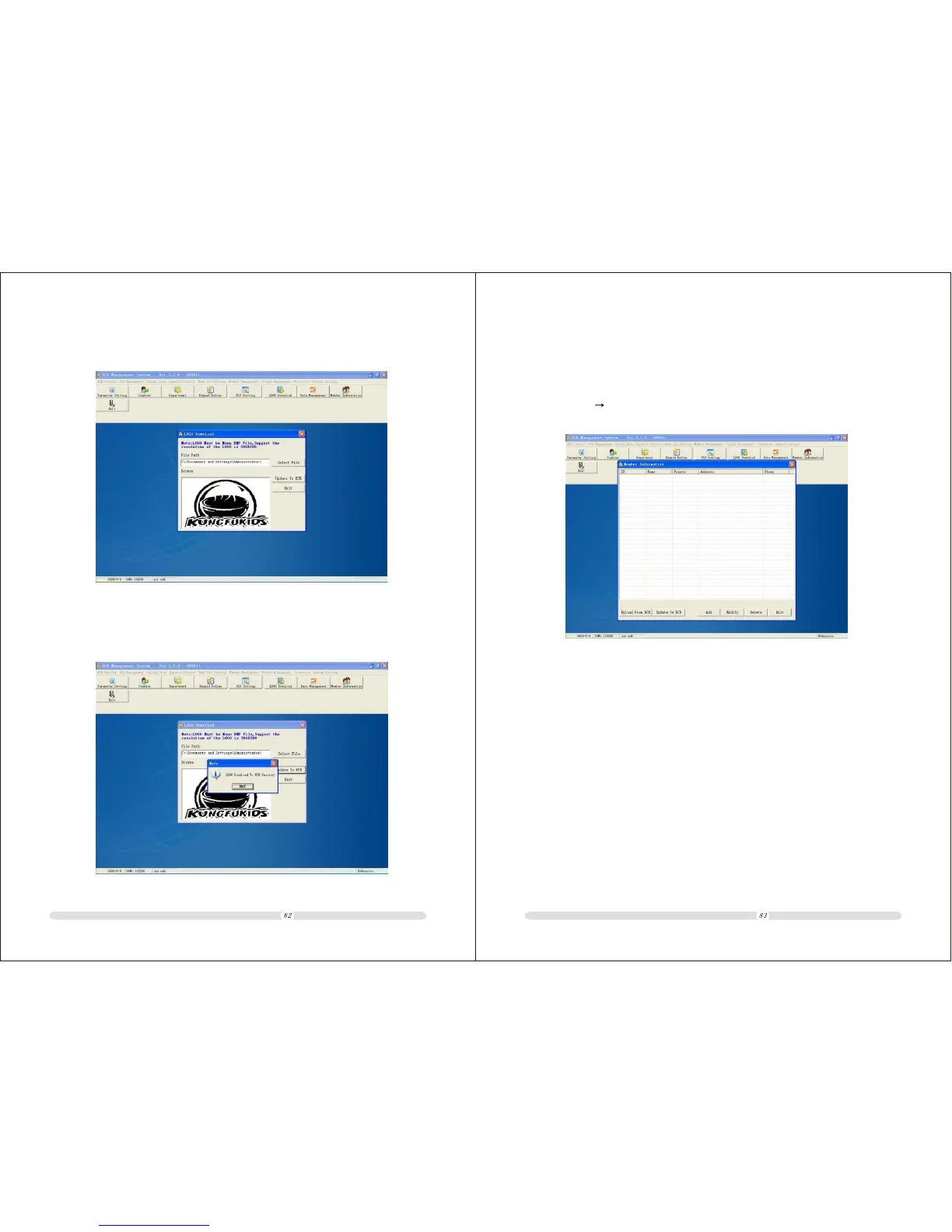
2. Select the BMP file saved just now:
3. Click update to ECR,then the LOGO will be down-loaded to ECR.Display
down-load Success:



 To Next Page