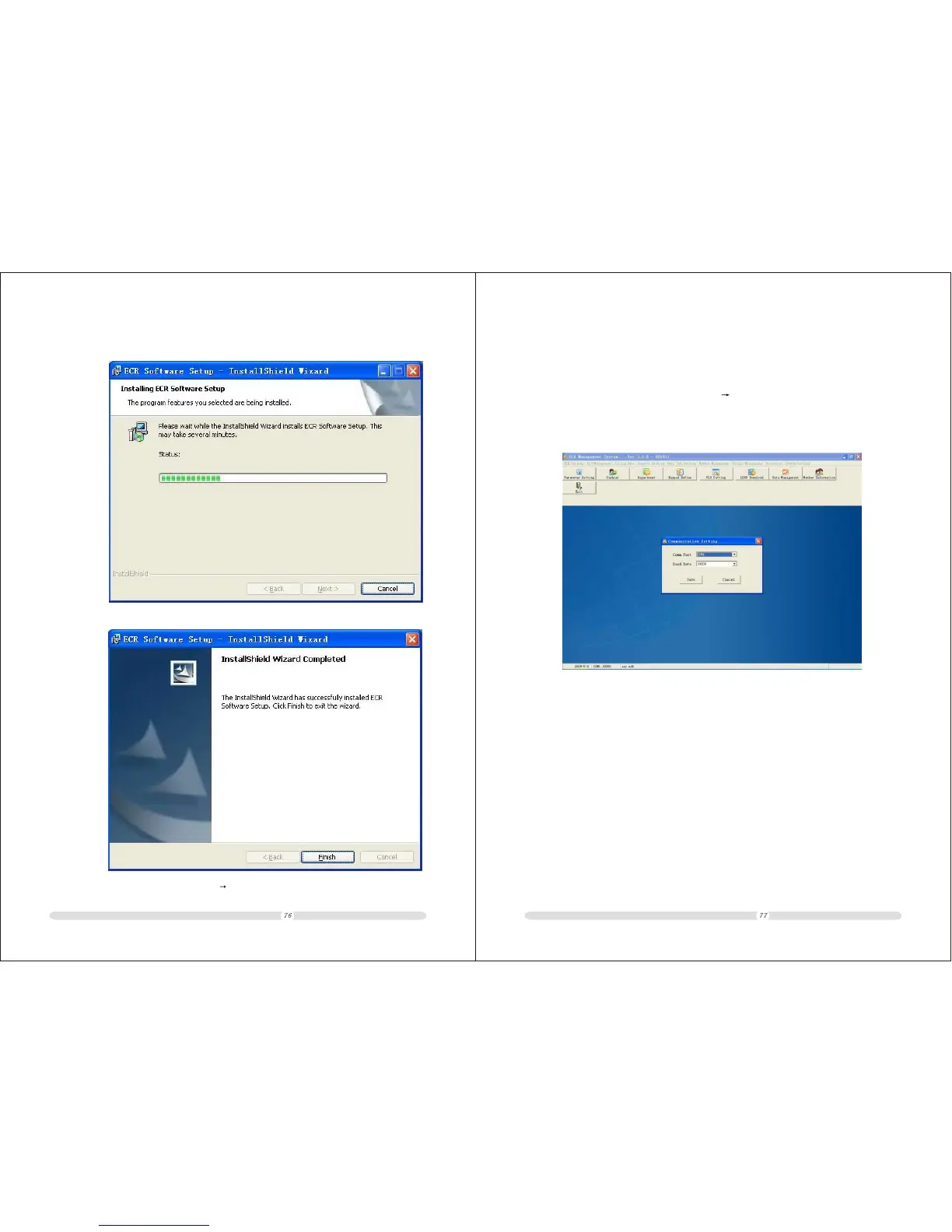
9.2 Communication Setting
If PC communicate with ECR,do to set the proper communicating port to the program.
Operatings. as below:Click menu [System setting] [communication setting],Select Com1
and click save.
Note:Select com port according to the port ECR connected to.
ECR User`s Manual ECR User`s Manual
4. System displays installing progress
5. Click[Finish]
Software installed success.Go to [Start] [Programm] to run ECR program.



 To Next Page