ECR User`s Manual ECR User`s Manual
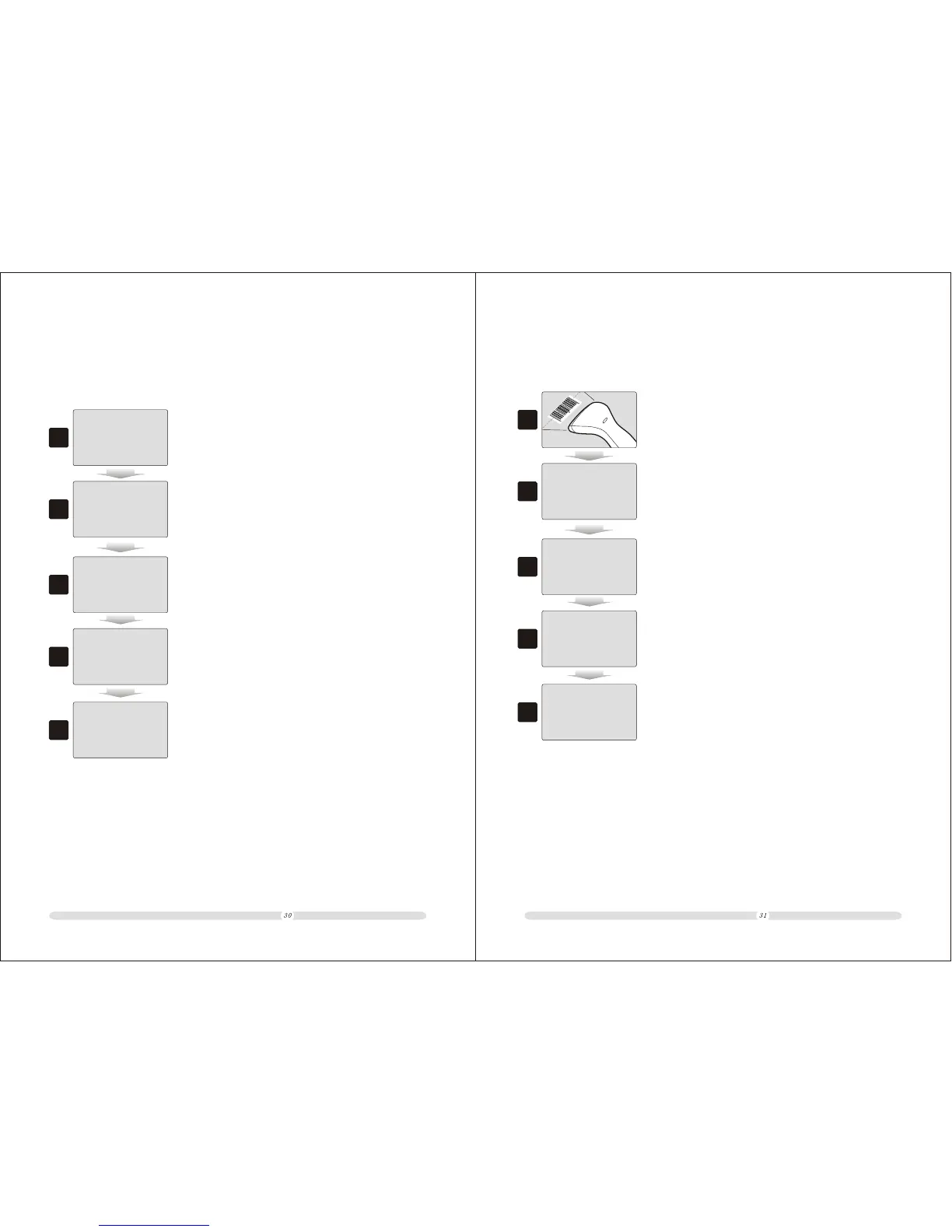
4.1.2 Basic PLU Selling Process
Here we sell one HP pencil for example.
Method 1 ENTER COMODITY CODE MANUALLY
1
2
1. In registration mode, key in the commodity code manually, then
press “PLU”;
2. System will automatically detect the corresponding commodity
and display price. User can sell some other commodities with the
same processes as STEP 1 and STEP 2.
HP PENCIL 5.00
=Total= 5.00
5.00
Input /ESC to Menu
03-04-2009 16:17:45
45678901
3
3. Press “Subtotal” to display the total selling;
Subtotal
5.50
4
4. Key in the cash total received;
Subtotal
10
5
5. Press “Enter” to end current transaction and get change
displayed on the screen.
Change
4.50
1
2
1. In registration mode, scan the commodity bar code;
2. System will automatically detect the corresponding commodity
and display price. User can sell some other commodities with the
same process as STEP 1 and STEP 2.
HP PENCIL 5.00
=Total= 5.00
5.00
3
3. Press “Subtotal” to display the total selling;
Subtotal
5.50
4
4. Key in the cash total received;
Subtotal
10
5
5. Press “Enter” to end current transaction and get change
displayed on the screen.
Change
4.50
Method 2 ENTER COMODITY CODE BY SCANNING BARCODE



 To Next Page