2.1.2 Define Machine No.
2
= =
Machine No .Settings
Machine No . 0000
2.1.4 Switch on Selection
2. Key in a number to define the machine ID in “Machine No. Settings”
interface. This ID is a 4 digits number.
==
Switch on Selection
Display time
To registration mode
==
Users could select the switch on display, whether to display current
date and time or go to registration mode directly.
ECR User`s Manual ECR User`s Manual
1
== ==
System Settings
Data&Time
User's Name&Address
Switch on selection
Machine No.
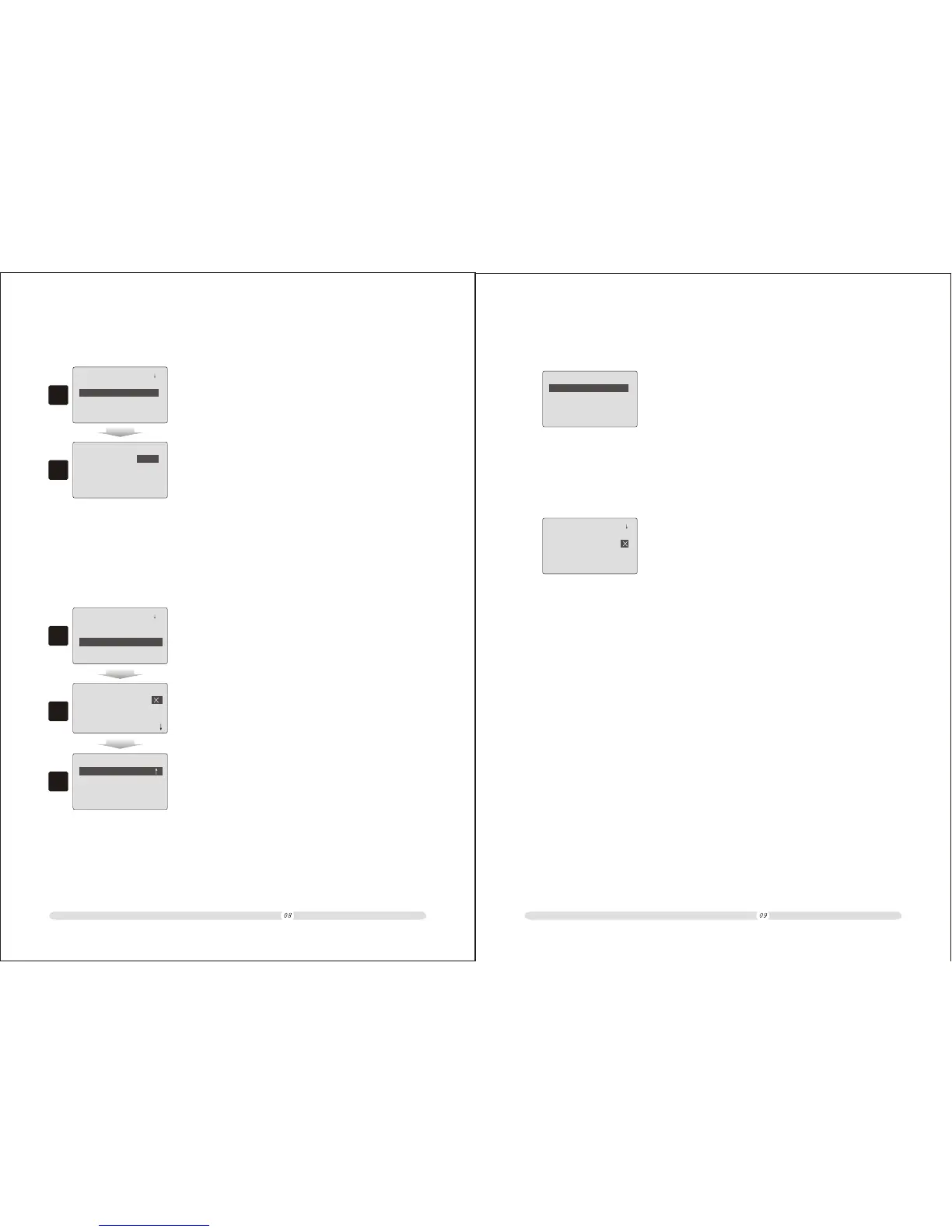
1. In “System Settings” interface, select “Machine No.” option and
press “Enter”;
2.1.3 Add User Name & Address
3
2
==
User's Name&Address
== ==
User's Name&ADD
2. In “User's Name & ADD.” interface, users can customize 6 lines.
Also, users can select whether to print “User's Name & ADD” on
the receipt or not.
1
== ==
System Settings
Data&Time
Machine No.
Switch on selection
User's Name&Address
1. In “System Settings” interface, select “User's Name & Address”;
Print Name/ADD
1st Line
2nd Line
3rd Line
5th Line
6th Line
4th Line
2.1.5 Delete Record After
==
System settings
Delete Record After
Print Z Report
Z Report 2 Copies:
EJ after Z Report:
==
1. Delete Record After Print Z Report: if this option selected,
the system will automatically delete record reported;
2. Z Report 2 Copies: if this option selected, Z report will be
in 2 copies;
3. EJ after Z Report: if this option selected, there will be also
electronic journal copy after Z report.



 To Next Page