Input /ESC to Menu
04-04-2009 15:34:30
2
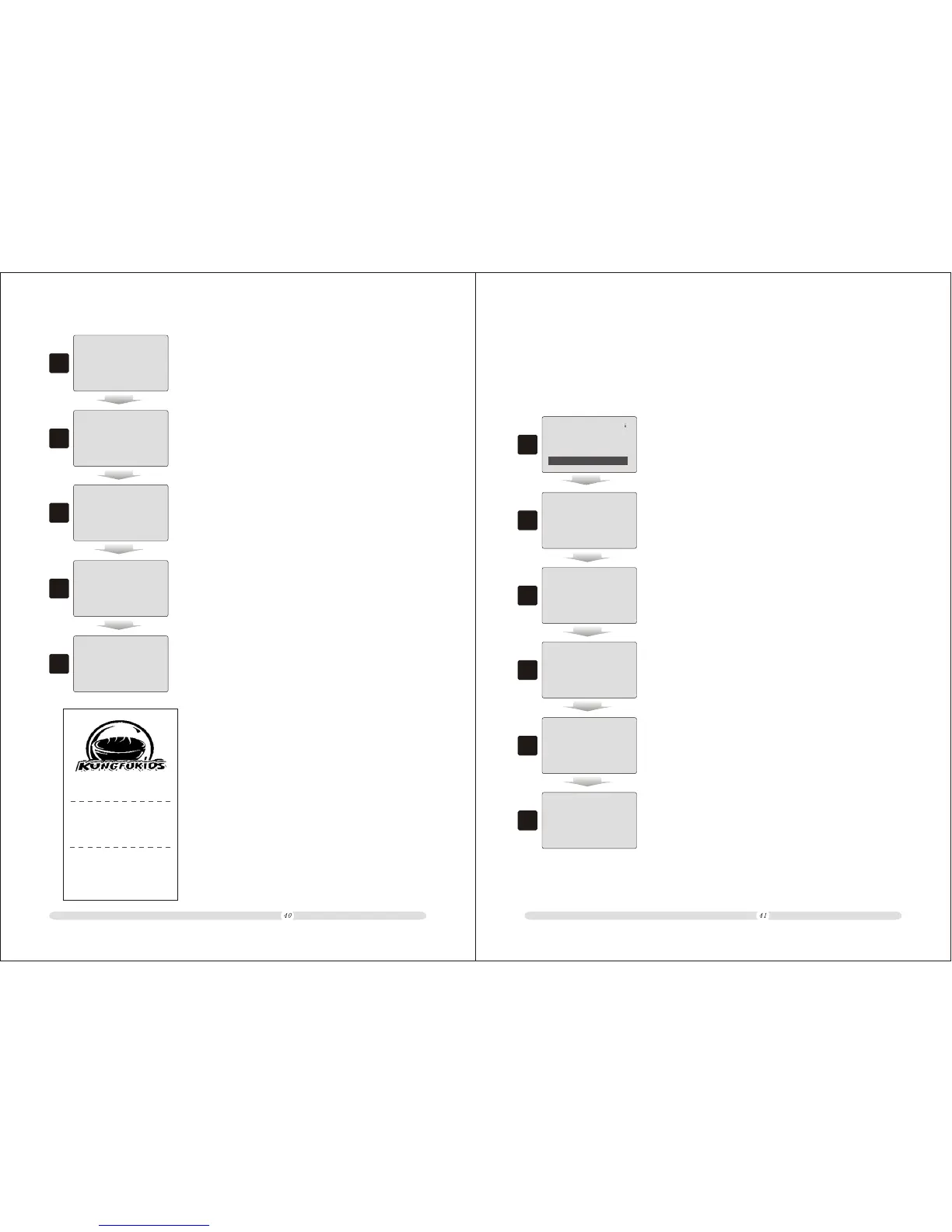
2. Key in the total consuming in registration mode;
100
Bulk Total 100.00
Bulk Mode no Vat/ Tax
3
3. Press “Dept 01/Sell in Bulk” to make the consuming in
Bulk mode;
Bulk Total 100.00
4
4. Key in the commodity code and press “PLU”;
87654321
Bulk Total
PETROL 97#
==Total==
100.0
4.80
100.00
4.80
5
5. The screen will display the corresponding information;
ECR User`s Manual ECR User`s Manual
HP PENCIL
==Total==
5.00
5.00
4.00
3
3. Before sell the same commodity with changed price, key in
the changed price;
HP PENCIL
==Total==
5.00
5.00
4
4. Press “Dept 01/Change Price” to confirm the price;
HP PENCIL
==Total==
5.00
5.00
45678901
5
5. Key in the commodity code to select commodity and
press “PLU”;
HP PENCIL
HP PENCIL
==Total==
5.00
4.00
9.00
4.00
6
6. The system confirms and calculate the selling;
7
7. “Enter” to end the current transaction.
CASH
9.00
HP PENCIL
1 5.00 5.00
HP PENCIL
1 4.00 4.00
Item: 2
TOTAL 9.00
Cash 9.00
Receipt NO.: 58
04-04-2009 15:11 Saturday
Item Qty Price Amount
Cashier:Manager
MachNo:0000
4.3.5 Sell in Bulk
Some commodity has a unit price but also cold be sold in bulk. Then the cash register should has
function of selling commodity in bulk with any payment.
= Set Function Keys ==
Add Price : 0
Service Charge: 2
Reduce Price : 0
Sell in Bulk: 1
1
1. Users should define a “Sell in Bulk” hot key before hand.
Here we take “Dept 01” as “Sell in Bulk”;
6
6. “Enter” to end the current transaction.
CASH
100.00



 To Next Page