ECR User`s Manual ECR User`s Manual
2.6 Count Rules
Users can customize decimal count rules. In the count rules, users can define decimal digits
number, round method and round position.
======= =======
===== =====
1
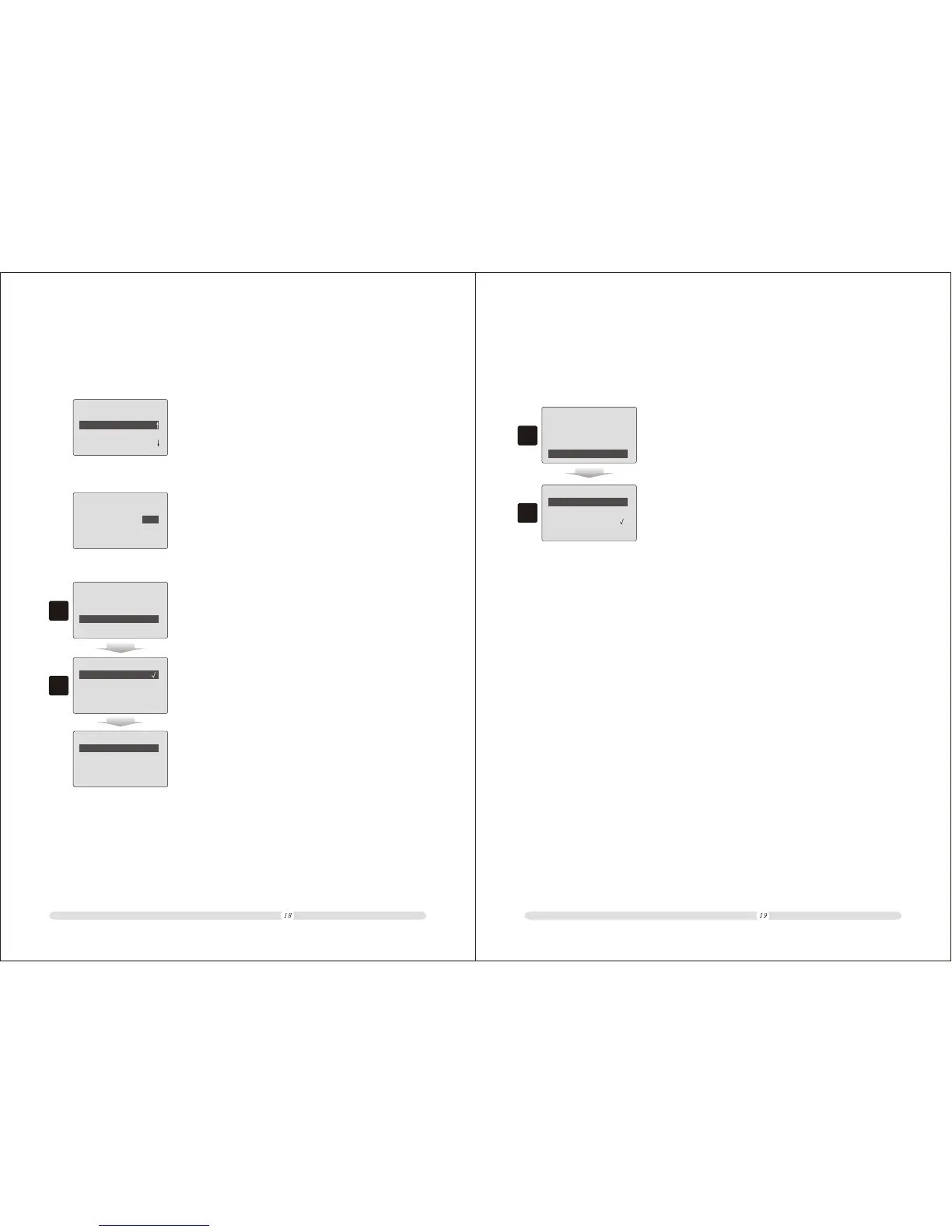
In “Settings” interface, select “Count Rules” and press
“Enter” to enter into count rule setting interfaces.
Pay Way Settings
Other Settings
Language Selection
Count Rules
Allow Decimals(0 3):
Round Method
Round Position
2
Settings
Count Rules
In “Count Rules” interface, the first option is to define
decimal digits used in registration and report. Here we
can select from 0 to 3.
1. In “Count Rules” interface, select “Round Method”
option and press “Enter”;
2.6.1 Allow Decimals
2.6.2 Round Method
2
Round off:
4/5:
Round Up:
Europe 0/5/10:
==== ====
Allow Decimals(0 3):
2
Round Position
Round Method
Count Rules
===== ====
2. In “Round Method” interface, there are 6 round methods
option for selection.
Round Method
Singapore 0/5:
Singapore2 0/5/10:
===== ====
Round Method
NOTICE: Explanation for round methods.
A. Round off: cut off all fraction values;
B. 4/5: round off fractions less than 5 and carry in when fractions equal toor larger than 5;
C. Round up: carry in for any fractions;
D. European 0/5/10
E. Singapore 0/5
F. Singapore 2 0/5/10
2.6.3 Round Position
1
1. In “Count Rules” interface, select “Round Position” option
and press “Enter” to select position;
==== ====
Allow Decimals(0 3):
2
Round Method
Round Position
Count Rules
2. Select the position and press “Enter” to confirm.
Units:
The 1st decimal:
The 2st decimal:
The 3rd decimal:
Round Position
Users could define decimal round position. There are options for Integer, the first decimal, the
second decimal and the third decimal.
2



 To Next Page