ECR User`s Manual ECR User`s Manual
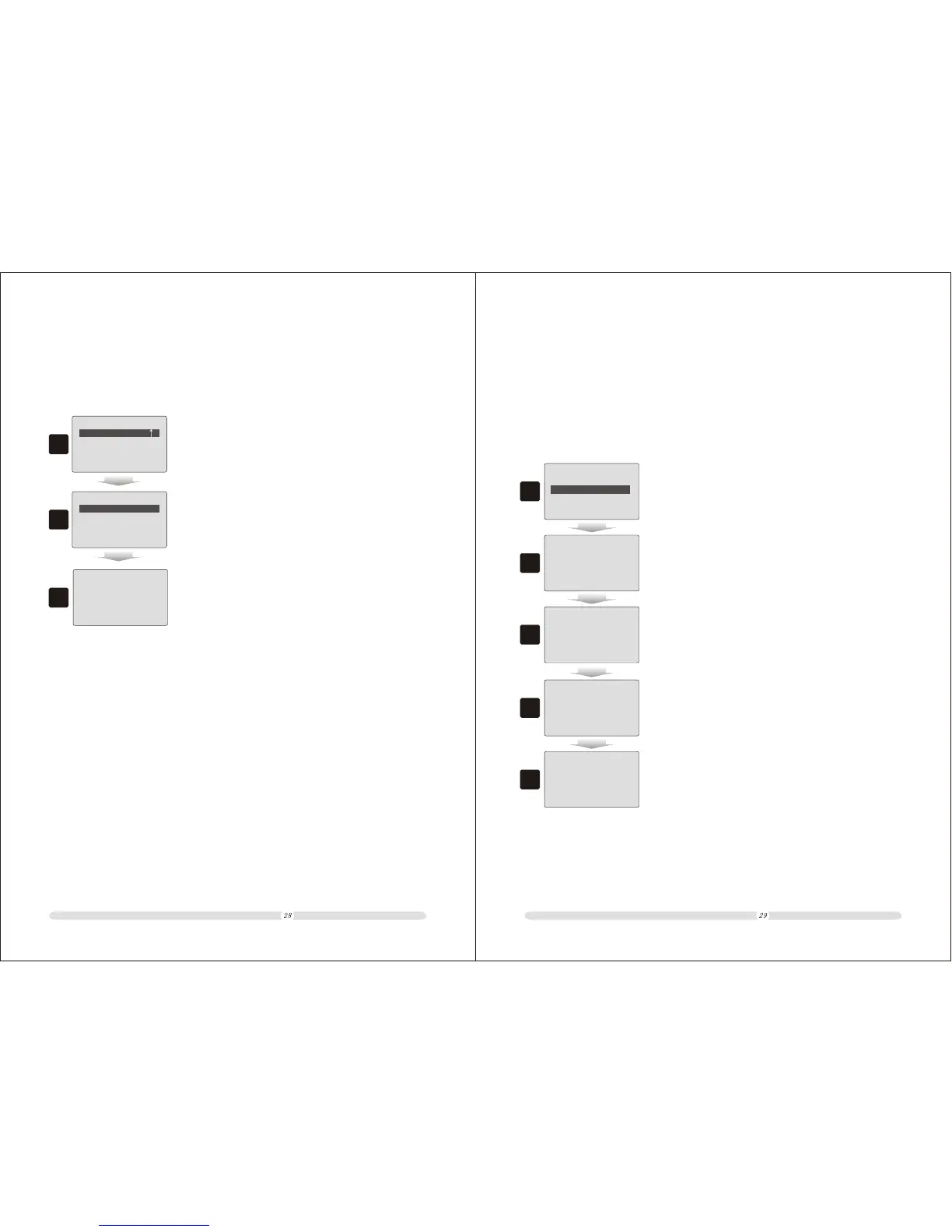
3.5 Delete Data
The cash register supports users to initial or delete data.
1
==
PLUS&Departments
==
Delete Data
1. In “PLUS&Departments” page, move cursor to “Delete
Data” and press “Enter”;
2
==
Delete Data
==
Delete Department
Delete PLUS
Del Flowing Record
Delete Cashiers
2. In “Delete Data” page, users could select to delete cashiers,
department, PLU or transaction flowing record. Select one
and press “Enter”;
3. The system will prompt whether to confirm or not. Press
“Enter” to confirm the action, or press “ESC” to cancel.
3
Press 'Enter' Save
Or Press 'ESC' Exit
Selling CommoditiesChapter 4
4.1.1 Make system operating in selling mode (registration mode).
4.1 PLU selling
Clerk/Supervisor ID:
Clerk/Supervisor ID:
P Settings
X Reports
Z Reports clear
=== NTS ===
R Registration
1
2
3
1. In main menu, select “R Registration” and press “Enter”;
2. Then system enters into “Clerk/Supervisor ID:” interface.
Here, user can key in a cashiers # or enter the manager
password directly to log in as the manager. If user selects
to enter in manager password, system will go to STEP 5.
3. Users key in the cashier #; then press “Enter”;
Password:
Input /ESC to Menu
03-04-2009 16:17:30
4
5
4. Key in the corresponding password to the cashier. The initial
password is 888888 either for manager or cashier.
5. Then system enters into selling mode (registration mode).
*
******
0.0



 To Next Page