ECR User`s Manual ECR User`s Manual
4.3.9 Sell in Training Mode
In training mode, all transaction data won't be accounted or recorded in the memory. This
helps new cashiers to learn how to operate the cash register.
1
1. Users need to define a hot key for “Training”. Here we take
“Dept01” as “Training”. How to define function key refer
to 2.4.2!
== Set Function Key ==
Copy Receipt: 0
Member: 0
Meal Set: 2
Training: 1
2
2. In registration mode and before selling any commodity,
press “Dept01/Training” to make the system in training
mode. Then users could sell commodities normally.
To Training Mode
Records No Save!
4.3.10 Cancel Commodity
Sometimes users cancel some of commodities casually, and then we need to cancel
commodities in the register.
POTATO CHI
COCA COLA
==Total==
10.00
20.00
30.00
20.00
1
1. Sell commodities normally;
2
2. Press “Tvoid” key to cancel commodities. The screen will
display the sold commodities of the current transaction for
users' selection;
= =
Billing Mode Detail
0.POTATO CHIPS
1 10.00
1.COCA COLA
1 20.00
3
3. Press “Error Correct” to confirm the commodity to be
canceled. Here we cancel “POTATO CHIPS” for example;
= =
Billing Mode Detail
0.COCA COLA
1 20.00
Cancel
POTATO CHI
==Total==
-10.00
30.00
-10.00
4
4. After confirmation, the system will display the commodity
total charge canceled;
5
5. “Enter” to end the current transaction.
CASH
20.00
HP PENCIL
1 10.00 5.00
HP PENCIL
1 20.00 20.00
Cancel POTATO CHI -10.00
Item: 1
TOTAL 20.00
Cash 20.00
Receipt NO.: 0
04-04-2009 15:11 Saturday
Item Qty Price Amount
Cashier:Manager
MachNo:0000
4.3.11 Sell Meal With Tastes
1
=== ===
2nd Taste Name:
Taste Name:
Taste Name:
1st Taste Name:
3rd
4th
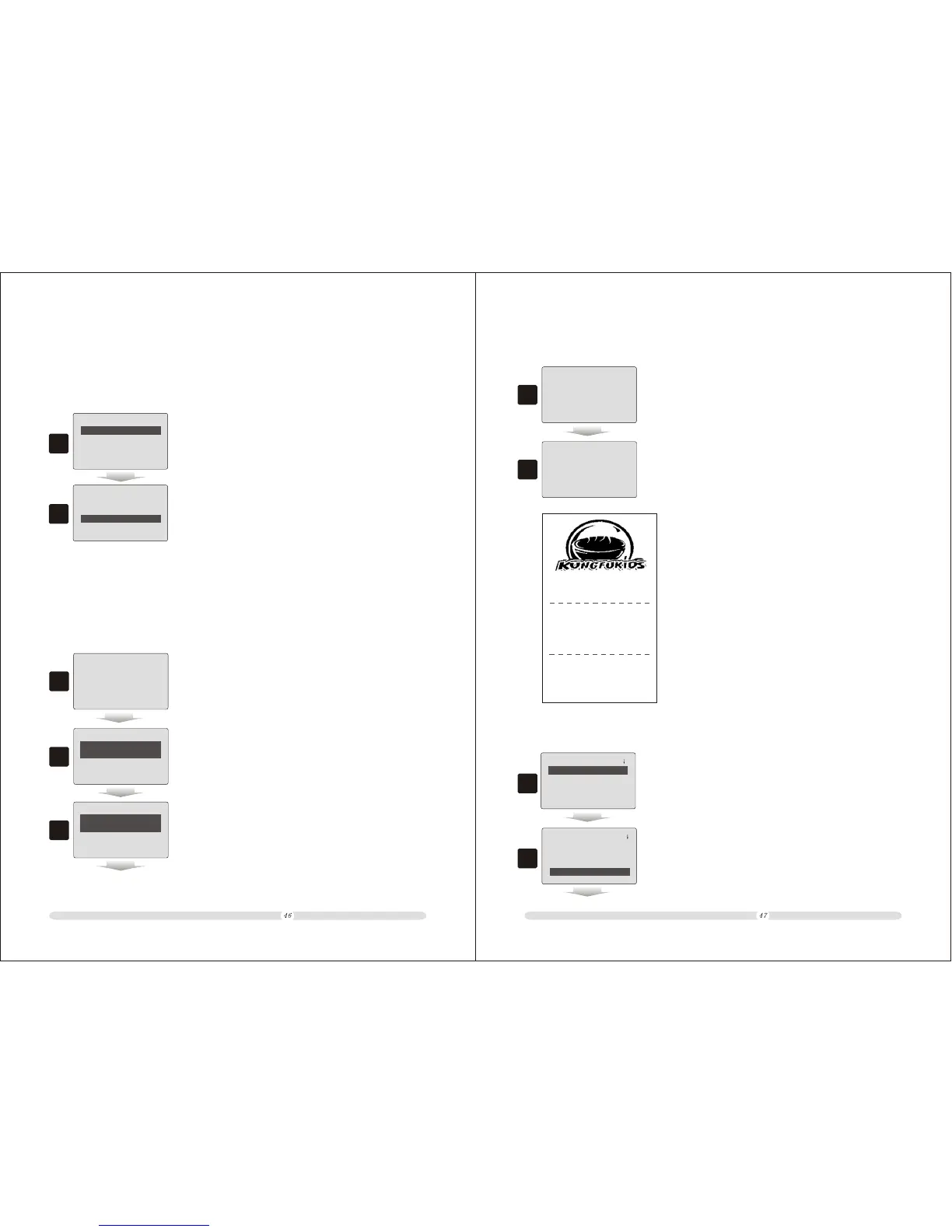
1. Firstly, users need to define tastes. Here we define Taste 1 as
“SPICY” for example;
2
2. Users also need to define a hot key for “Taste Message”.
Here we take “Dept01” as “Taste Message” for example;
== Set Function Key ==
Loading Bills: 0
Open Table: 0
Holding Bills: 0
Taste Message: 1
Taste Option



 To Next Page