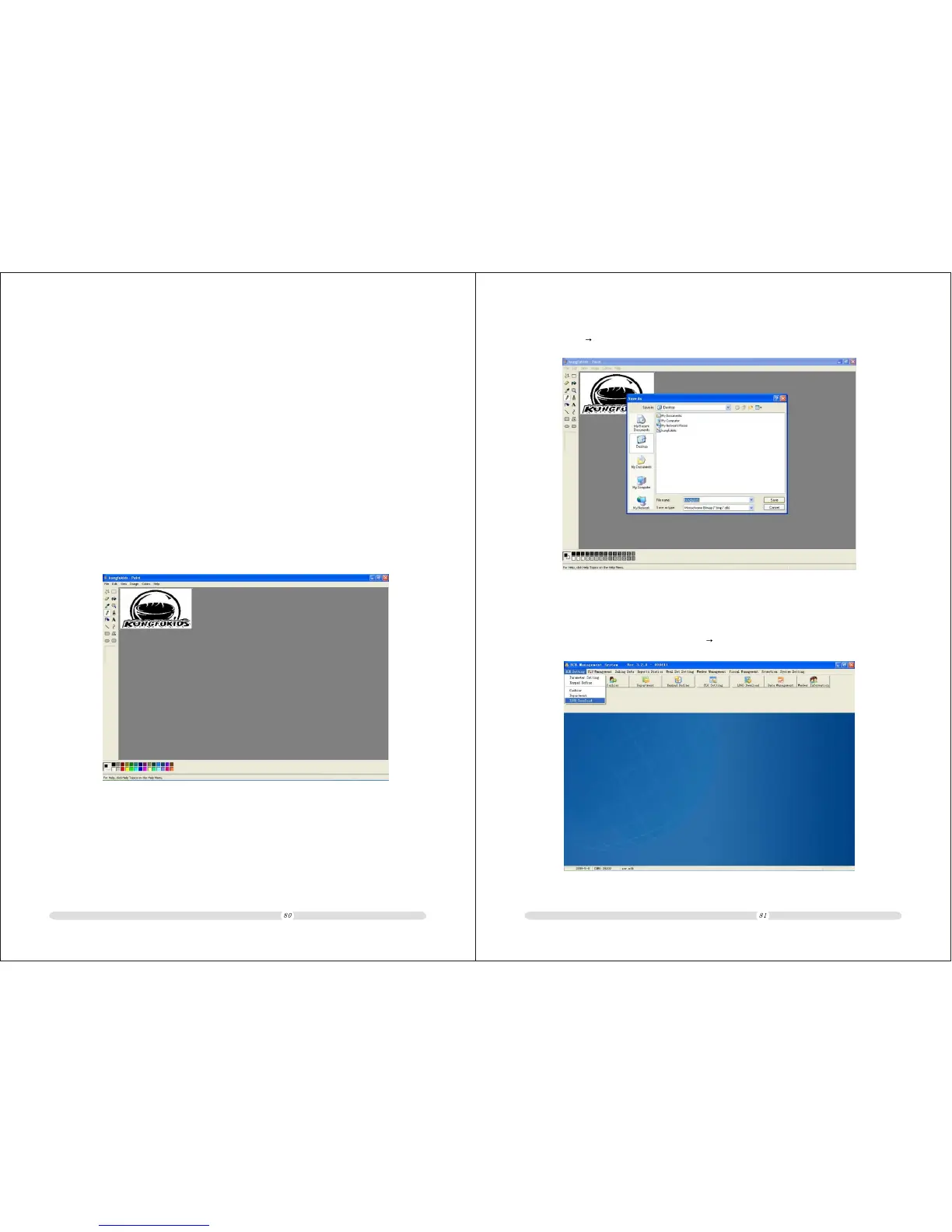
(2) Select[file] [save to],save as mono color(*.bmp)file:
9.4.2 LOGO down-load
1. Open PC software,Select[System Setting] [LOGO down-load]:
ECR User`s Manual ECR User`s Manual
9.4 Make LOGO and down-load
The shop’s LOGO can be downloaded to ECR throug PC software.The ECR support
384x200 mono color BMP file.The ECR should beat main menu during downloading the LOGO.
9.4.1 Make Shop’s LOGO
1. Please set the LOGO of 384x200 resolution and JPEG format.
2. Use drawing tool convert JPEG file to mono color BMP file.
(1) Use windows’ drawing tool to open JPEG file.



 To Next Page