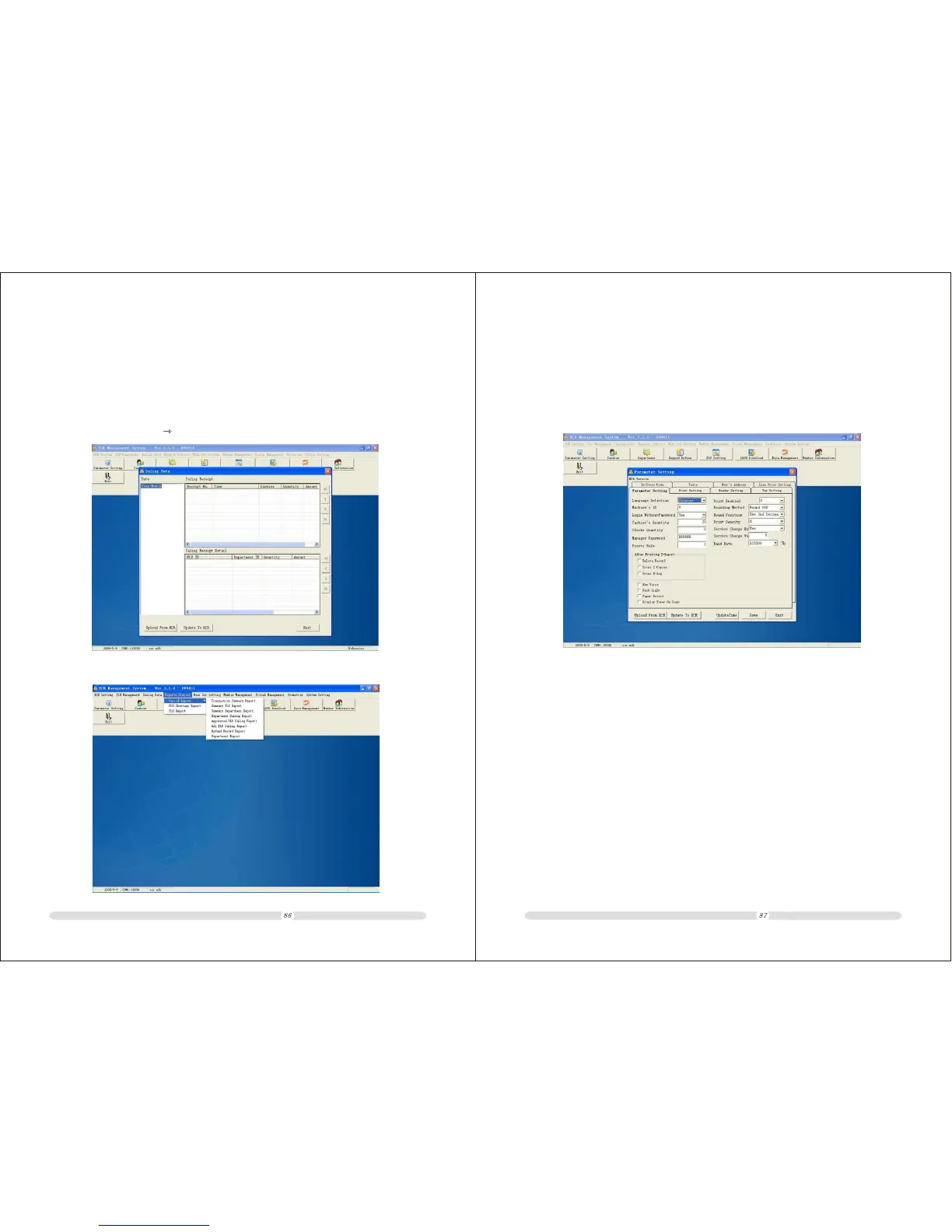
9.8 System Setting
Enter 'Parameter Setting', you can modify 'Clerk QTY','Manager PSW.', 'Print Setting',
‘Header Setting', 'Tax Setting', after that, you can download it to the ECR.
ECR User`s Manual ECR User`s Manual
9.7 Reports down-load
Data management
Note:To ensure that the reports in ECR are the same as in PC software,please up-load the
PLU.department’s,selling record to PC software,otherwise,the reports will be different from
the data in ECR.
2. After up-loaded the data,Inquiry all kinds of reports.
1. Click[data management] [selling data] up-load the data from ECR.



 To Next Page