ECR User`s Manual ECR User`s Manual
6.1.2 All Member Exchange
Users can exchange member point for all members.
1
=== ===
Exchange Points
One Member Exchange
Part Member Exchange
All Member Exchange
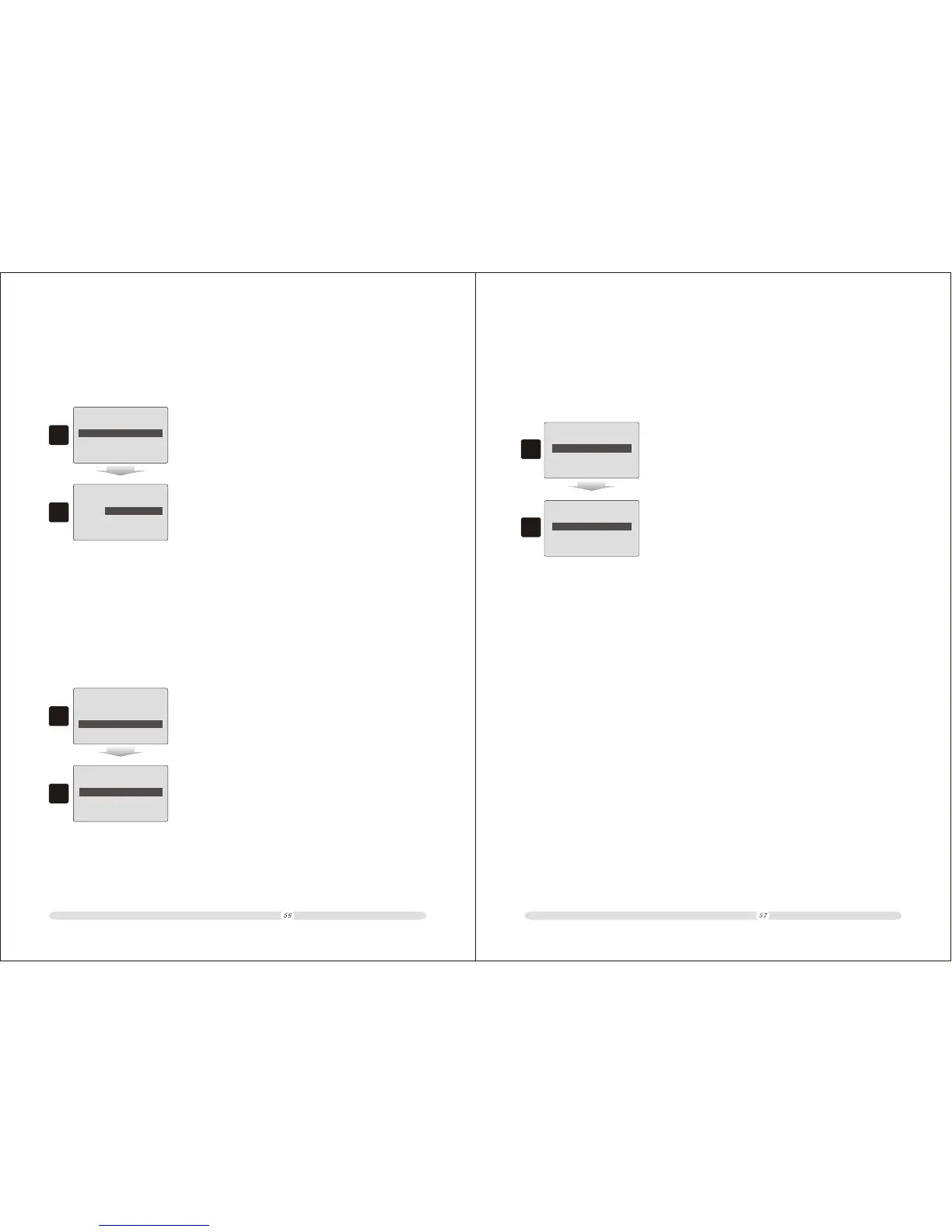
1. In “Exchange Points” page, select “All Member Exchange”
option and press “Enter”;
2
=
All Member Exchange
Input Exchange
Points:
2. Key in the points to be exchanged in “All Member Exchange”
page and press “Enter” to exchange points for all members.
=
6.1.3 Part Member Exchange
Users can exchange points for some specific members.
1
=== ===
Exchange Points
One Member Exchange
All Member Exchange
Part Member Exchange
1. In “Exchange Points” page, select “Part Member Exchange”
option and press “Enter”;
2
=
Part Member Exchange
Input Required Point
Input Exchange
Points:
2. Key in a point number in “Input Required Point” field to
define condition for exchange. Member points more than
this condition will be exchanged. Key in a point number to
be exchanged in “Input Exchange Points” field. Press
“Enter” to confirm.
=
6.2 Points Rules
Users can define point rule. How much cost will accounted as 1 point!
1
=
Member Management
Exchange Points
Members Information
Members Reports
Points Rules
2
Setting
=======
1 Point Require Cost
2.00
=
=======
1. In “Member management” page, move cursor to “Points
Rules” option and press “Enter” to select;
2. Put in a number to define how much cost to be accounted
1 point.



 To Next Page