ECR User`s Manual ECR User`s Manual
Meal Set Info.
====
Number:
123456
Name: .
Price: 20.00
MEAL SET1
====
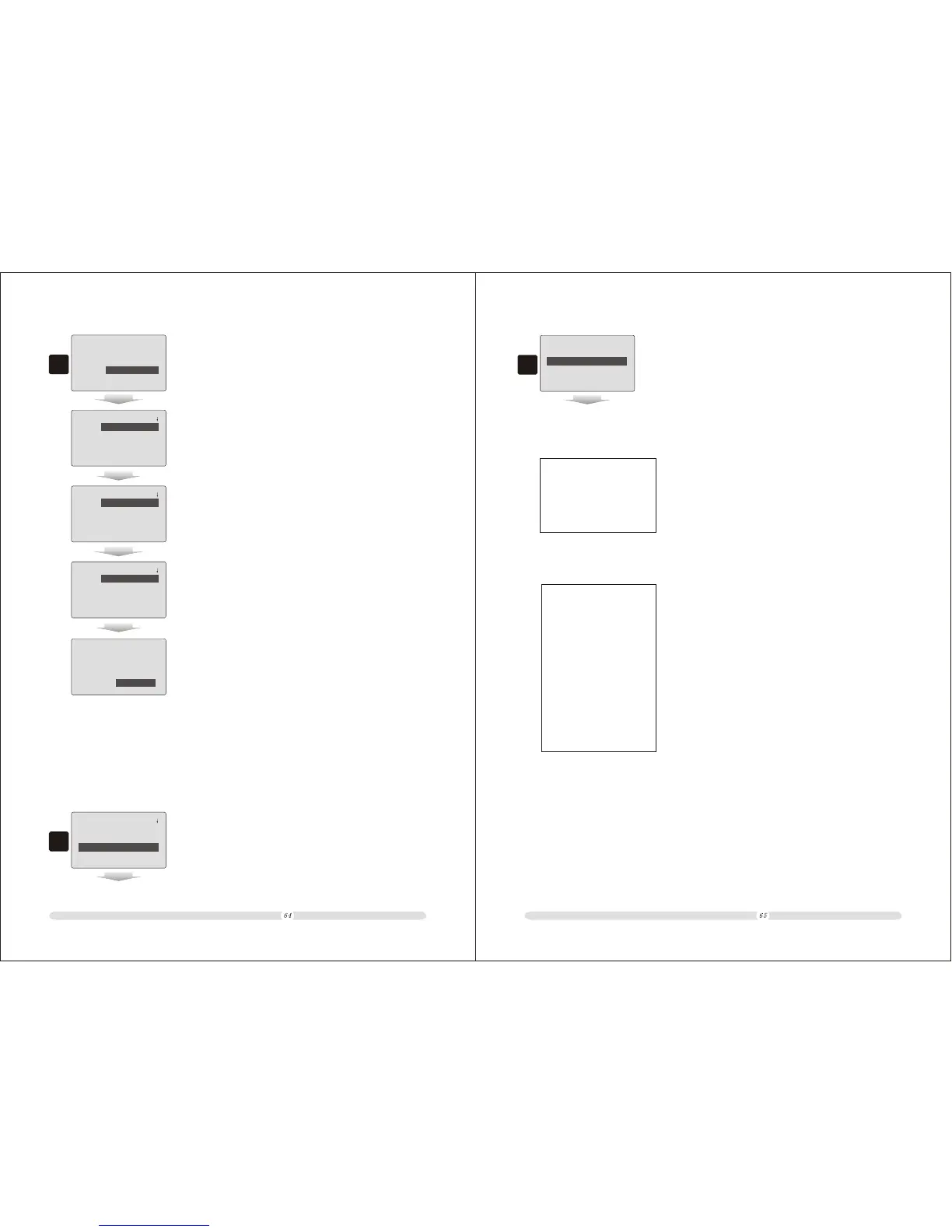
3. In “Meal Set Info.” listing page, users could modify meal
set information or delete this meal set.
3
Meal Set Info.
====
Plu1:
Quantity: 0.000
Plu2:
Quantity: 0.000
====
Meal Set Info.
====
Plu3:
Quantity: 0.000
Plu4:
Quantity: 0.000
====
Meal Set Info.
====
Plu5:
Quantity: 0.000
Plu6:
Quantity: 0.000
====
Meal Set Info.
====
Plu7:
Quantity: 0.000
--Save-- --Delete--
====
7.1.3 Print Report
The cash register provides meal set report. Users could check reports for one meal set or for all
meal sets.
Meal Set Info.
====
Create Meal Set
Del.Meal Set
Modify Meal Set
Print Report
====
1. In “Meal Set Info.” page, move cursor to “Print Report”
option and press “Enter” to confirm;
1
Restaurant Report
==
Print One Meal Set
Print All Meal Set
123456
==
2. In “Restaurant Report” page, key in the specific meal set's
code number in “Print One Meal Set” blank area and press
“Enter” to print out this meal set's information report; or
move cursor to “Print All Meal Set” and press “Enter” to
confirm and print out report for all meal sets.
2
Number: 123456
MEAL SET1
Price: 20.00
One Meal Set report example:
All Meal Set report example:
===== Meal Set Info. ==== =
-----------------------------------
Number: 123456
MEAL SET1
Price: 20.00
-----------------------------------
Number: 123457
MEAL SET2 35.00
-----------------------------------
Number: 123458
MEAL SET3
Price: 59.00



 To Next Page