5 - 66 en-938821/2
5.7 Creation of a Part Programme
5.7.1 Creation of a Part Programme Using Interactive Programming (PROCAM)
The PROCAM software enables programmes to be produced by users who are unfamiliar with ISO programming
techniques.
The user is guided through a series of menus and can graphically display part or all of his programme at any time.
The following section describes how to access PROCAM: this function is explained in detail in the PROCAM MILL
interactive programming manual.
Requirements
"GRAPHIC PROGRAMMING" menu displayed (See 4.6).
Actions
Select "INTERACTIVE PROGRAMMING". ☞
$
4
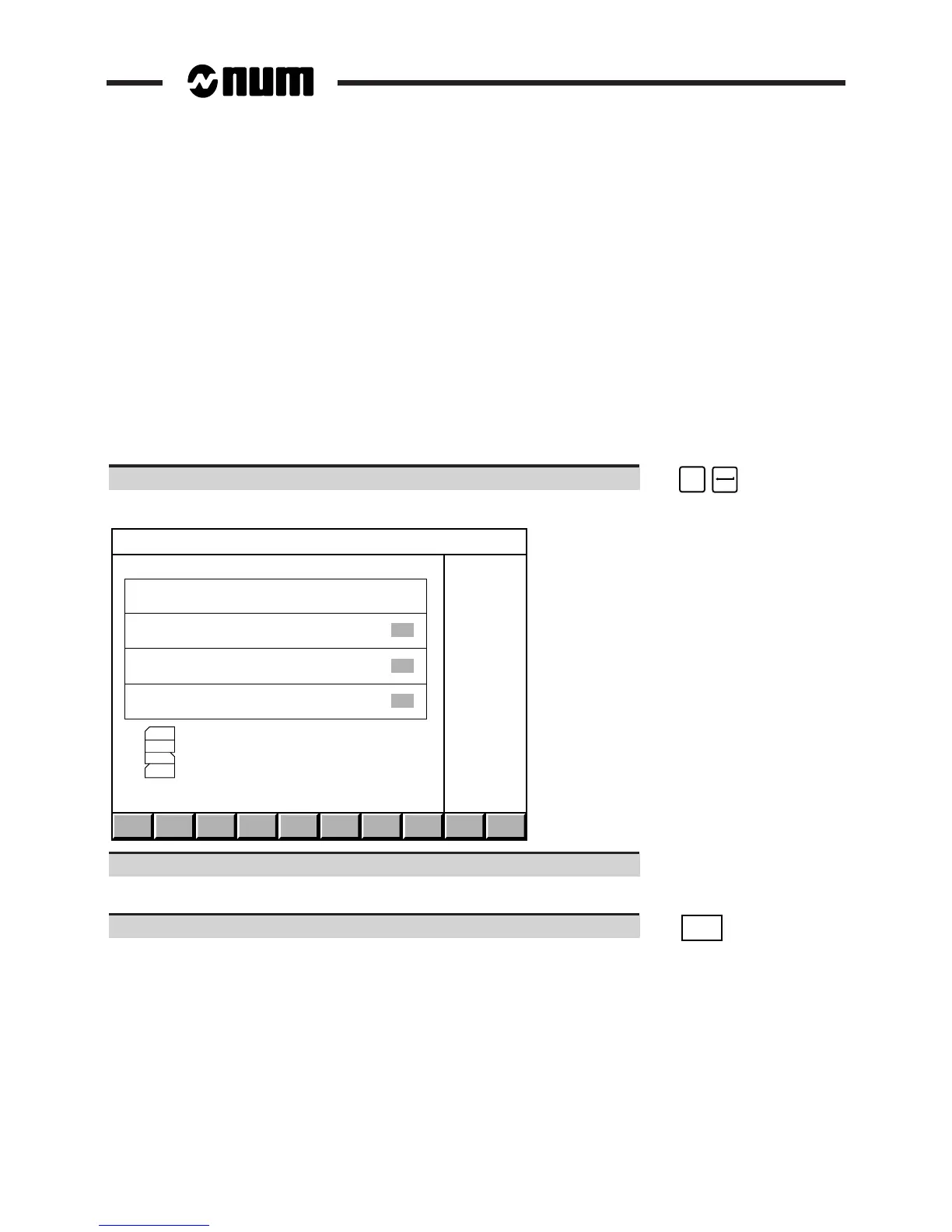
Display of the "INTERACTIVE PROGRAMMING" page:
VIEW NEW . . / . . OUTEDIT
I N T E R A C T I V E P R O G R A M M I N G VERSION 6.0
PROGRAM TO CREATE OR MODIFY NUMBER <<<<<<<
PAGE TO MODIFY OR LOCATE NUMBER
AUTO FEED INCREMENT 10
WORKING PLANE FOR GRAPHIC DISPLAY Z - X
VIEW DISPLAY A PROGRAM IN MEMORY
EDIT PROGRAM MODIFICATION - INSERTION - DELETION
NEW PROGRAM CREATION
../.. ACCESS TO TOOL AND MATERIAL FILES
=
Refer to the Interactive Programming Manual.
Exit from the procedure
Exit PROCAM. ☞
OUT
Return to the "GRAPHIC PROGRAMMING" menu.



 To Next Page