en-938821/2 2 - 7
Product Presentation
2
2.3 System Identification
2.3.1 Access to System Customisation Attributes
The user can consult the pages indicating the customisation attributes which have been set for his system.
Requirements
Basic softkeys (See 3.1.4.2).
Actions
Select the "CNC COMMUNICATION DISPLAY" menu. ☞
PLC
I / O
Display of the "CNC COMMUNICATION DISPLAY" menu (See 4.10).
Select the first system identification page (after themenu). ☞
*
8
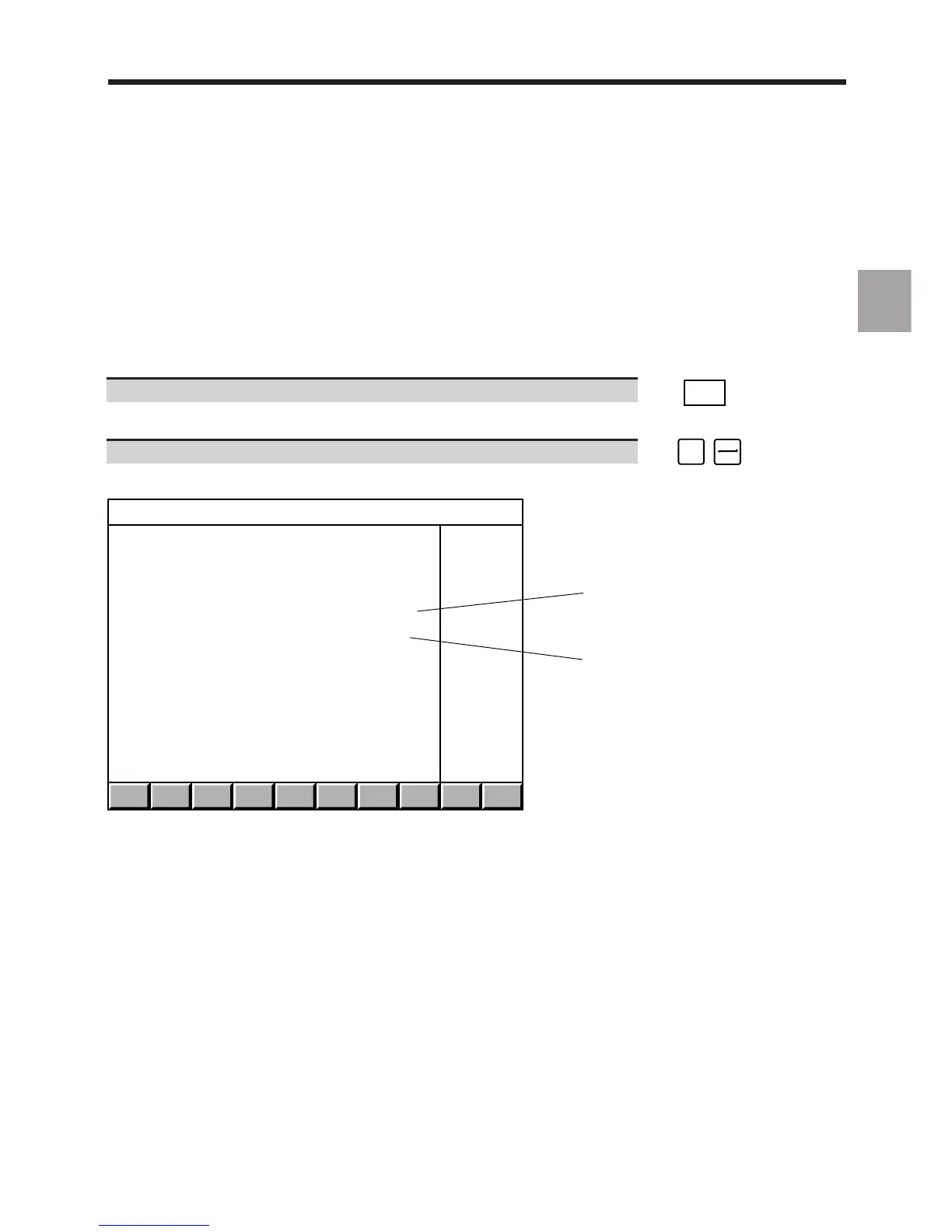
Display of the "AFFAIR AND SOFTWARE VERSIONS" page, e.g.:
1
2
AFFAIR AND SOFTWARE VERSIONS
JOB REFERENCE : XXXXXX 00
CNC SOFTWARE # : 202606G1
1 - Job reference
2 - Software version and index



 To Next Page