8 - 12 en-938821/2
8.3 Serial Line Parameters
The system gives the possibility of setting 12 serial line configurations.
These preset configurations can then be selected according to the type of communication required (load, unload, hard
copy, etc.).
Requirements
"CN UTILITY" menu displayed (See 8.2.1).
Actions
Select "SERIAL LINE PARAMETERS". ☞
!
1
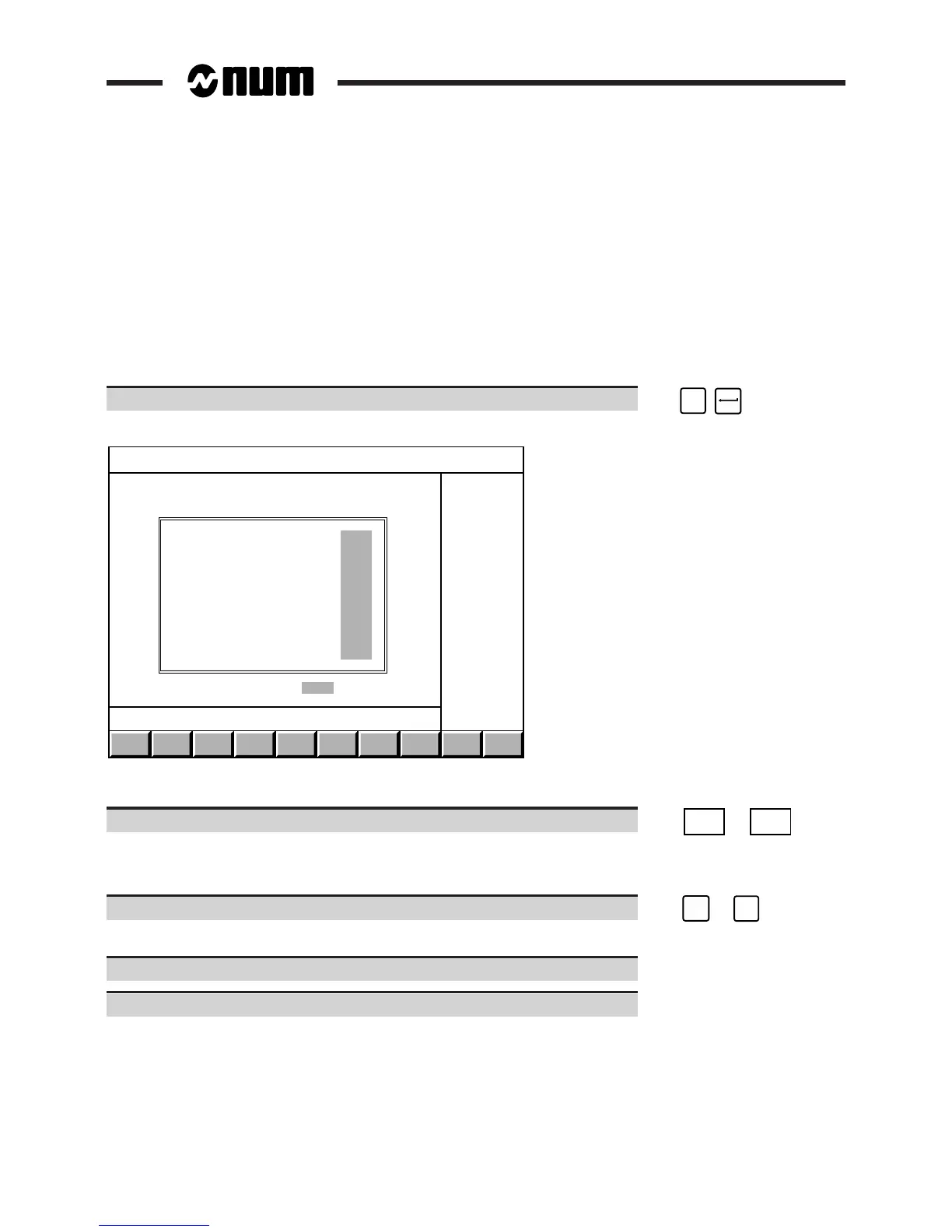
The "SERIAL LINE PARAMETERS" menu is displayed.
EXIT
Next
config
Prev.
config
SERIAL LINE PARAMETERS
Line number................................ Line 3
Standard................................... RS232
Input speed (Bds).......................... 9600
Output speed (Bds)......................... 9600
Number of start bits....................... 1
Number of data bits........................ 8
Number of stop bits........................ 1
Parity..................................... None
Protocol................................... None
Flow control............................... None
Logical name...............................HARDCOPY
Configuration 1/12 ACCEPT
Select one of the line configurations
Select the configuration page to be modified. ☞
Prev.
config
or
Next
Config
The configuration number "X" is displayed: Configuration X/12.
To change the configuration
Select one of the fields to be modified (See list below). ☞
➞
or
➞
The softkey bar displays the keys available for that field.
Select the new field value in the softkey bar.
Repeat the procedure for all the fields to be modified.



 To Next Page