en-938821/2 8 - 11
8
Operator-Accessible Maintenance
8.2.2 Accessing the Utility Programmes
The utility programmes include:
- utility 2: Axis calibration (See Installation and Commissioning Manual),
- utility 3: Resident macros (management of protected memory areas),
- utility 5: Machine setup data (See Parameter Manual),
- utility 6: PLC assembler programming (see Assembler Programming Manual),
- utility 7: PLC Ladder programming (see Ladder Programming Manual),
- utility 12: S/W option setup,
- utility 20: Interaxis calibration (See Installation and Commissioning Manual),
- utility 22: Axis parameter integration (See SETTOOL Parameter Integration Tool Manual).
Requirements
"CN UTILITY" menu displayed (See 8.2.1).
Actions
Select "ACCESS TO UTILITY PROGRAMMES". ☞
)
0
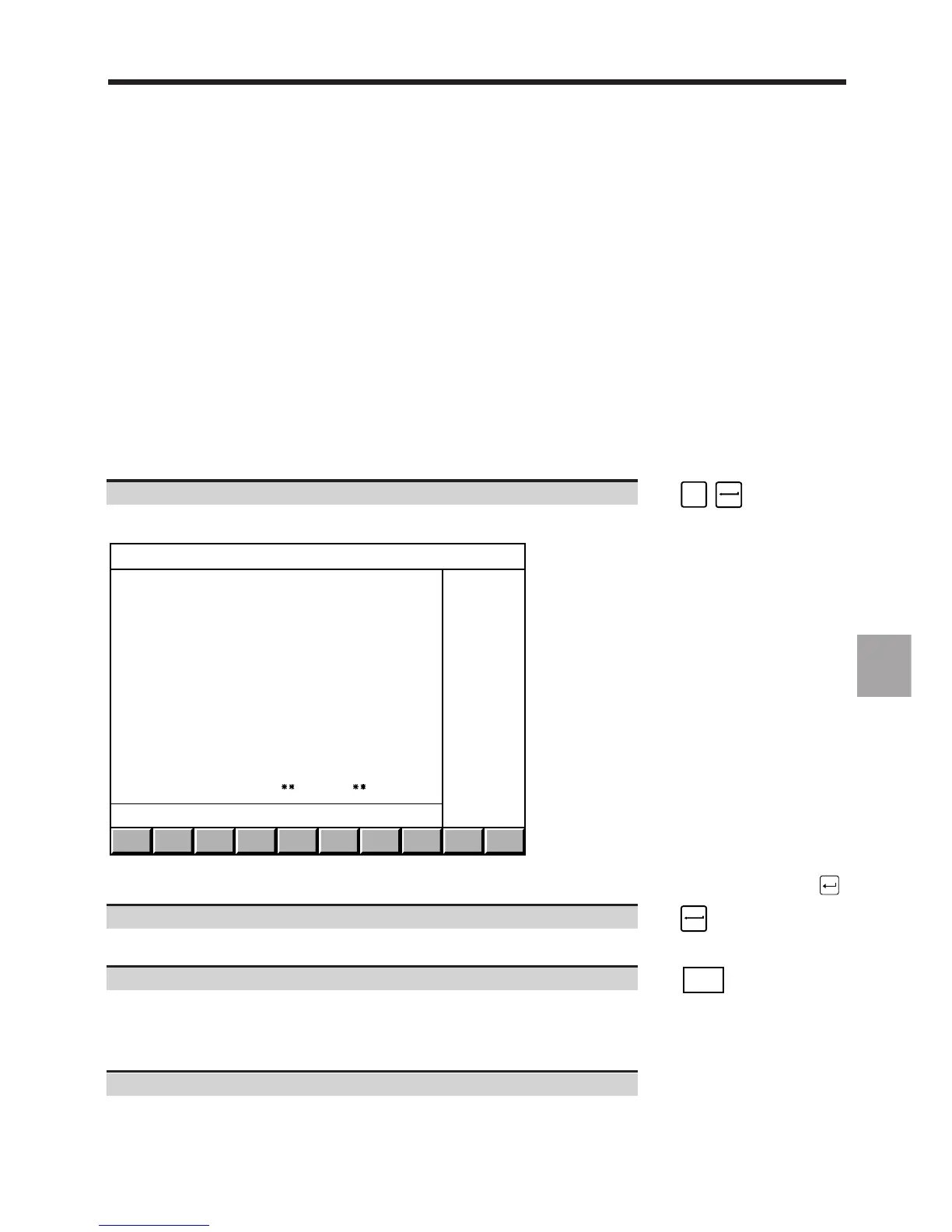
The "UTILITIES PRESENT" menu is displayed.
UTILITIES PRESENT
A = ENGLISH , F = FRANCAIS
0 UTILITY MANAGEMENT
22 AXIS PARAMETERS INTEGRATION
20 INTER-AXIS CALIBRATION
12 S/W OPTIONS SETUP
7 PLC LADDER PROGRAMMING
6 PLC ASSEMBLER PROGRAMMING
5 MACHINE SETUP DATA
3 RESIDENT MACROS
2 AXIS CALIBRATION
RAM 1 end
?❙
To select an item, move the cursor onto it with the up and down arrow keys or enter the item number, then press .
Select the utility language (A or F). ☞
The text is displayed in French or English.
Select the next pages of the menu by pressing several times. ☞
. . / . .
DAT
The rest of the "UTILITIES PRESENT" menu is displayed and you can toggle between the utilities in RAM and
REPROM.
Exit from the procedure.
Select a display page.



 To Next Page