8 - 22 en-938821/2
8.6 Setting the Date and Time
The system date and time setting page is used to set:
- the time,
- the date,
- the day in the week.
Requirements
"CN UTILITY" menu displayed (See 8.2.1).
Actions
Select "SET DATE AND TIME". ☞
$
4
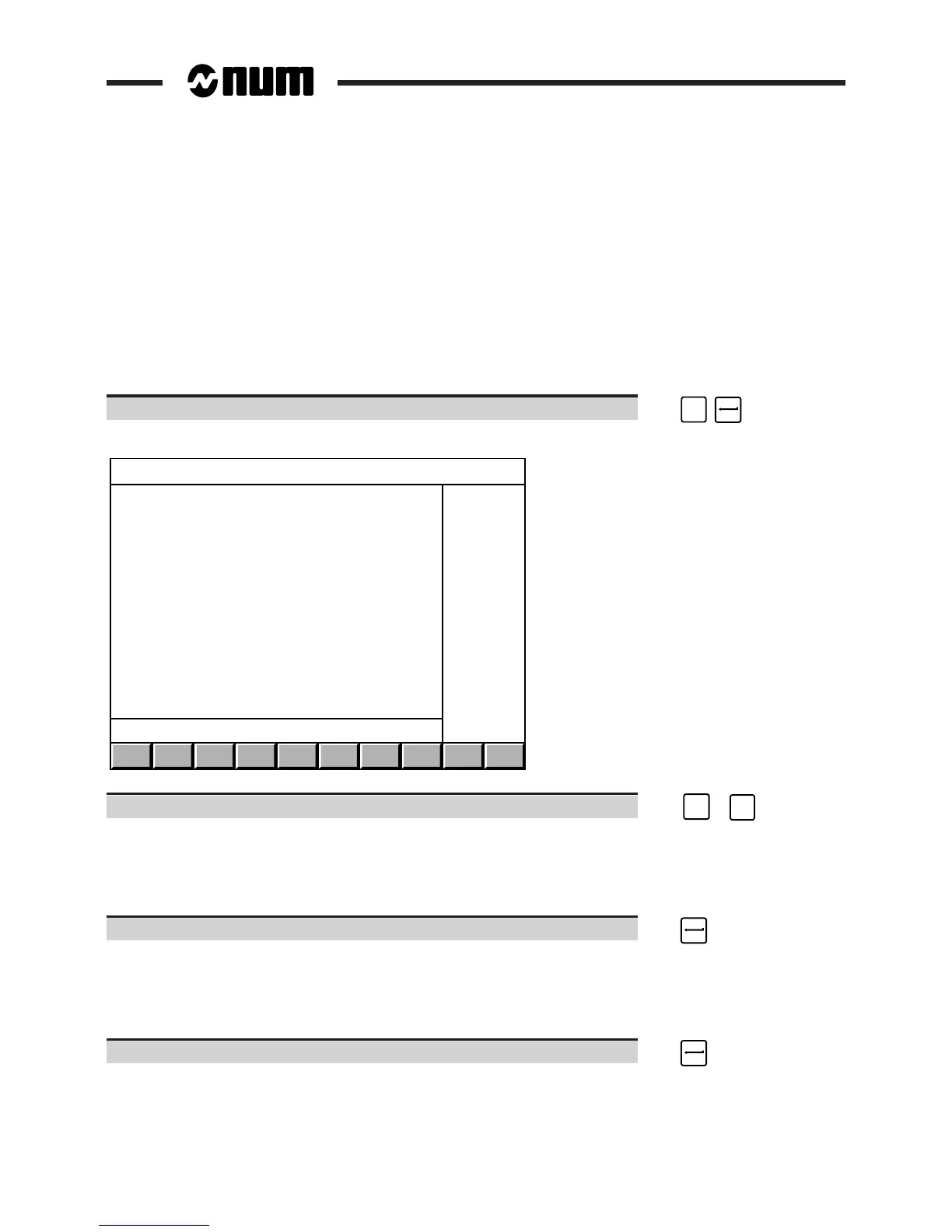
Display of the "SET SYSTEM DATE AND TIME" page:
SET SYSTEM DATE AND TIME
DATE : FRI 04-MAR-94
TIME : 10:30:32
( # or LF to modify )
Select the time. ☞
SHIFT
+
#
3
Display of the dialogue line:
TIME (HH mm ss) ?10 30 34❚
The numbers after "?" are the current system time.
Enter the exact time (format: HH mm ss) or simply press. ☞
The new time is set with display of the dialogue line:
DATE (YY MM DD) ?94 03 04❚
The numbers after "?" are the current system date.
Set the exact date (format: YY MM DD) or simply press: ☞



 To Next Page