8 - 10 en-938821/2
8.2 Accessing the Utilities
The utilities are divided into two categories:
- CNC utilities,
- utility programmes (access locked by PLC programme).
8.2.1 Access to the CNC Utilities
The CNC utilities include:
- utility 1: serial line parameters,
- utility 2: colour palette changes,
- utility 3: machine backup,
- utility 4: set date and time,
- utility 5: battery management
Requirements
Basic softkeys displayed.
Actions
Select the utility menu. ☞
UTIL
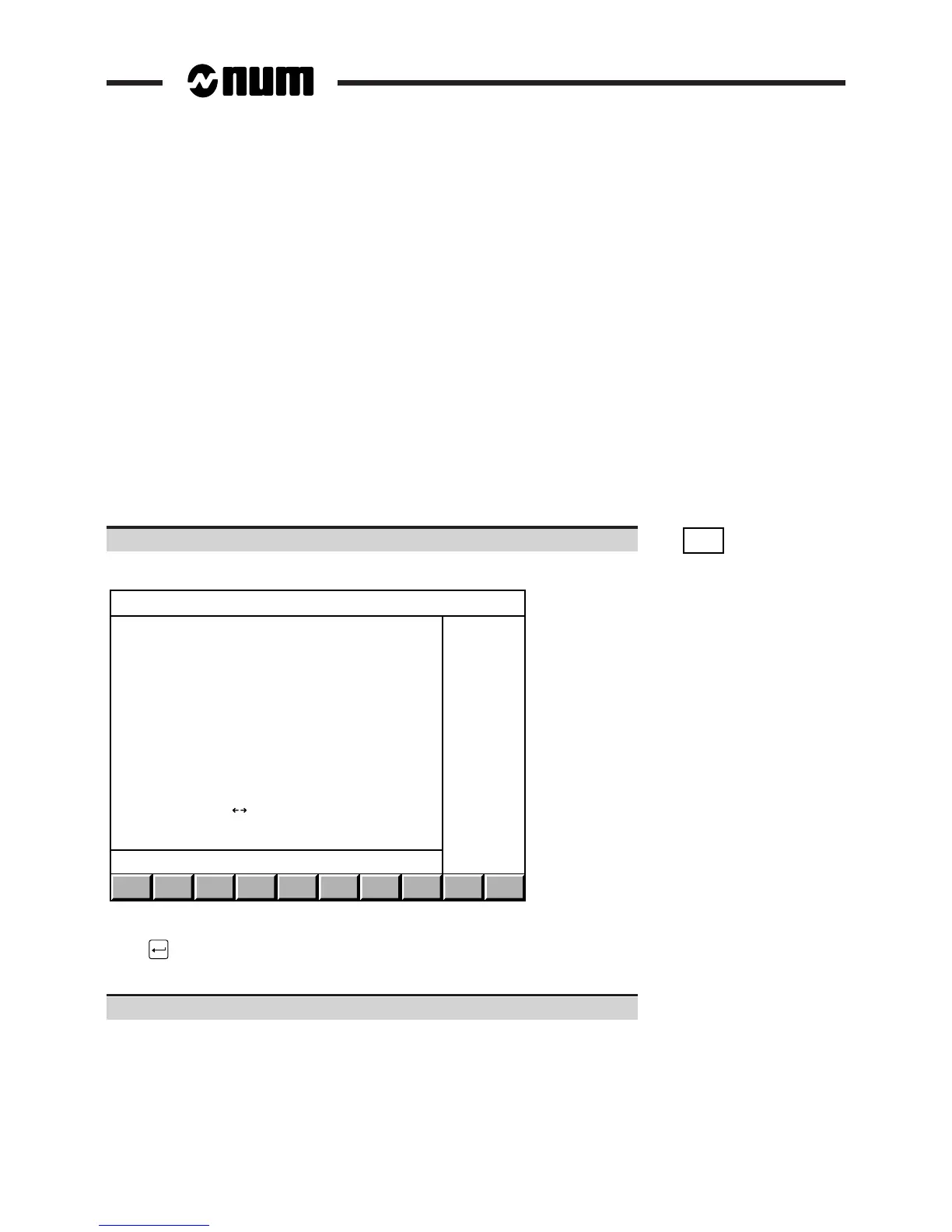
The "CN UTILITY" menu is displayed:
CN UTILITY
> 0 ACCESS TO UTILITY PROGRAMMES
1 SERIAL LINE PARAMETERS
2 COLOR PALETTE CHANGES
3 MACHINE BACKUP
4 SET DATE AND TIME
5 BATTERY MANAGEMENT
LINE ( ) : COMM1
?❙
To select an item, move the pointer onto the item using the up and down arrow keys or enter the item number then
press .
Exit from the procedure
Select a display page.



 To Next Page