en-938821/2 8 - 19
8
Operator-Accessible Maintenance
8.5 Backing up Machine Data
This operation is used to back up and restore all the machine data including:
- the software options,
- the machine parameters,
- axis calibration,
- interaxis calibration,
- resident macros in areas 1, 2 and 3.
It is recommended to back up the machine data after each system modification (in particular the machine parameters)
in order to be able to restore the configuration in case of a problem or work on the machine with a loss of data.
Requirements
Link established with the peripheral (See C.2). This link has the following characteristics:
- CTS/RTS,
- binary data transfer.
"CN UTILITY" menu displayed (See 8.2.1).
Actions
Select the serial line set for the peripheral. ☞
➞
or
➞
Select "MACHINE BACKUP". ☞
#
3
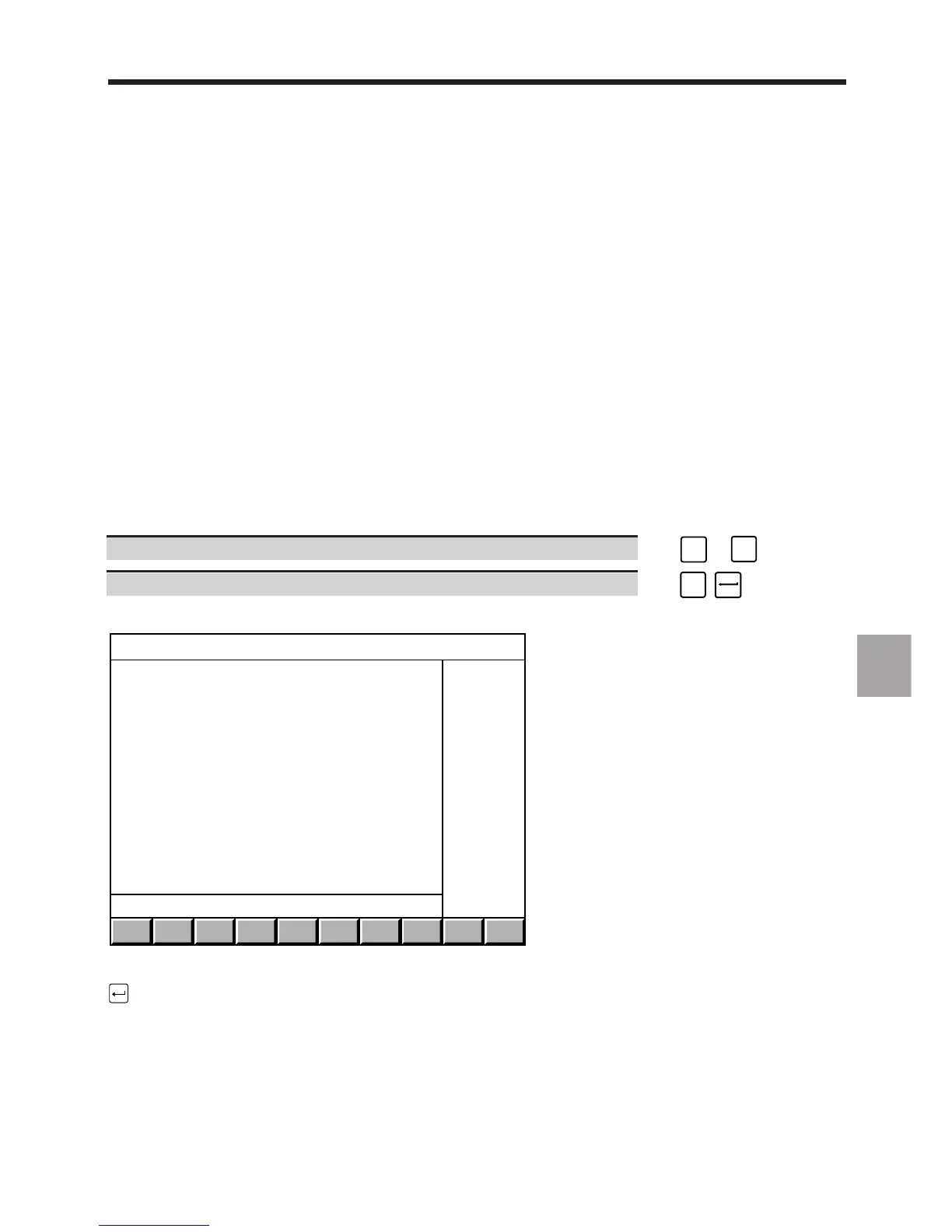
Display of the "MACHINE BACKUP" menu:
MACHINE BACKUP
> 0 BACKUP
1 RESTORE
2 COMPARE
?❙
To select an item, move the cursor onto the item with the up and down arrow keys or enter the item number then press
.
8.5.1 Saving the Machine Data
Requirements
Peripheral ready to receive binary data (See peripheral manual and 8.5).
"MACHINE BACKUP" menu displayed (See 8.5).



 To Next Page