5 - 68 en-938821/2
5.7.3 Creation of a Part Programme by Tuition
The edit mode can be used to:
- access axis jog controls to change the current position,
- enter the values of the current position coordinates into the modified programme.
This function allows all or part of a programme to be written by teaching specific positions.
The coordinates of the current position are indicated by "!".
Requirements
Measurement origin setting performed (See 5.1.2).
System in edit mode (See 5.4.2.1) and programme to be edited displayed (if the programme is to be written from
scratch, create an empty programme including only the programme number, See 5.4.2.2).
Actions
Move to the position desired using the axis controls (See 5.1.1).
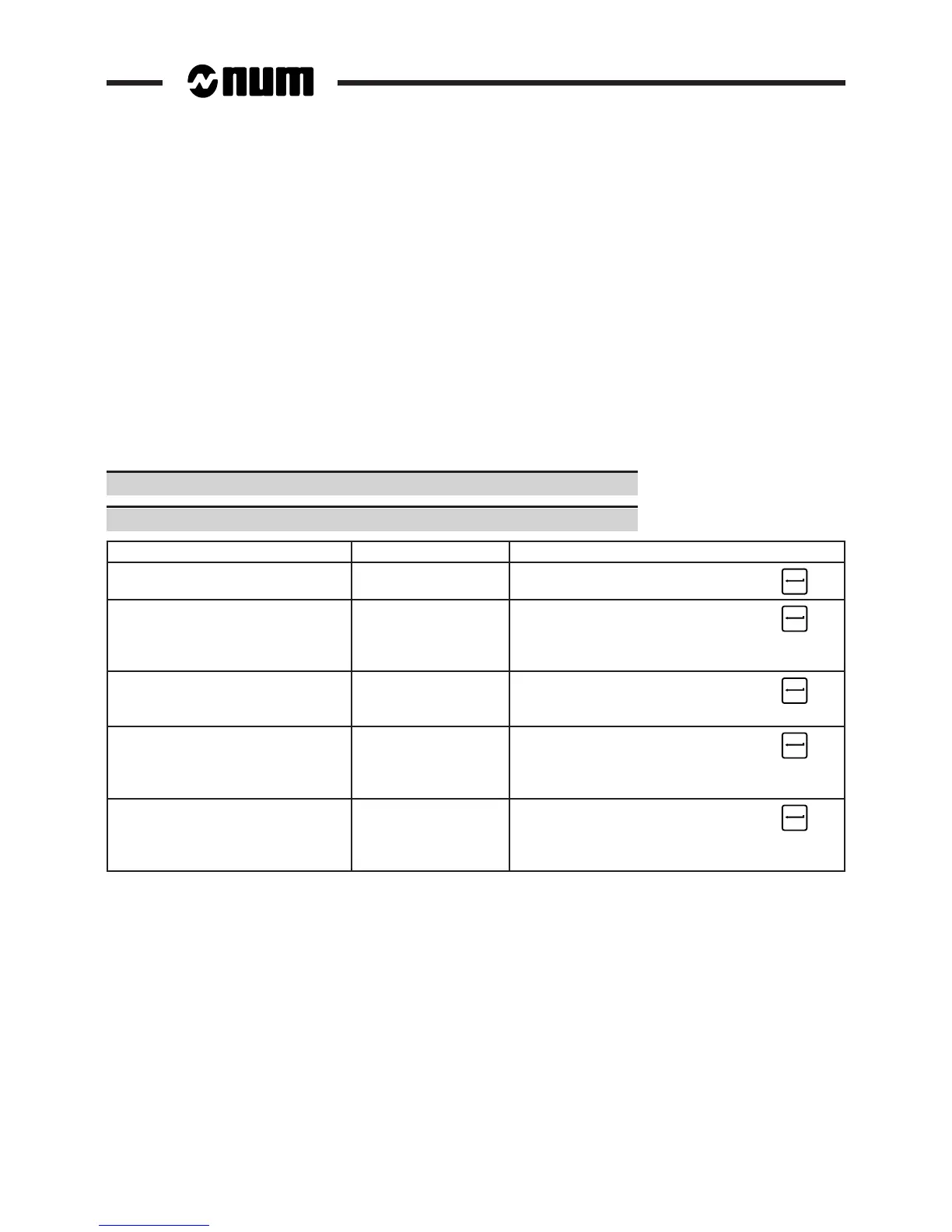
Enter the command corresponding to the operation to be performed (See table).
Operation to be performed Block selected Command
Insert a block containing all the Previous block + [start of block to be inserted] !
coordinates of the current position ☞
Insert a block containing the Previous block + [start of block]
coordinates of certain axes ![axis addresses] ☞
example: "N210 G00 !X" inserts block
"N210 G00 Xxxx"
Replace the coordinates of the Block to be modified # !
axes contained in a block by the ☞
coordinates of the current position
Replace the coordinates of certain Block to be modified # ![axis addresses]
axes contained in a block by ☞
the coordinates of the current example: "# !Z" only modifies the coordinates
position of the Z axis if it is present in the block
Add the coordinates of axes Block transferred ![axis addresses]
not present in the block to dialogue line ☞
(without modifying the axes cursor at end of block example: "!C" adds the coordinates of the C
already present) axis at the end of the block
Refer to Section 5.4.2.2 for use of the edit mode (in particular for the pointing and block transfer functions).



 To Next Page