8 - 8 en-938821/2
8.1.3 Replacing the Fuses
Fuses accessible to the operator:
Location Characteristics
12" and 19" racks and 2 cards Two 2.5 A, 250 V, 5 x 20 fast-acting glass-encapsulated fuses
32-24 I/O, 64-48 I/O, 32I/24O and analogue 10 A, 5 x 20 very fast-acting (FF) glass-encapsulated fuses
input/output cards The cards are provided with spare fuses
!
Use only very fast-acting (FF) fuses
Compact panel with 10" colour CRT 2 A, 250 V, 5 x 20 fast-acting glass encapsulated fuse
50-key panel with 10" colour CRT 2 A, 250 V, 5 x 20 fast-acting glass encapsulated fuse
LCD of 50-key panel 2.5 A, 250 V, 5 x 20 glass encapsulated fuse
Machine panel 500 mA, 250 V, 5 x 20 fast-acting glass encapsulated fuse
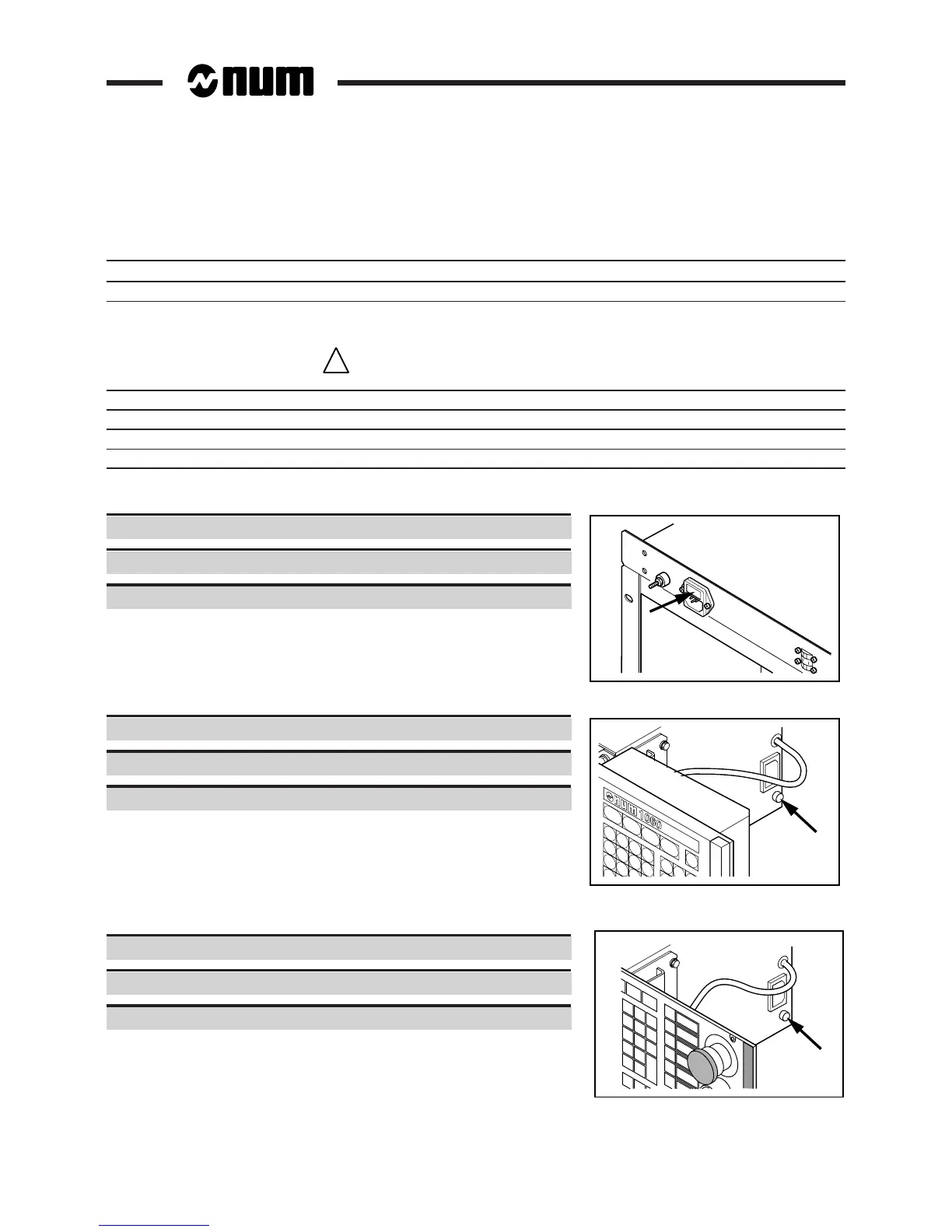
8.1.3.1 Replacing the Rack Fuses
Remove the fuse-holder cover from the connector with a screwdriver.
Replace the blown fuse.
Install the fuse-holder cover.
8.1.3.2 Replacing the Fuse of the 10" Colour Screen
Unlock the fuse-holder cover.
Replace the blown fuse.
Install the fuse-holder cover.
8.1.3.3 Replacing the Fuse of the Compact Panel with 10" Colour CRT
Unscrew the fuse-holder cover (quarter-turn).
Replace the blown fuse.
Install and screw on the fuse-holder cover.



 To Next Page