en-938821/2 8 - 27
8
Operator-Accessible Maintenance
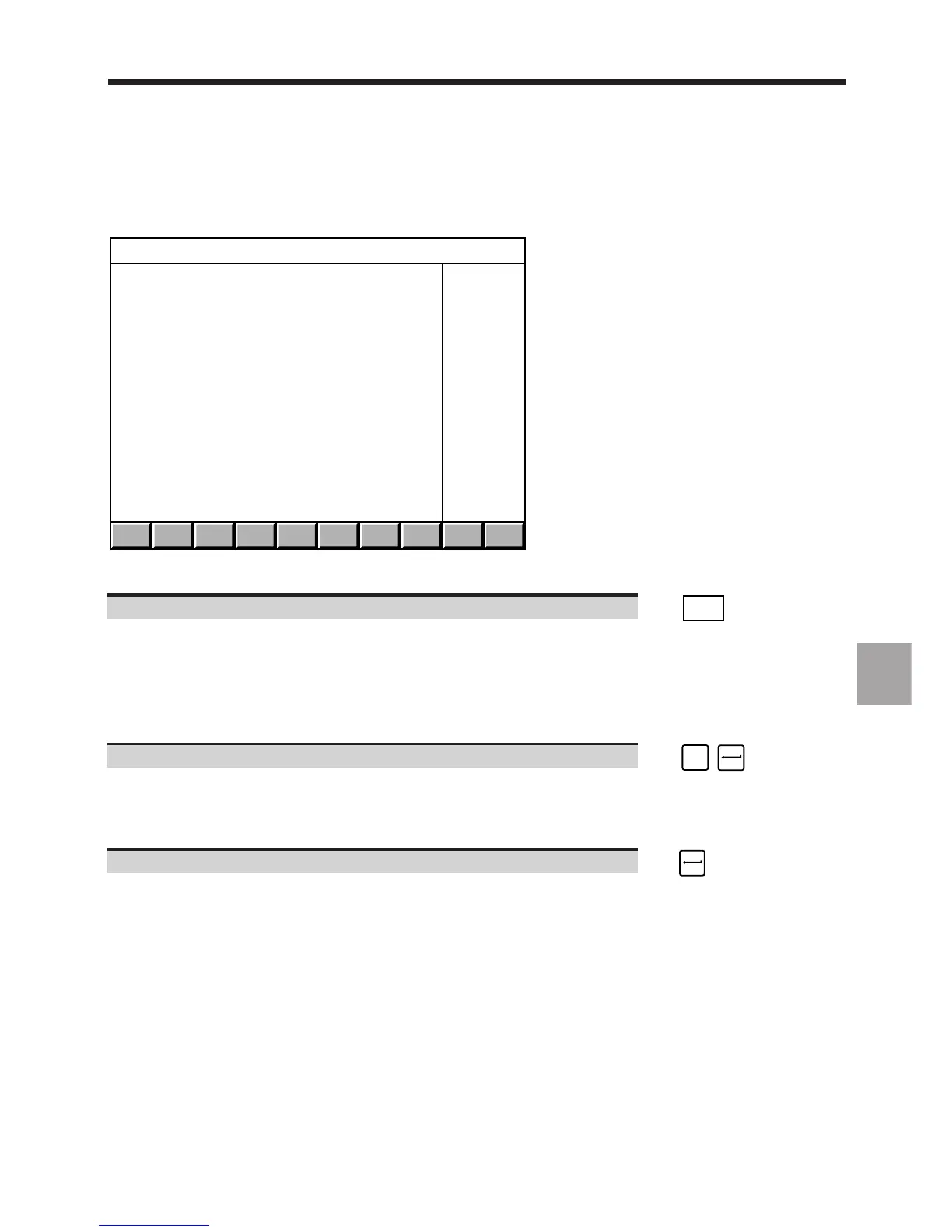
Display of the "CHANGE PASSWORD" menu.
. . / . . EXIT
CHANGE PASSWORD
> 1 ZONE 1 (END USER)
2 ZONE 2 (OEM)
3 ZONE 3 (NUM)
?❚
Exit from the procedure
Return to the "RESIDENT MACROS" menu". ☞
EXIT
8.8.1.1 Selection of a New Password
Requirements
"CHANGE PASSWORD" menu displayed (See 8.8.1).
Actions
Select "ZONE 1 (END USER)". ☞
!
1
Display of the "ZONE 1 (END USER)" page and the message:
MODIFICATION:
ENTER A NEW PASSWORD
Enter a new password (16 characters maximum). ☞
The characters making up the password are not displayed.



 To Next Page