8 - 40 en-938821/2
Display of the dialogue line:
(-&1%% / -&1%..) -&1%❚
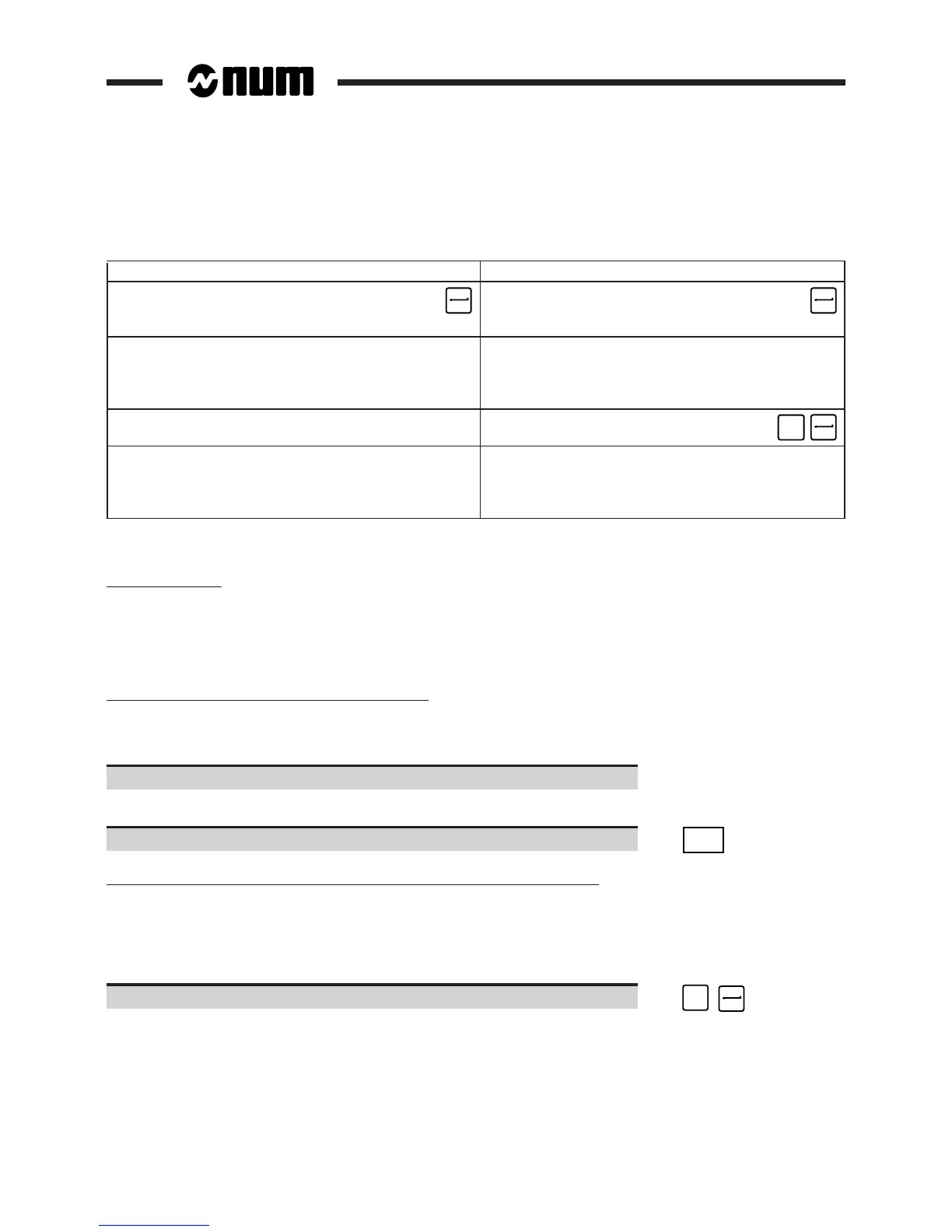
Deleting programmes individually Deleting the complete area
Enter Enter "%"
"[Programme No.]" ☞ ☞
(e.g. "1.2").
Display of the message:
CLEAR COMPLETE AREA?
and the dialogue line:
? (Y,N) ❚
Confirm deletion of the
complete area. ☞
Y
Display of the message: Display of the message:
PROGRAMME DELETED ZONE DELETED
You can repeat the delete operation on the dialogue
line for other programmes.
Incidents
Error in password
Display of the message:
INCORRECT PASSWORD
The "RESIDENT MACROS" menu is redisplayed after a few seconds.
The programme specified does not exist in area 1
Display of the message:
PROGRAM DOES NOT EXIST
If required continue the operations with other programmes.
Exit from the procedure
Return to the "RESIDENT MACROS" menu. ☞
EXIT
The machine should not be shutdown because of the operations in progress
When the question is displayed:
WARNING! SHUT DOWN THE POWER
READY?
? (Y,N) ❚
Choose not to stop the machine. ☞
N
The "RESIDENT MACROS" menu is redisplayed.



 To Next Page