Display System Utilization
en-938821/2 4 - 7
4
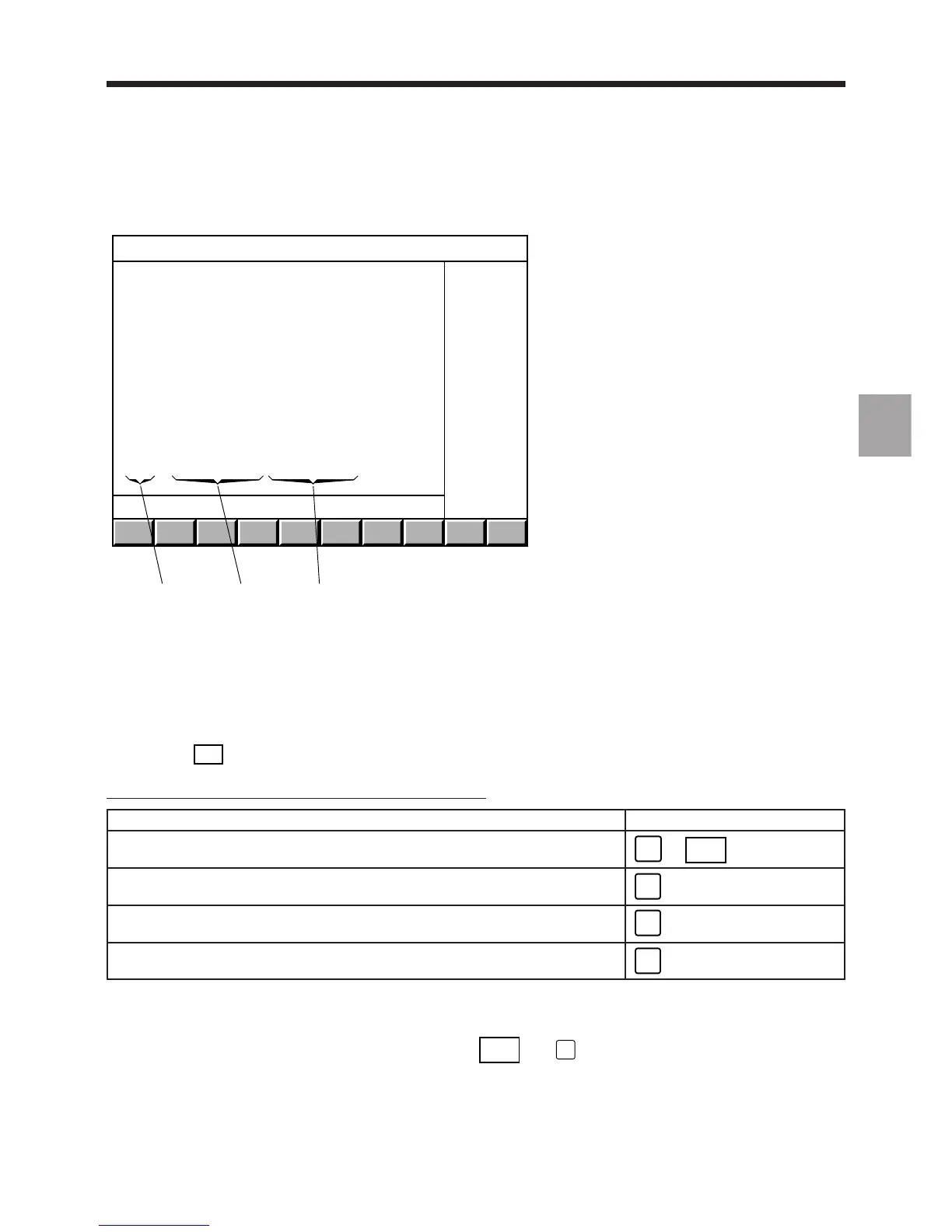
Display of tool wear offset values:
123
TOOL WEAR OFFSETS
D 1 DL+ 4.356 DR+ 0.12 H+ 4
D 2 DL+ 1.252 DR+ 2.952 H+ 1458
D 3 DL+ 0.117 DR+ 0.45 H- 579
D 4 DL+ 0.64 DR+ 0.138 H+
D 5 DL+ 0. DR+ 0. H+
D 6 DL+ 0. DR+ 0. H+ 4508
D 7 DL+ 0. DR+ 0. H- 46270
D 8 DL+ 0. DR+ 0. H+
D 9 DL+ 0. DR+ 0. H+
D 10 DL+ 0. DR+ 0. H+
D 11 DL+ 0. DR+ 0. H+
D 12 DL+ 0. DR+ 0. H+ 1567
D 13 DL+ 0. DR+ 0. H- 76365
D 14 DL+ 0. DR+ 0. H+
D 15 DL+ 0. DR+ 0. H+
1 - Radius wear offset
2 - Tool length wear offset
3 - Correction number
The corrections are expressed in mm.
The variables (H) displayed in the final column can be modified by programming. They can be used to manage tool
wear for example, but can also be assigned to any variables the programmer wishes to use.
Pressing the
TOOLS
key a third time displays tool geometries not used for milling.
To display another page of tool dimensions or wear offsets
Page to be displayed Press
Next page of tool dimensions or wear offsets
Pg Dn
or
. . / . .
DAT
Previous page of tool dimensions or wear offsets
Pg Up
Last page of tool dimensions or wear offsets
End
First page of tool dimensions or wear offsets
Home
Notes
The tool data page is automatically displayed when a tool wear offset is entered.
When the last tool correction page is displayed, pressing
. . / . .
DAT
(or
Pg Dn
) displays the first page.



 To Next Page