1.
2.
3.
5.10 PCIe x16 DPU/SuperNIC Installation Instructions
5.10.1 Installation Instructions
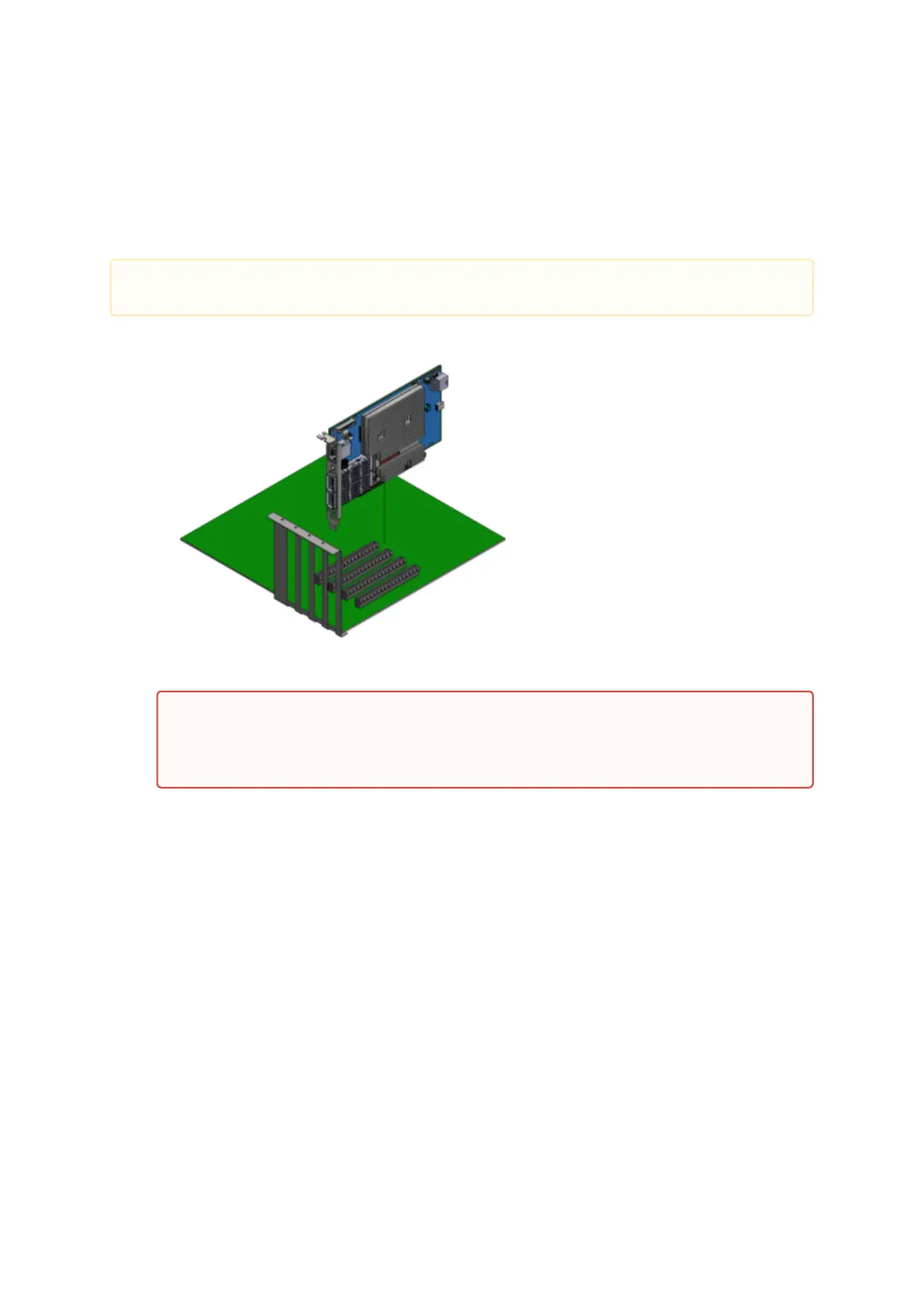
This section provides detailed instructions on how to install your DPU in a system.
Open the system case.
Locate an available PCI Express slot.
Hold the card by its edges and bracket, avoiding contact with the top surface. Apply even
pressure to both edges of the card and gently insert the DPU into the PCI Express slot.
Please note that the following figures are for illustration purposes only.
Exercise caution to avoid touching the components on the top surface of the DPU. Do
not use excessive force when seating the card, as this may damage the system or the
DPU's components.


 To Next Page