Chapter 7: Accessories
7-13
To install the tractor feed, proceed as follows:
Caution!
The print head moves and can cause injury to the hands.
Switch the printer OFF LINE and wait until the print head stops
moving.
Caution!
The print head may be hot and can burn your hands.
Wait until the print head has cooled down.
Installation
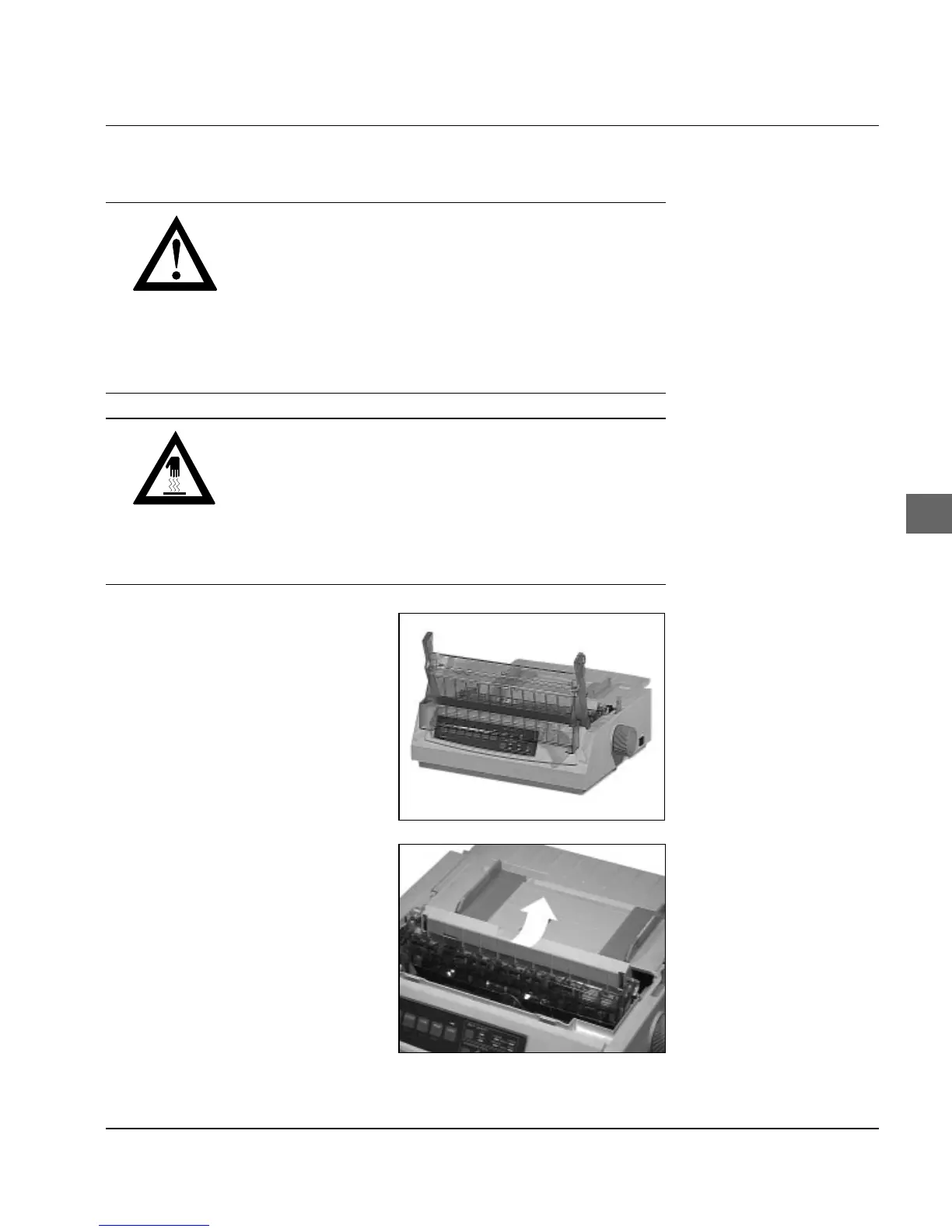
1. Switch the printer off and
open the printer cover.
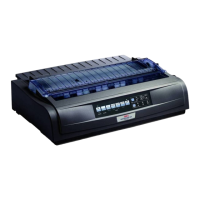
2. Remove the ribbed paper
separator by first pulling it
forwards and then removing
from its retainer (see also
Chapter 1).








 To Next Page