10
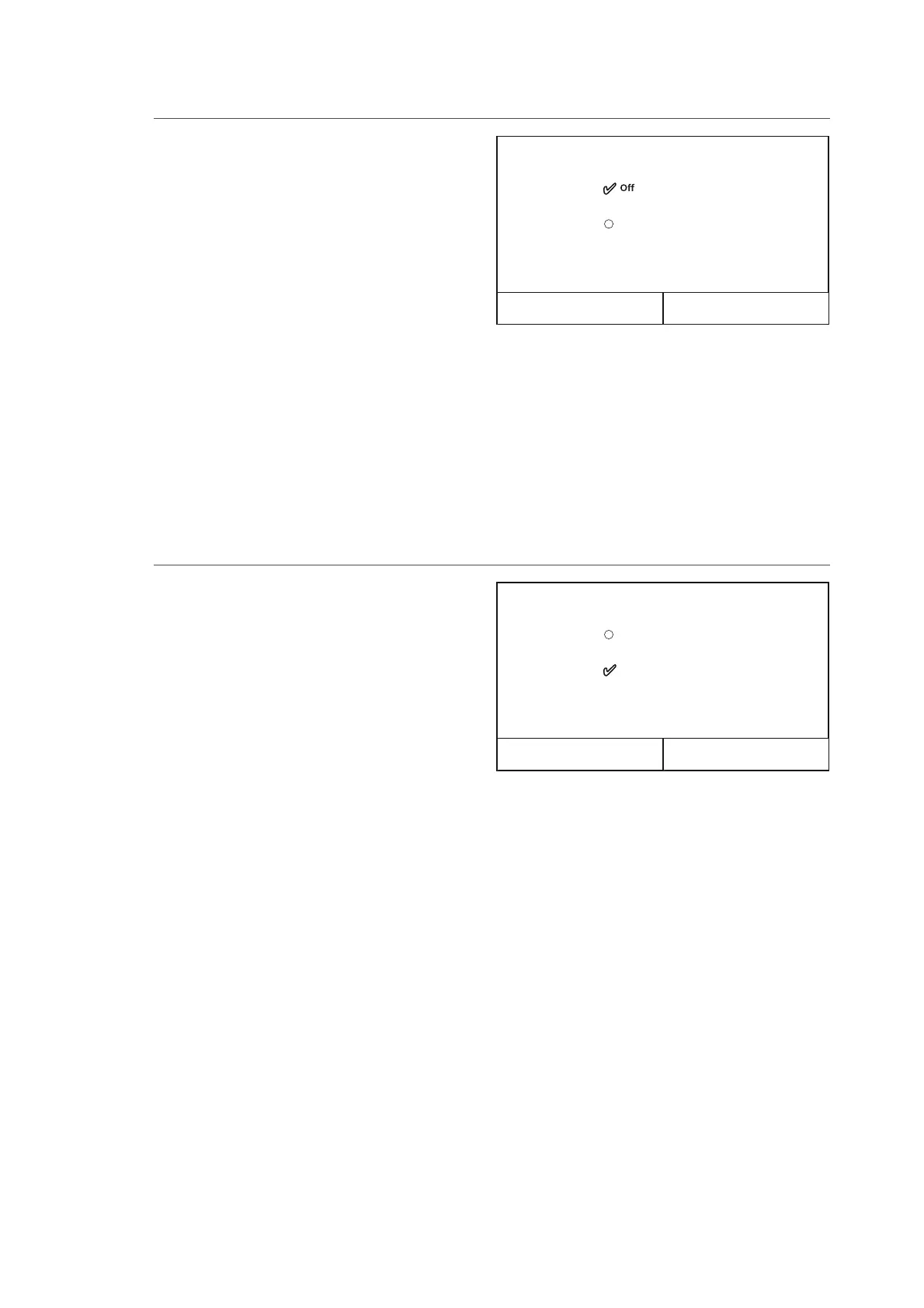
After accessing the “Fast hot water” function, you can
choose whether or not to activate - along with the
unit compressor - the electric heater inserted in the
water tank for the production of domestic hot water.
To activate the function, click directly on the word
“On” and then conrm with “OK”.
Fast hot water
On
OK Cancel
NOTES:
1. If the water tank for this model is not installed (and correctly set), this function will not be available.
2. To ensure even better energy saving, it is advisable to disable this function.
3. If the relative function is activated (paragraph 8.3), the value of this parameter will be stored in the
memory and automatically reset after any possible voltage failure.
4. The default value for this parameter is: “O“.
4.3. Activating the function for fast domestic hot water production (Fast hot water)
After accessing the “Cool+hot water” function, you
can select “Cool” to force the unit to rst of all satisfy
the system terminal side; by selecting “Hot water”, pri-
ority is given to domestic hot water production. Select
the priority, then press “OK” to conrm.
Cool + hot water
Hot water
Cool
OK Cancel
NOTES:
1. If the water tank for this model is not installed (and correctly set), this function will not be available.
2. If the relative function is activated (paragraph 8.3), the value of this parameter will be stored in the
memory and automatically reset after any possible voltage failure.
3. The default value for this parameter is: “Cool”.
4.4. Setting the priority between cooling and domestic hot water production (Cool+hot water)



 To Next Page