Configuring the Printer 8-71
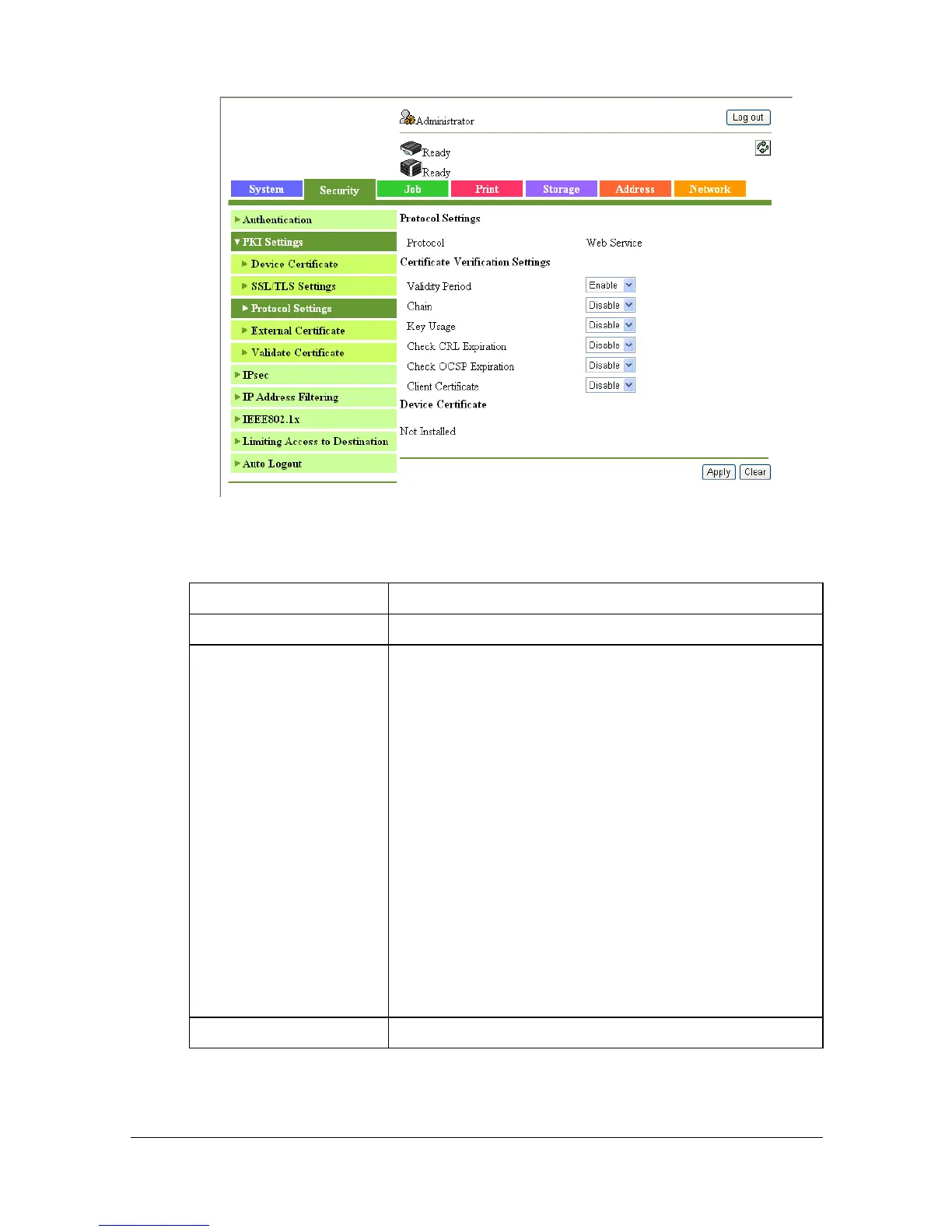
[Protocol Settings] ([Edit] (Web Service))
Clicking [Edit] for the Web Service protocol in the [Security] - [PKI Settings] -
[Protocol Settings] page allows you to configure the following items.
Item Description
[Protocol Settings] Displays the name of the selected protocol.
[Certificate Verification
Settings]
Specify settings for verifying the server certificate.
[Validity Period]: Select whether to check that the
server certificate is within the validity period.
[Chain]: Select whether to check that the server cer-
tificate chain (certification path) is correct.
[Key Usage]: Select whether to check that the
server certificate is used according to the purpose
approved by the issuer.
[Check CRL Expiration]: Select whether to use the
certificate revocation list (CRL) to check that the
server certificate has not expired.
[Check OCSP Expiration]: Select whether to use
the Online Certificate Status Protocol (OCSP) to
check that the server certificate has not expired.
[Client Certificate]: Select whether to request for cli-
ent certificates.
[Device Certificate] Select the certificate to be used.


 To Next Page
 Loading...









