13
WHICH DOCUMENTS YOU CAN USE ...
Dimensions
• Width min. 148 mm - max. 216 mm
• Length min. 216 mm - max. 600 mm
Thickness
From: 60 - 90 gr/m
2
(multisheet)
50 - 140 gr/m
2
(1 sheet at a time)
140 - 160 gr/m
2
(if using document holders)
For documents of a different size from those specified, a
transparency with a rear sheet may be used as a docu-
ment holder.
Recommendations
In order to avoid damage that could make your fax ma-
chine out of order and that could invalidate its guarantee,
make sure that the documents you use do not contain:
• staples
• clips
• adhesive tape
• corrective ink or wet glue.
Now that your fax machine has a name and a number,
you can use it to:
• transmit documents (also in delayed mode or using
the polling method)
• receive documents (also using the polling method)
• make phone calls (see the "Using the fax ma-
chine as a telephone" chapter)
• copy documents (see the "Using the fax machine
as a copier" chapter)
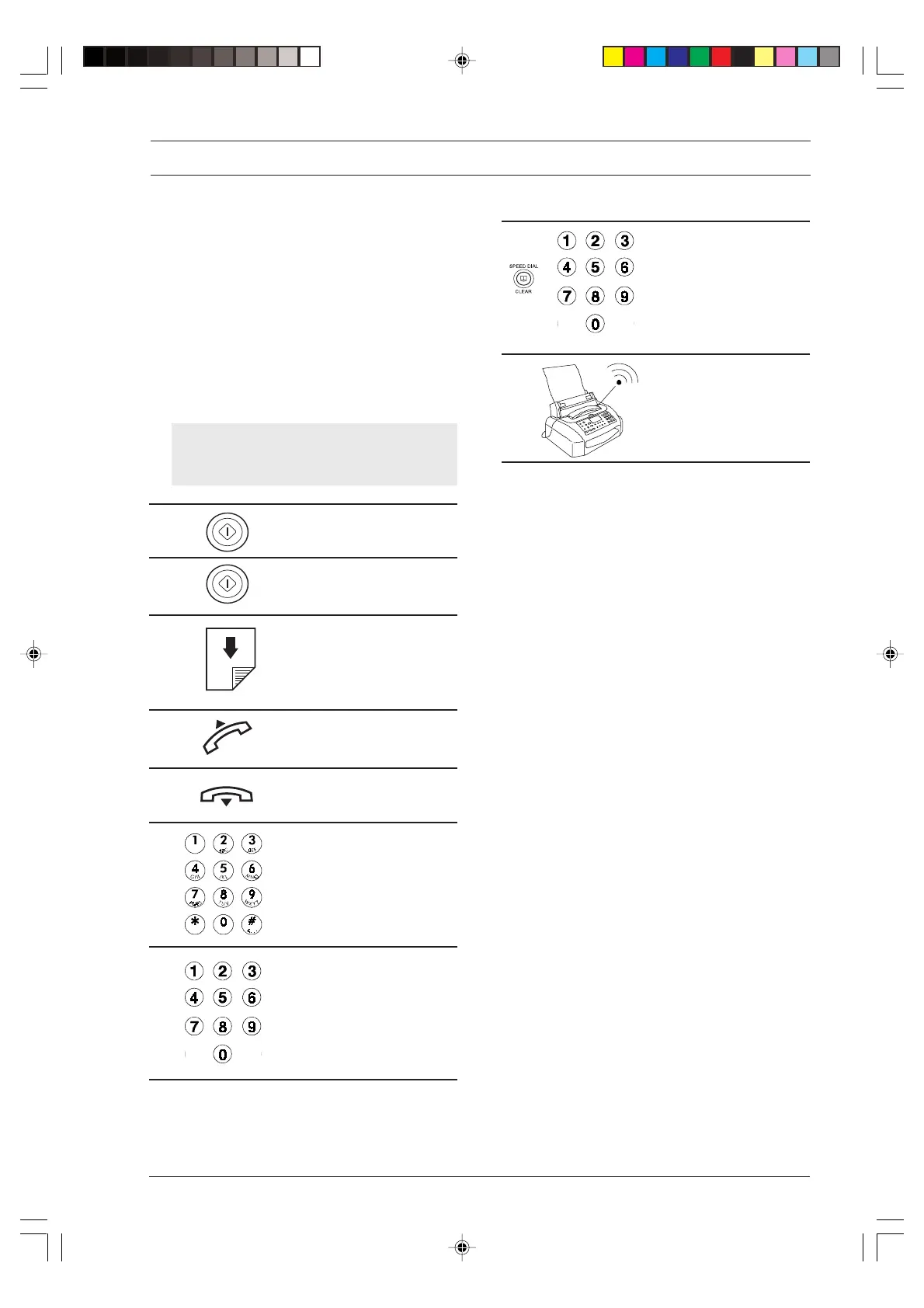
From now on, to simplify the procedures de-
scribed, the following graphic representations
will be used at the beginning of each procedure:
Press this key once.
Press this key X times.
Insert the document with the
transmitting or copying side
face down (max. fifteen 80
gr/m
2
sheets at a time).
Lift the receiver.
Replace the receiver.
Dial on the numeric keypad.
Press a numeric key for
more than one second (one-
touch dial key).
FOR EVERYDAY USE
Press the SPEED DIAL key
and enter a speed dialling
code.
Incoming call.
-3-13-31.p65 02/04/01, 9.1813



 To Next Page