40
You have 30 or 60 seconds available (see “Program-
ming MEMO and incoming message duration”) to
dictate your memo with the same procedures as for OGM
#1 and #2.
When you are finished recording, the memo is not played
back automatically but the “MESSAGES” indicator light
blinks to remind you that there is a memo to play back.
If the memory of the answering machine contains calls
you have not played back yet, the “MESSAGES” indica-
tor light is already blinking.
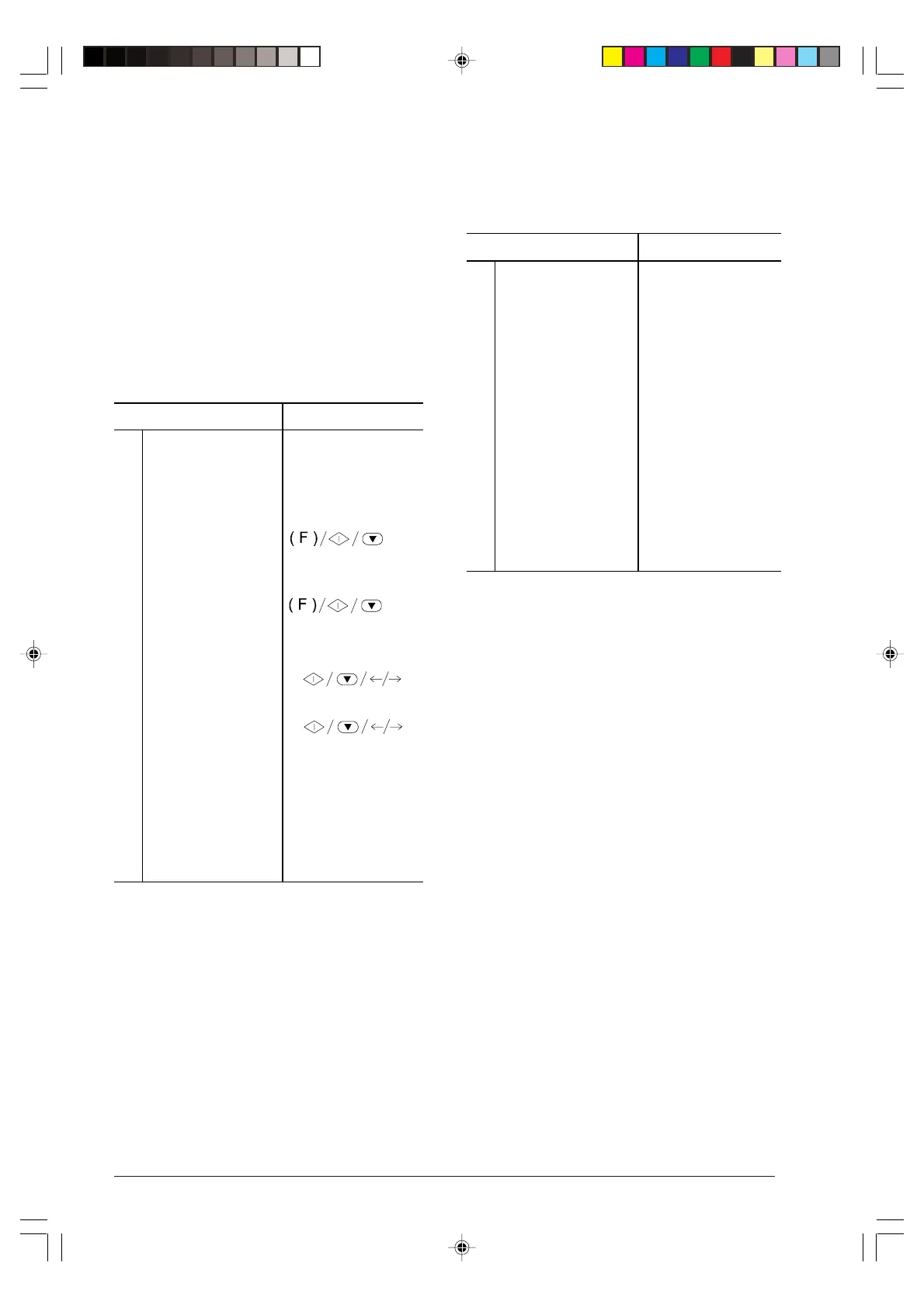
PROGRAMMING MEMO AND INCOMING
MESSAGE DURATION ...
Procedure DISPLAY
1
Make sure that the
display shows the initial
waiting mode with date
and time.
TAD/FAX RX 00
01-03-99 15:15
2
Press the FUNCTION
key until the display
shows --->.
TAD SET-UP
3
Press the START key
and then the
FUNCTION key until
the display shows --->.
ICM REC. TIME
4
Press the START key. REC. TIME: 30 SECS
5
Press the </> keys to
show the other value
available: "60 sec."
REC. TIME: 60 SECS
6
Press the START key
to confirm your
selection and then the
STOP key to restore
the initial waiting mode
of the fax machine.
TAD/FAX RX 00
01-03-99 15:15
LISTENING TO INCOMING MESSAGES AND
MEMOS ...
If the answering machine memory contains one or more
incoming messages or one or more memos you have not
played back yet, the “MESSAGES” indicator light blinks
and the total number of recorded messages (including
memos) is displayed, for instance, 03:
"TAD/FAX RX 03"
"04-12-98 10:32"
At this point, you can listen (using the speaker or picking
up the handset) to all messages, including memos - which
are stored in the memory with progressive numbering up
to 50 - starting from one, 01.
Procedure DISPLAY
1
Make sure that the
display shows the initial
waiting mode with date
and time.
TAD/FAX RX 03
04-03-99 10:55
2
Press the
>/| |
key to
start listening, through
the speaker, to the
messages that the fax
machine plays back in
sequence, separated by
a short beep or, if you
want to listen to the
messages
confidentially, after
pressing the >/| | key
immediately pick up the
handset.
PLAY MSG 01 03
04-03-99 10:55
Once the last message has been played back, the fax
machine emits two short beeps and automatically re-
turns to the initial waiting mode. The “MESSAGES” indi-
cator light stops blinking and remains permanently lit.
While listening, to fast forward to the next message,
press the >>| (MEMO) key or to go back to the previous
message, press the | << key.
If you want to interrupt the message play back momen-
tarily, press the > / || key....
... to resume playing, press the > / || key.
If you want to stop listening altogether before the last
call, press STOP.
DELETING THE MESSAGES AND MEMOS YOU
HAVE ALREADY PLAYED BACK...
You can only delete a message or a memo while it is
playing back or after listening to it.
The messages and memos you have not yet played back
are not deleted. Therefore, clearing the memory is only
allowed after all messages and memos have been
played back.
-6-36-45.p65 02/04/01, 9.2140



 To Next Page