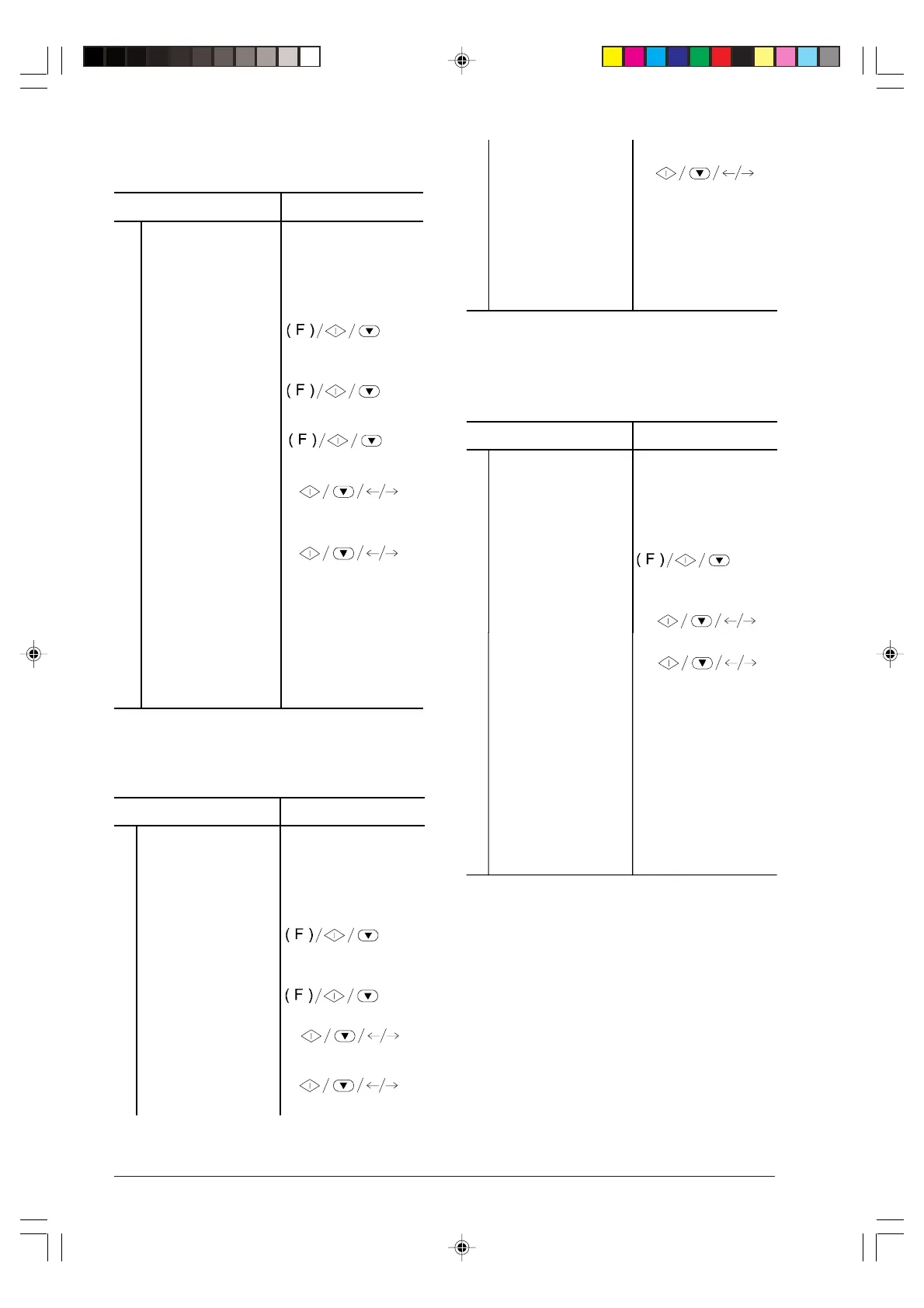
28
Enabling/disabling automatic printing of
broadcast report ...
Procedure DISPLAY
1
Make sure that the
display shows the
initial waiting mode
with date and time.
AUTOMATIC RX
02-03-99 10:48
2
Press the FUNCTION
key until the display
shows --->
FAX SET-UP
3
Press the
START
key DATE AND TIME
4
Press the FUNCTION
key.
VARIOUS SETTINGS
5
Press the START key
until the display shows
--->
BROADC. REP.: OFF
6
Press the </> keys to
show the other option
available: "BROADC.
REP.: OFF"
BROADC. REP.: ON
7
Press the START key
to confirm your choice
then press the STOP
key to restore your fax
to the initial waiting
mode.
AUTOMATIC RX
02-03-99 10:48
Enabling/disabling automatic printing of
data about a delayed transmission ...
Procedure DISPLAY
1
Make sure that the
display shows the initial
waiting mode with date
and time.
AUTOMATIC RX
02-03-99 10:48
2
Press the FUNCTION
keyuntil the display
shows --->
FAX SET-UP
3
Press the START key DATE AND TIME
4
Press the FUNCTION
key.
VARIOUS SETTINGS
5
Press the START key
until the display shows
--->
DELAY LIST: ON
6
Press the </> keys to
show the other option
available: "DELAY LIST:
OFF".
DELAY LIST: OFF
7
Press the START key to
confirm your choice then
press the STOP key to
restore your fax to the
initial waiting mode.
AUTOMATIC RX
02-03-99 10:48
Printing on request the transmission report,
the broadcasting report activity and the
callers identification report ...
Procedure DISPLAY
1
Make sure the display
shows the initial waiting
mode with date and
time.
AUTOMATIC RX
02-03-99 10:48
2
Press the FUNCTION
key until the display
shows --->
PRINT OUT REPORT
3
Press the START key. LAST TX REPORT
4
Press the </> keys to
show the other options
available: "LAST
BROAD. REP.",
"PRINT: ID LIST'" and
"PRINT OUT: EXIT". (In
the example:
"ACTIVITY REPORT").
ACTIVITY REPORT
5
Press the START key
to confirm your choice.
The fax returns
automatically to the
initial waiting mode.
AUTOMATIC RX
02-03-99 10:48
-3-13-31.p65 02/04/01, 9.1928



 To Next Page