44
Silent reception of incoming messages ...
This function allows you to receive messages confiden-
tially. In other words, the answering machine receives
messages without playing them over the speaker to pre-
vent others from listening to messages meant for you.
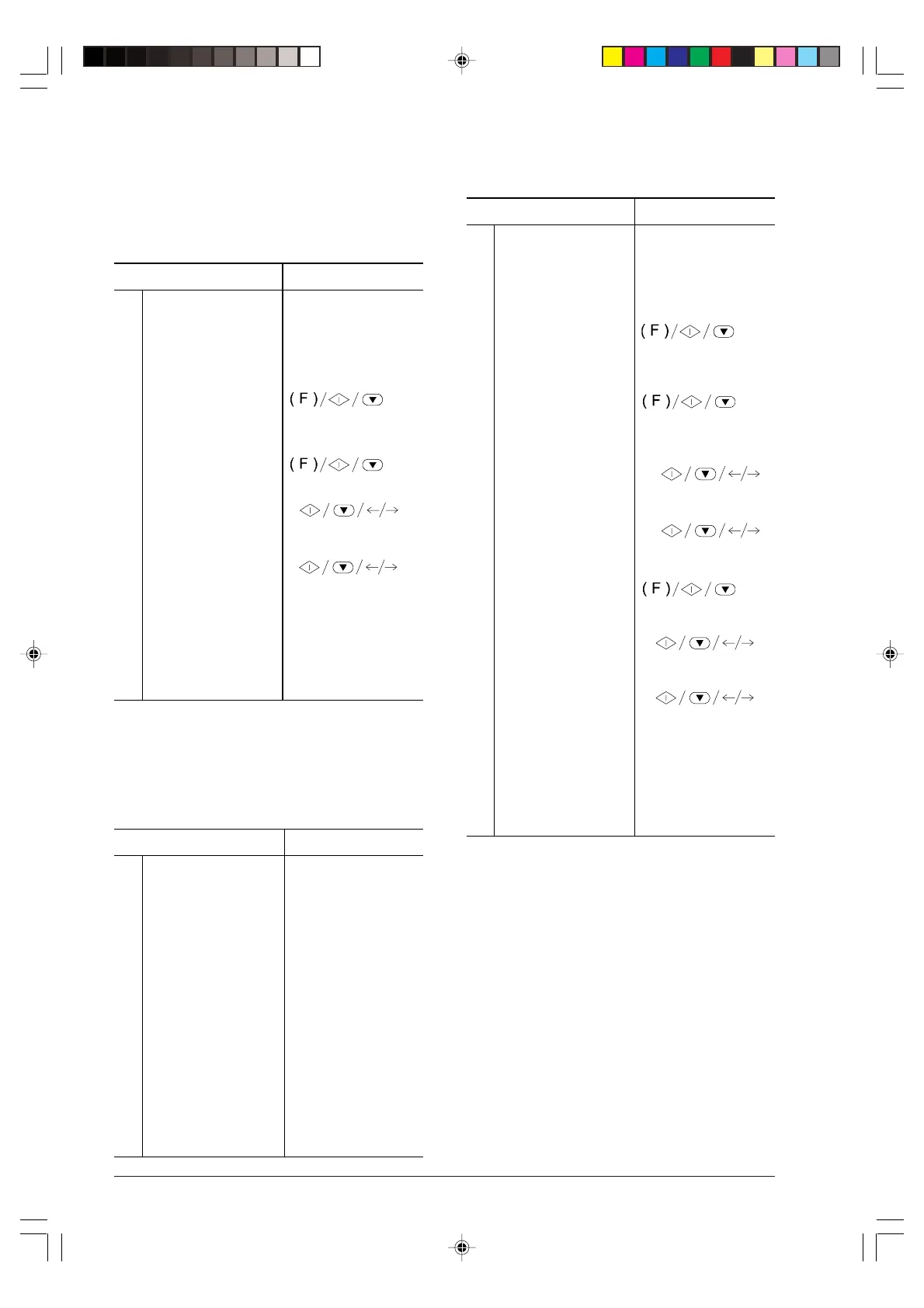
Procedure DISPLAY
1
Make sure that the
display shows the initial
waiting mode with date
and time.
TAD/FAX RX 00
01-03-99 15:15
2
Press the FUNCTION
key until the display
shows --->.
TAD SET-UP
3
Press the START key. ICM ON SPEAKER
4
Press the START key. ICM SPEAKER:ON
5
Press the </> keys to
show the other option.
ICM SPEAKER:OFF
6
Press the START key
to confirm your
selection and then the
STOP key to restore
the initial waiting mode
of the fax machine.
TAD/FAX RX 00
01-03-99 15:15
Synthesised messages ...
Synthesised messages are “standard” messages always
present in the answering machine memory. There are 5
messages, in English only.
No. Message in English Meaning
1
You have nn messages The number of
messages received by
the answering machine
(nn = 1 through 49)
2
Monday, Tuesday, ecc. Indicates the day the
message was received
3
0/12 AM o PM Indicates the time the
message was received
(0 to 12 plus AM or
PM)
4
End of messages Indicates that there are
no other messages to
play back
5
You have no messages Indicates that there are
no messages.
To enable the shortened messages play back, proceed
as follows:
Procedure DISPLAY
1
Make sure that the
display shows the initial
waiting mode with date
and time.
TAD/FAX RX 00
10-03-99 10:39
2
Press the FUNCTION
key until the display
shows --->.
TAD SET-UP
3
Press the START key
and then the
FUNCTION key until
the display shows --->.
SYNTH.ANNOUNCE
4
Press the START key. OFF
5
Press the </> keys to
show the other option.
ON
6
Press the START key. DAY OF THE WEEK
7
Press the START key. SUNDAY
8
Press the </> keys to
choose the current day.
For instance, “Monday”.
MONDAY
9
Press the START key
to confirm your
selection and then the
STOP key to restore
the initial waiting mode
of the fax machine.
TAD/FAX RX 00
10-03-99 10:39
-6-36-45.p65 02/04/01, 9.2144



 To Next Page