45
Once you have enabled playing back synthesises mes-
sages, the answering machine will answer as described
in the table above.
If, for instance, the answering machine memory con-
tains three messages you have not yet played back,
after starting to play back the messages (both on local
and remote command), the answering machine will ini-
tially reply with synthesised message no. 1, followed by
no. 2 and no. 3, followed in turn by the actual messages.
After listening to all messages, you will hear synthe-
sised message no. 4.
TO PRINT OUT THE ANSWERING MACHINE
CONFIGURATION PARAMETERS...
You can print out the configuration parameters of the
answering machine and therefore the programs carried
out.
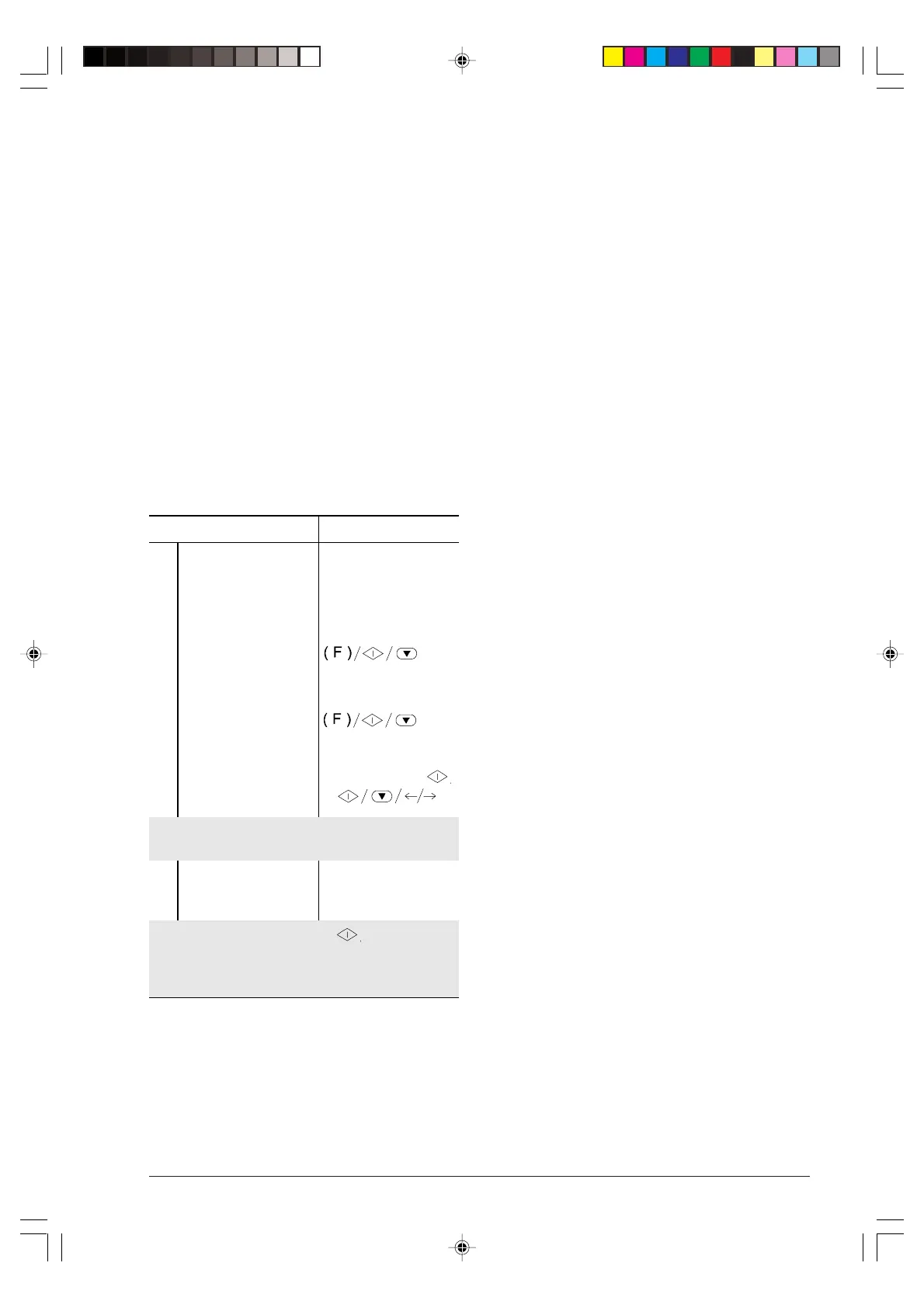
Procedure DISPLAY
1
Ensure that the display
shows the initial waiting
mode with date and
time.
TAD/FAX RX 00
01-03-99 15:15
2
Press the FUNCTION
key until the display
shows --->
TAD SET-UP
3
Press the START key
and then the
FUNCTION key until
the display shows --->.
PRINT TAD SET-UP
4
Press the
START
key. PRINT OUT:
However, with the </> keys you can see the other option
availvable "PRINT OUT: EXIT".
5
Press the START key
to confirm your
selection.
If you have selected "PRINT OUT: ", the fax machine
will return to its initial waiting mode at the end of the
printout otherwise you have to press STOP to restore
it to its initial waiting mode.
-6-36-45.p65 02/04/01, 9.2145



 To Next Page