29
Interpreting the reports ...
The reports contain the following information:
• Act. n. Progressive number of transactions
(transmissions/receptions).
• Type Type of operation:
- TX , TX ECM, TX POLL or TX
POLL ECM for transmission
- RX , RX ECM, RX POLL or RX
POLL ECM for reception.
• Doc. N. Reference number of memorised
document. This number will be used to
associate the document with each (sin-
gle or broadcasting) transmission car-
ried out by the memory.
• Dialled
Number Fax number of the remote party you
called.
• Received Id Number (and name if available) of the
remote party you called.
This corresponds to the number you
dialled, only if the remote party has
set his/her fax number correctly. Oth-
erwise, it may be different or even miss-
ing altogether.
• Date/Time Date and time of transaction.
• Duration Duration of transaction (in minutes
and seconds).
• Pages Total number of transmitted/received
pages.
• Result Result of transaction:
- OK: if the transaction ended suc-
cessfully
- XX ERROR CODE: if the transac-
tion was not executed/completed.
For the meanings of the error codes
(see "Error codes", chapter "Main-
tenance").
Lists...
You can obtain, at any time, printout of the lists of the
setup and configuration parameters as well as a print-
out of data stored in the speed dialling codes and in
the one-touch dial keys.
When you request the printout of the setup and configu-
ration parameters, you can have an updated report of
both the preset values and the values you have set ac-
cording to your requirements.
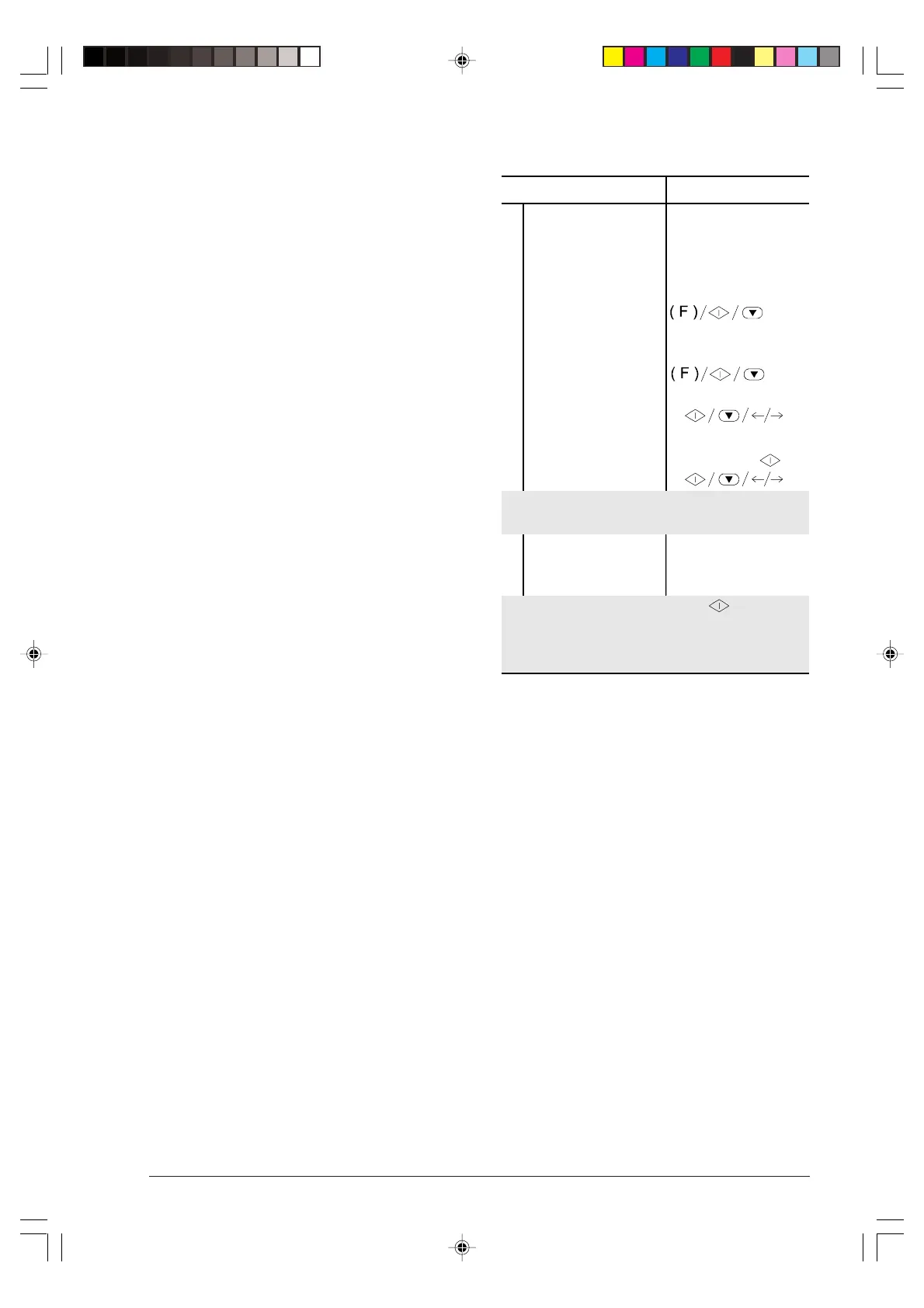
Printing the setup parameters ...
Procedure DISPLAY
1
Make sure that the
display shows the
initial waiting mode with
date and time.
AUTOMATIC RX
02-03-99 10:48
2
Press the FUNCTION
key until the display
shows --->
INSTALLATION
3
Press the START key. TEL. LINE SET-UP
4
Press the FUNCTION
key until the display
shows --->
PRINT INSTALL.
5
Press the START key. PRINT OUT:
With the </> keys you can display the other option
available: "PRINT OUT: EXIT".
6
Press the START key
to confirm your
selection.
If you have selected "PRINT OUT: ", once the
printout is completed the fax machine returns
automatically to its initial waiting mode. If not, you must
press the STOP key to restore its waiting mode.
-3-13-31.p65 02/04/01, 9.1929



 To Next Page