55
MAINTENANCE
To ensure the correct functioning of your fax machine,
refer to the recommendations at the beginning of this
manual. These recommendations concern the replace-
ment of accessories, (ink cartridge and print head) and
the periodical cleaning of the following parts:
• print head nozzles
• print head electric contacts
• print head pad
• optical reader
• casing
and the removal of both jammed documents and
jammed paper.
For other problems mainly due to incorrect use, refer to
the paragraph “Solving small problems ...”
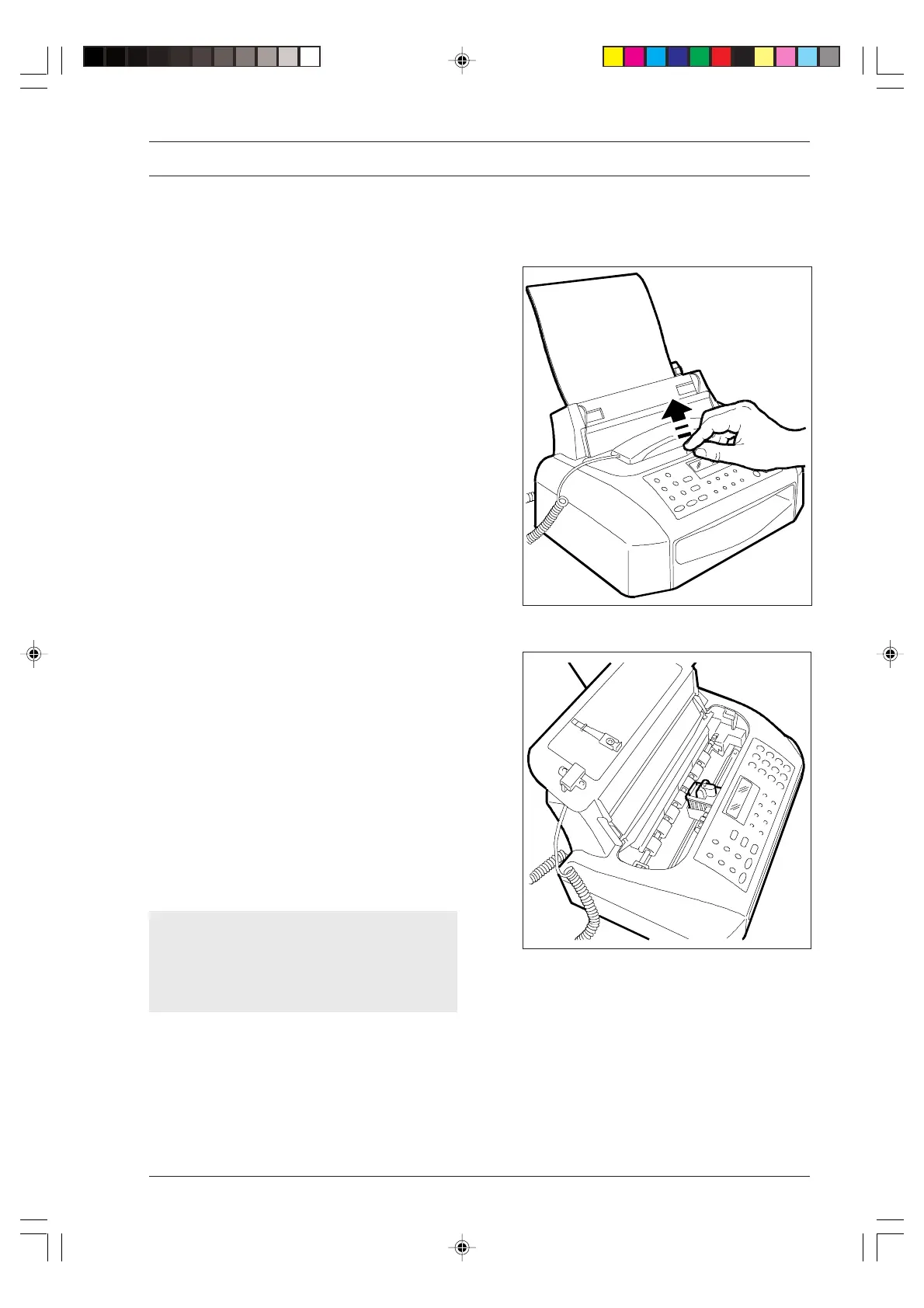
1. Lift the print head compartment cover, placing your
finger in the centre recess.
REPLACING THE PRINT HEAD ...
When the ink in the cartridge runs out, the display
shows the message "OUT OF INK". At this point either:
• replace the ink cartridge if the print head is equipped
with an interchangeable cartridge
or
• replace the print head if the print head used is of
the disposable type.
If the fax machine is equipped with an interchange-
able ink cartridge, this may be replaced up to 6
times after which the printing quality will deteriorate.
In this case, you may have to replace the entire print
head (see appropriate paragraph).
-8-55-66.p65 02/04/01, 9.2355



 To Next Page