33
To obtain an excellent quality copy of a document con-
taining shades, in addition to setting the resolution value to
PHOTO, ensure that the HIGH QUALITY setting on the
fax is active. If it is not, proceed as follows:
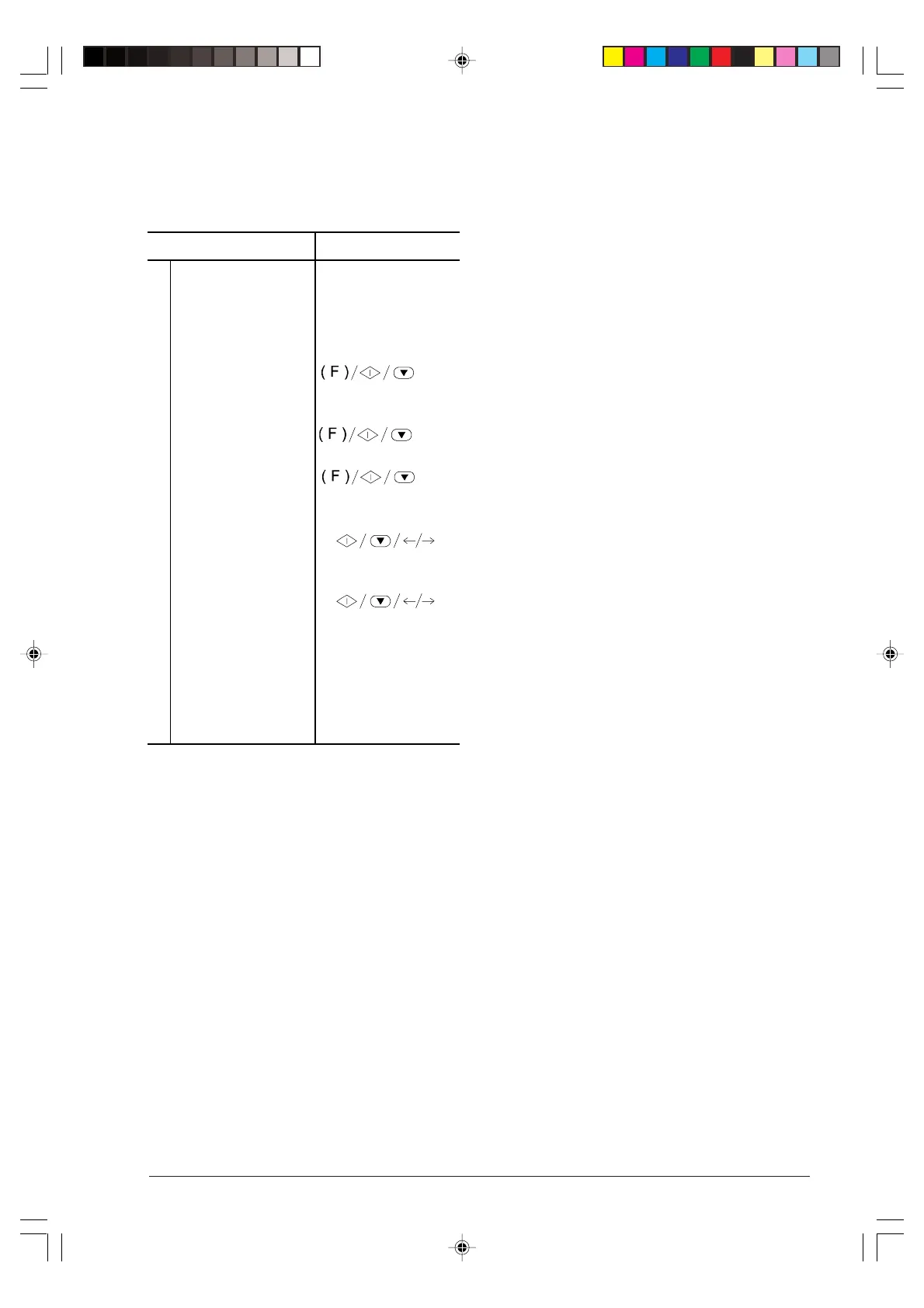
Procedure DISPLAY
1
Make sure that the
display shows the initial
waiting mode with date
and time.
AUTOMATIC RX
22-03-99 09:00
2
Press the FUNCTION
key until the display
shows --->
FAX SET-UP
3
Press the START key. DATE AND TIME
4
Press the FUNCTION
key until the display
shows --->
PRINTER PARAMET.
5
Press the START key
until the display shows
--->
COPY: NORMAL
6
Press the </> keys to
select the other value
available
COPY: HIGH QUAL.
7
Press the START key
to confirm the setting,
then the STOP key to
restore the fax machine
to its initial waiting
mode.
AUTOMATIC RX
22-03-99 09:00
-4-32-33.p65 02/04/01, 9.2033



 To Next Page