XYAA6338 Service Manual 2-1
2. INSTALLATION
2.1 UNPACKING THE PRINTER
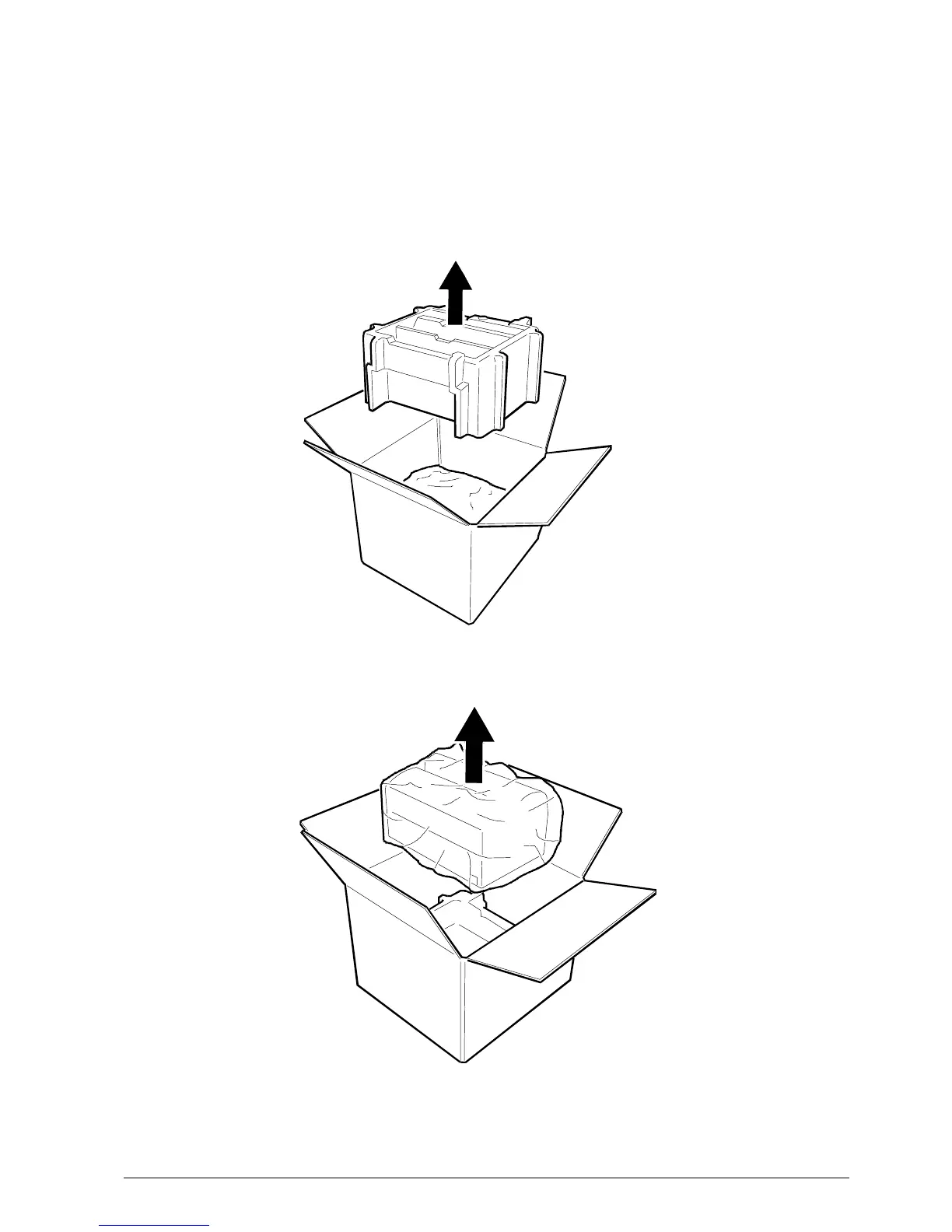
It is suggested that you carefully open the printer
packaging and store it in a safe place so that it can be
used again if the printer needs to be transported to
another site. The printer is protected by a polyethylene
covering.
Fig. 2-1



 To Next Page