XYAA6338 Service Manual 2-3
Fig. 2-3
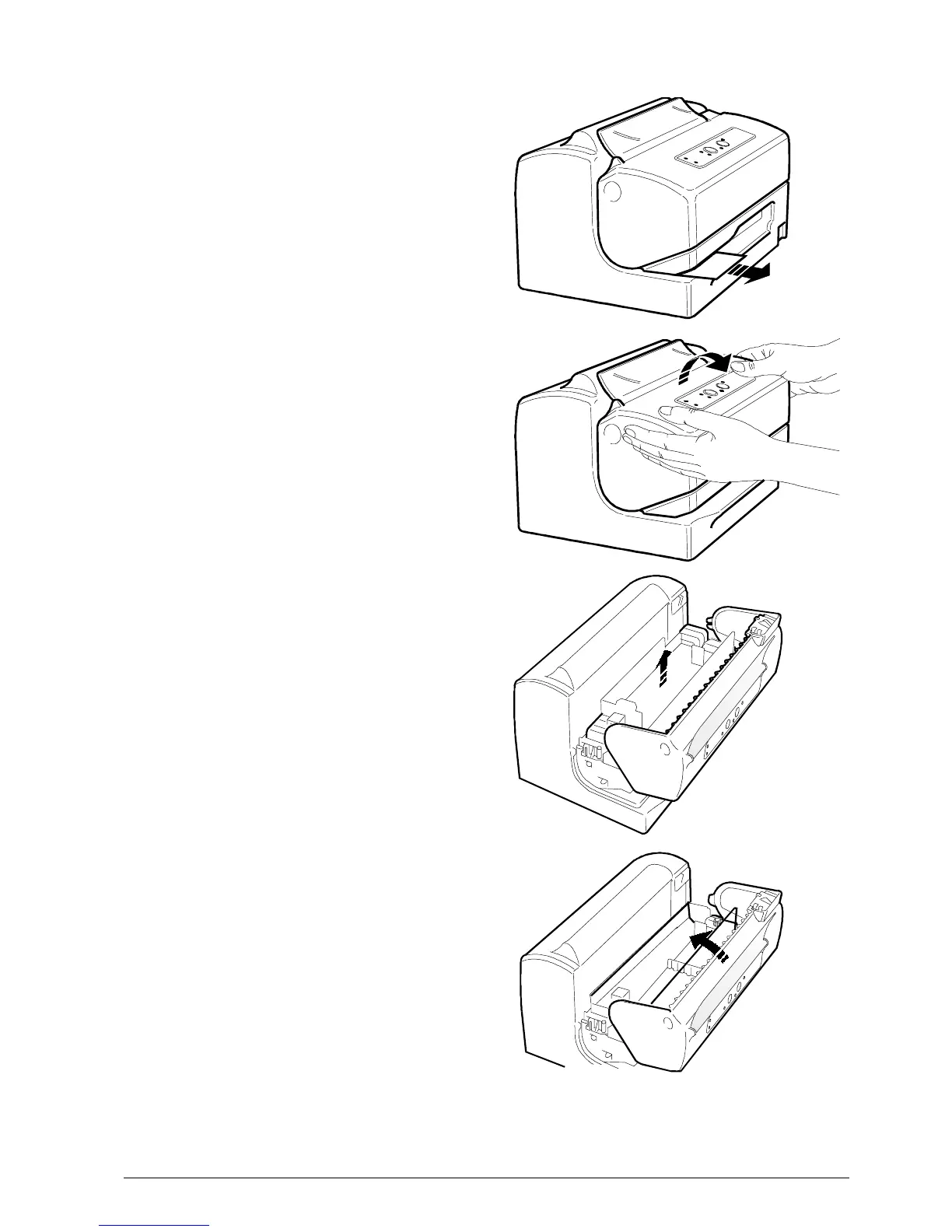
2.3 REMOVING THE BLOCKAGES
USED FOR TRANSPORTATION
• Remove the plastic strip from the front feed slot.
• Open the front cover by turning it upwards.
• Remove the cardboard that blocks the print head.
• Close the printer cover.



 To Next Page