5-12XYAA6338
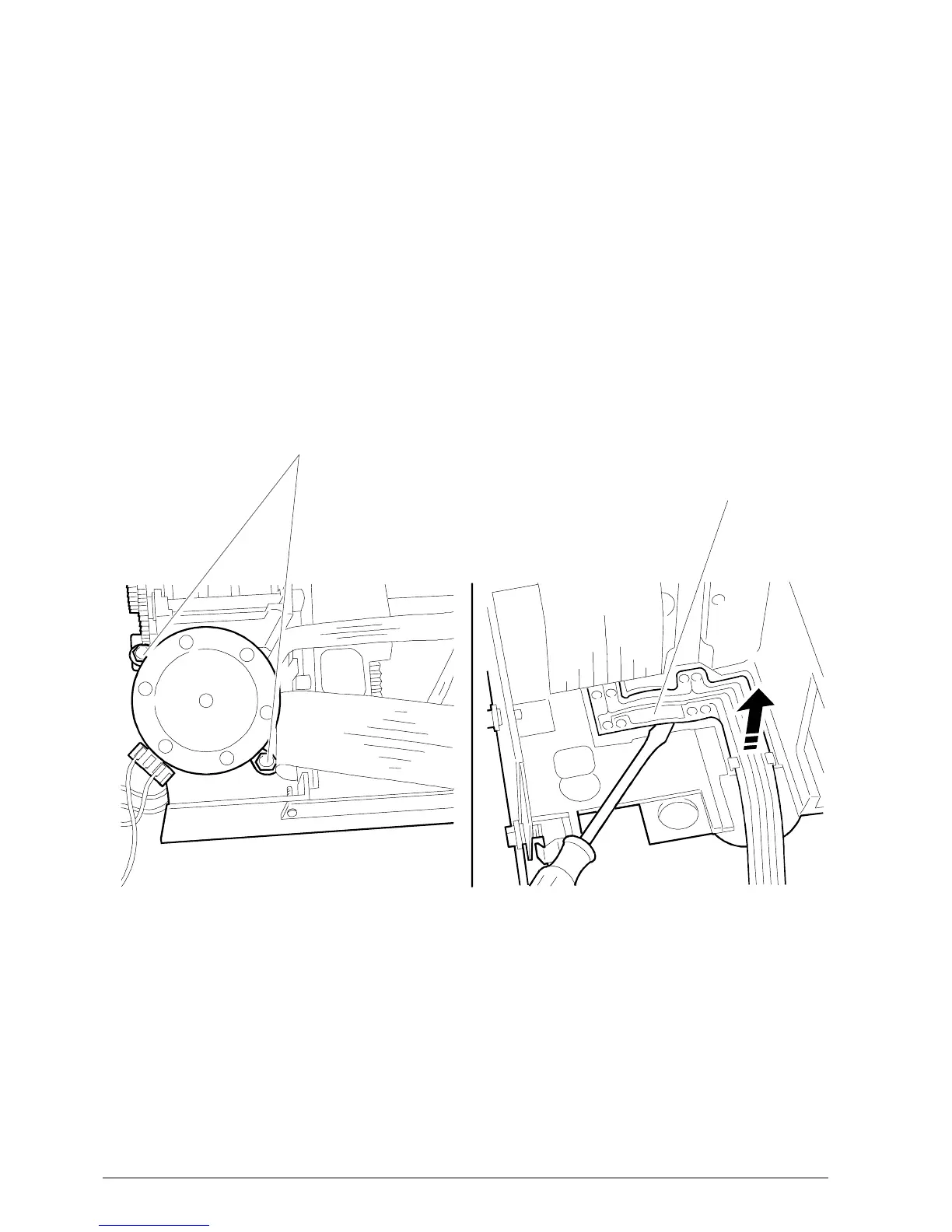
CARRIAGE MOTOR
SECURING SCREWS
Fig. 5-10 Fig. 5-11
PHOTOSENSORS
5.9 REMOVING THE DOCUMENT
DETECTION PHOTOSENSORS
• Remove the case (Section 5.2).
• Remove screws 1 and 2 (Sections 5-4) and then
disconnect all the connectors from the electronic
board so that the machine can be separated from
the base.
• Remove the carriage motor (Section 5.7) as shown
in Figure 5-10.
• Remove the photosensors by extracting them
from their slots with a screwdriver (Figure 5-11).



 To Next Page